Photos in Apple’s Shared Albums never used to count against your iCloud storage. New permanent albums preserve full-resolution photos but use your allowance. Here’s what changed and what to check when project photos stop syncing.
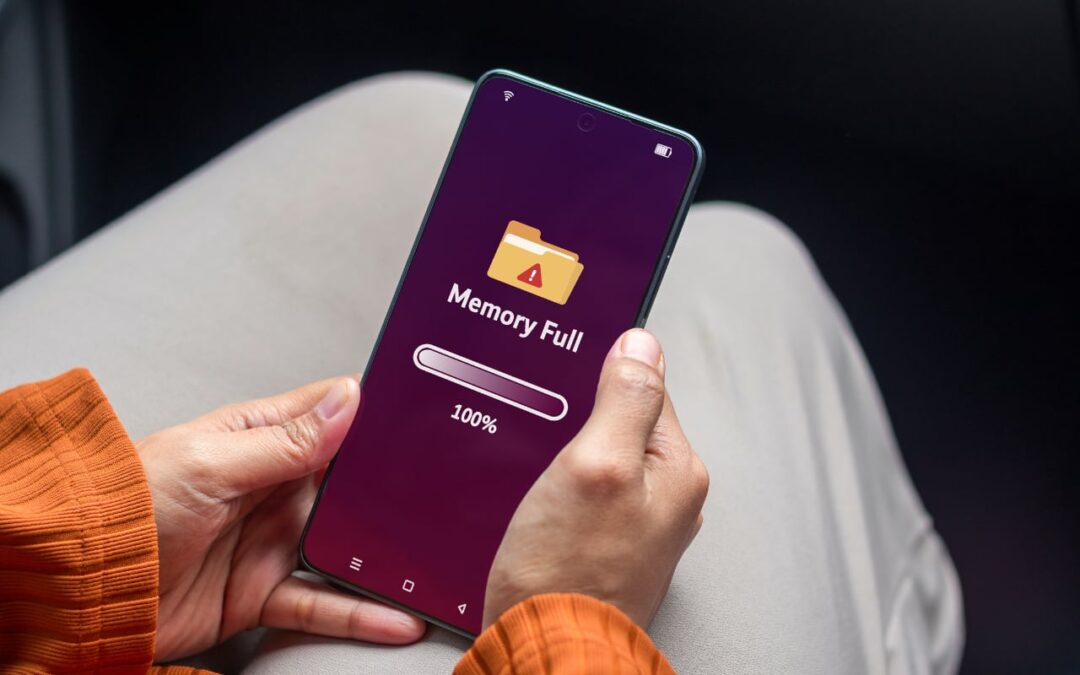

Photos in Apple’s Shared Albums never used to count against your iCloud storage. New permanent albums preserve full-resolution photos but use your allowance. Here’s what changed and what to check when project photos stop syncing.
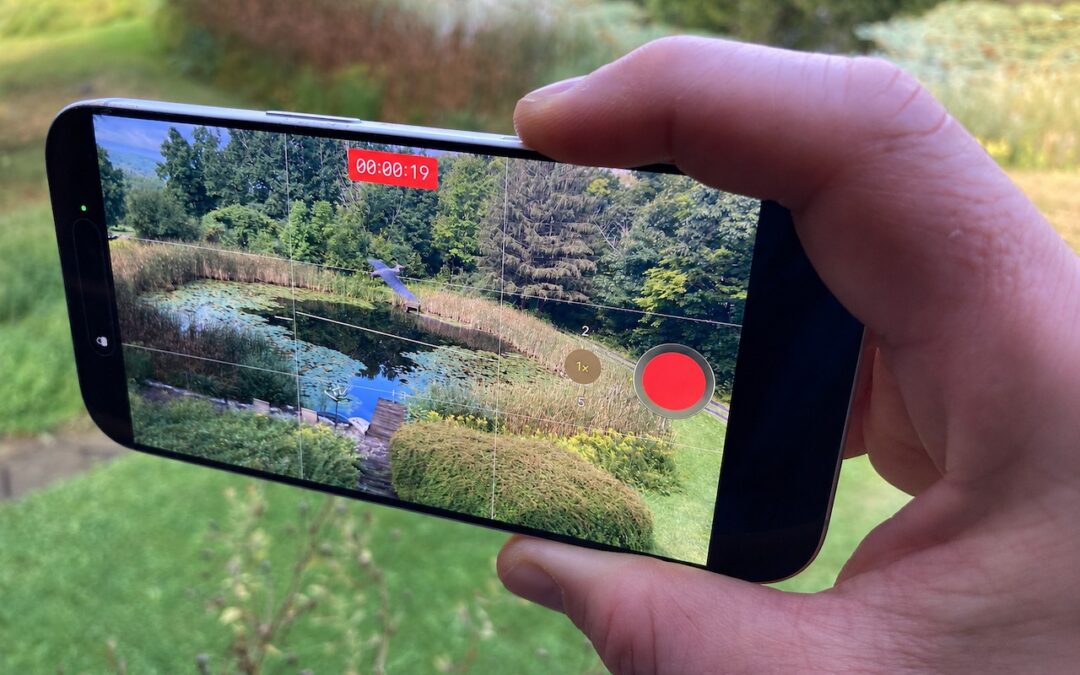
Need to capture a moment fast? On iPhone 16 and later, press the Camera Control once to open the Camera app, then press and hold to start recording video instantly.
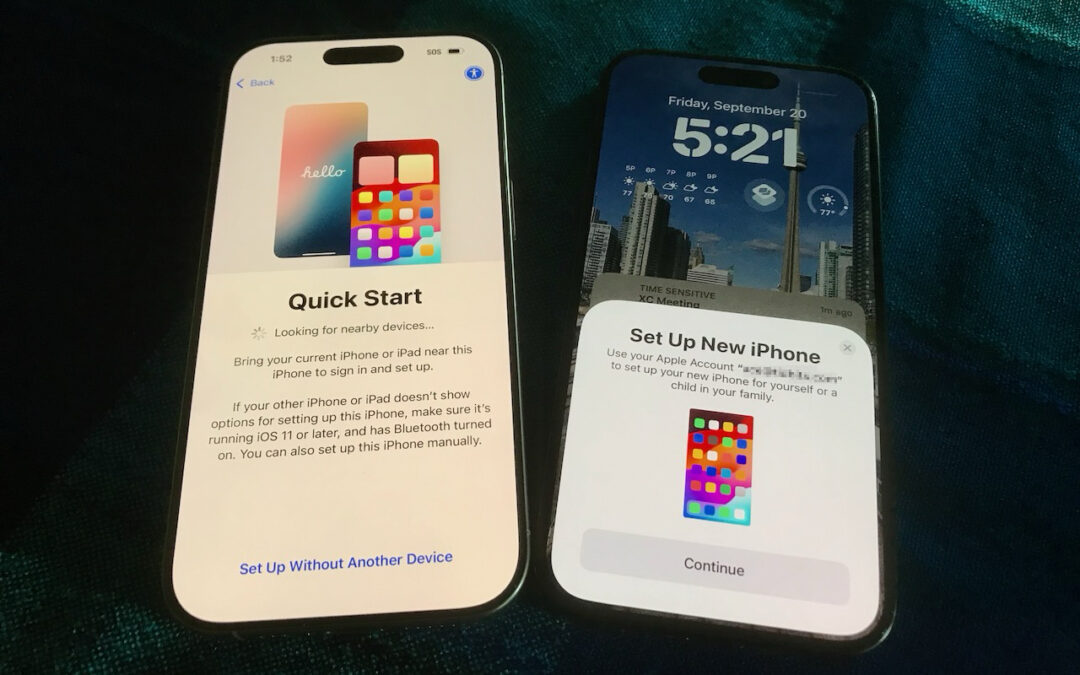
Getting a new iPhone 18? Don’t rush the setup. A little prep work now can save you from missing data, apps, and settings later. Here’s what to do before and after transferring from your old iPhone.
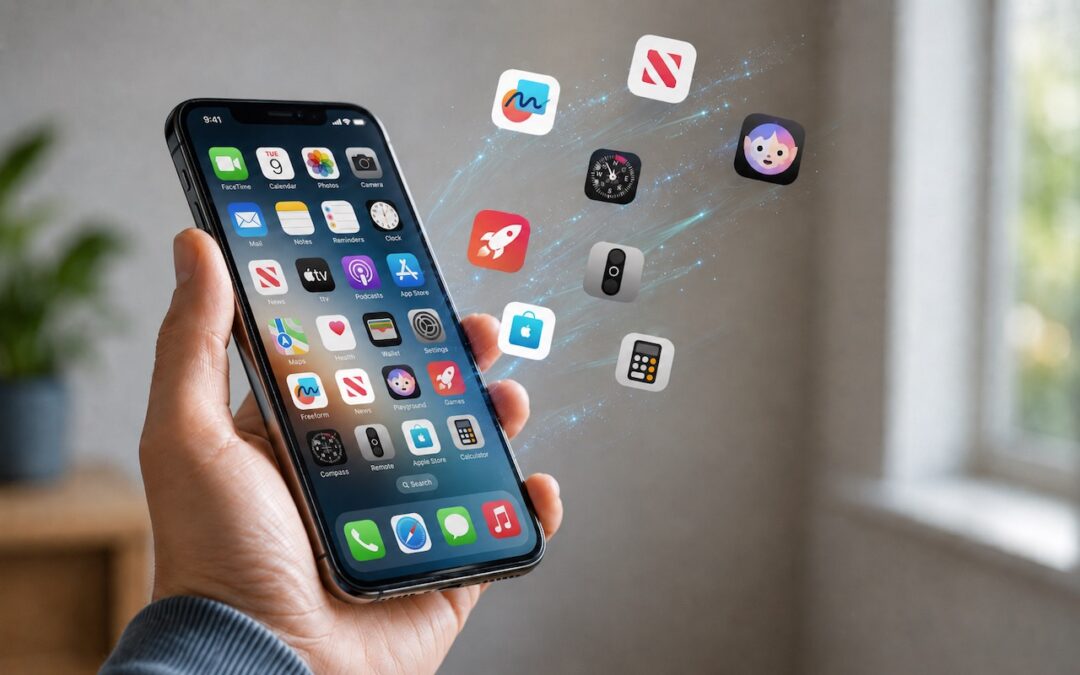
Automatic offloading of unused apps saves iPhone storage, but it’s inconvenient if you need an app that has been offloaded and there’s no connectivity to redownload it. Plan ahead!

Tired of ads and pop-ups interrupting your reading? Safari Reader reformats Web articles for distraction-free viewing on the iPhone, iPad, and Mac—and it can even activate automatically.
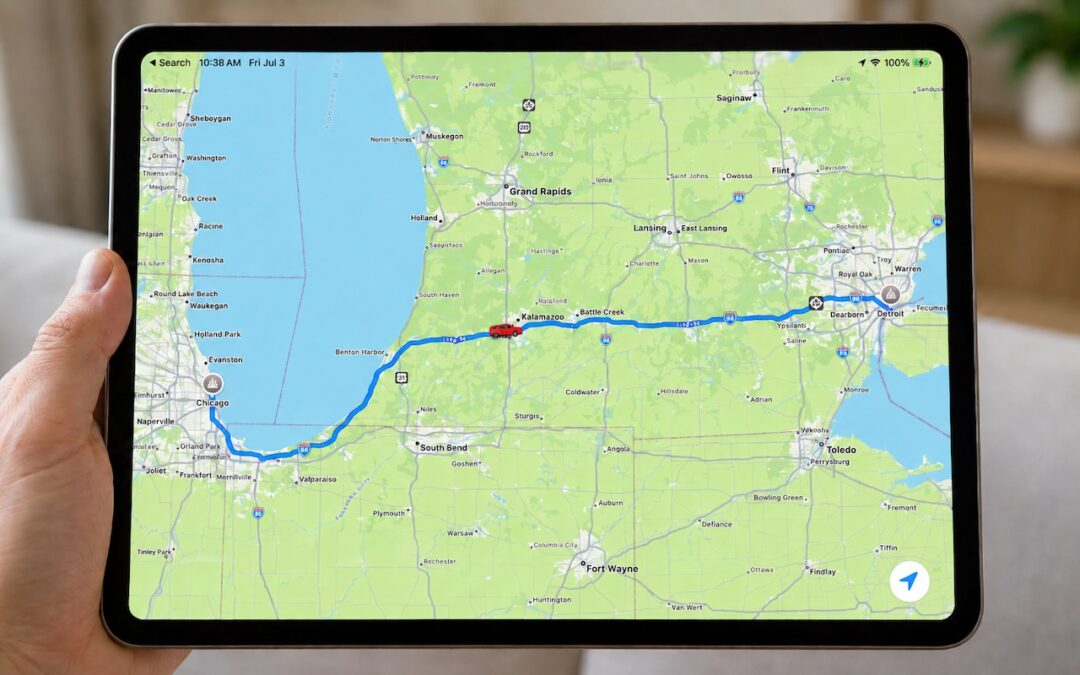
Put an end to the “where are you now?” texts. iOS lets you temporarily share your location with friends and family while traveling—here’s how to set it up in Messages.
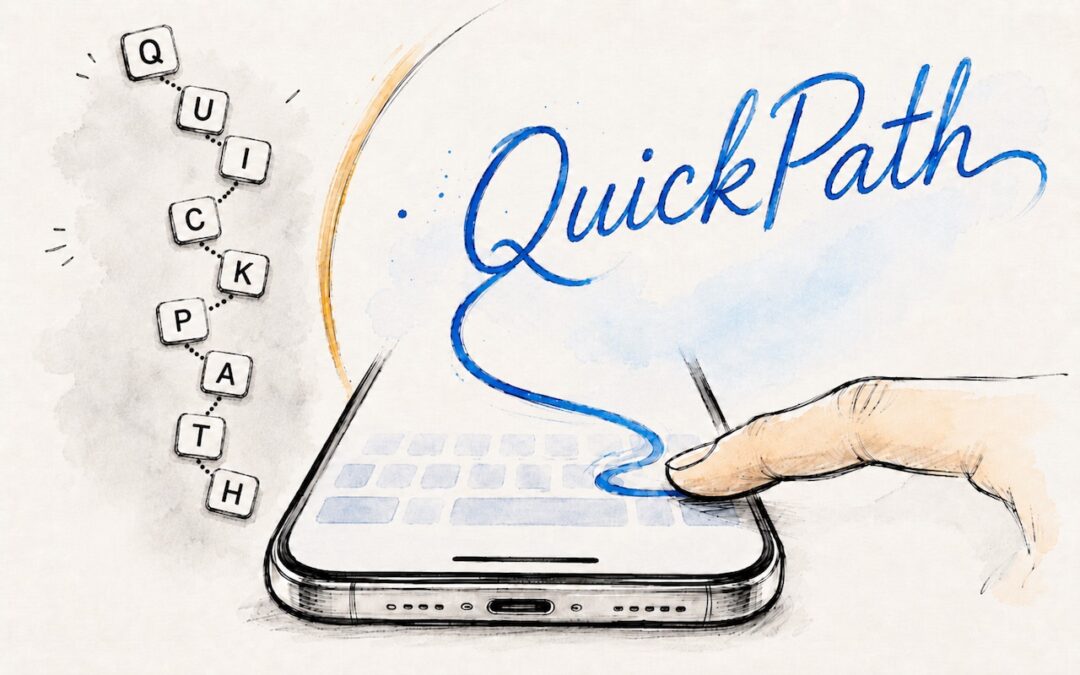
Tired of hunt-and-peck typing on your iPhone? Try QuickPath—just drag your finger across each letter in a word to swipe-type it. It’s surprisingly accurate and worth learning.
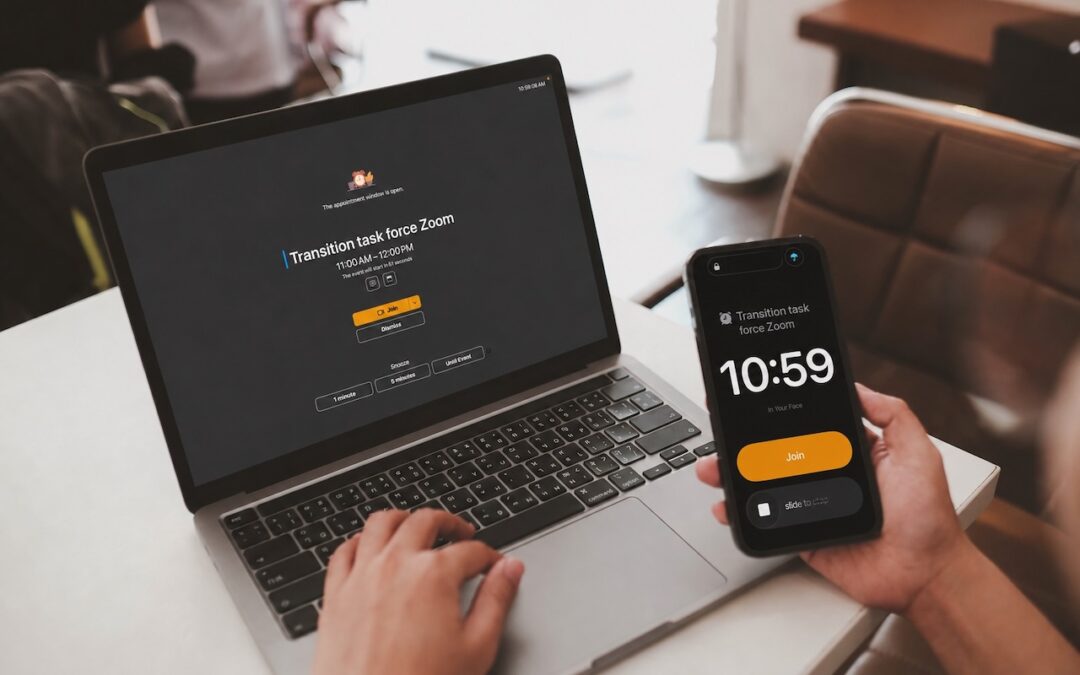
Tired of missing meetings because you didn’t notice the notification? In Your Face shows unmissable full-screen alerts before calendar events and makes joining video calls easy. It’s available for the Mac, Windows, iPhone, iPad, and Apple Watch.
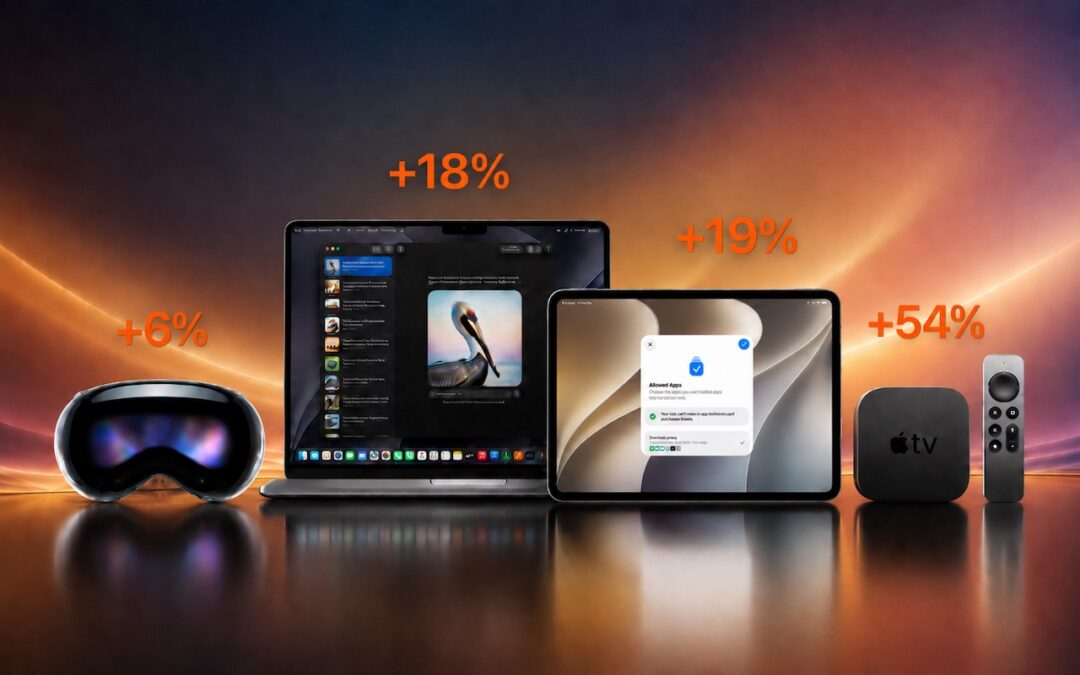
Apple just raised Mac and iPad prices by 15–33%, blaming the AI industry’s hunger for memory and storage chips. The iPhone and Apple Watch were spared, but the next new models may be more expensive. Here’s what you need to know.
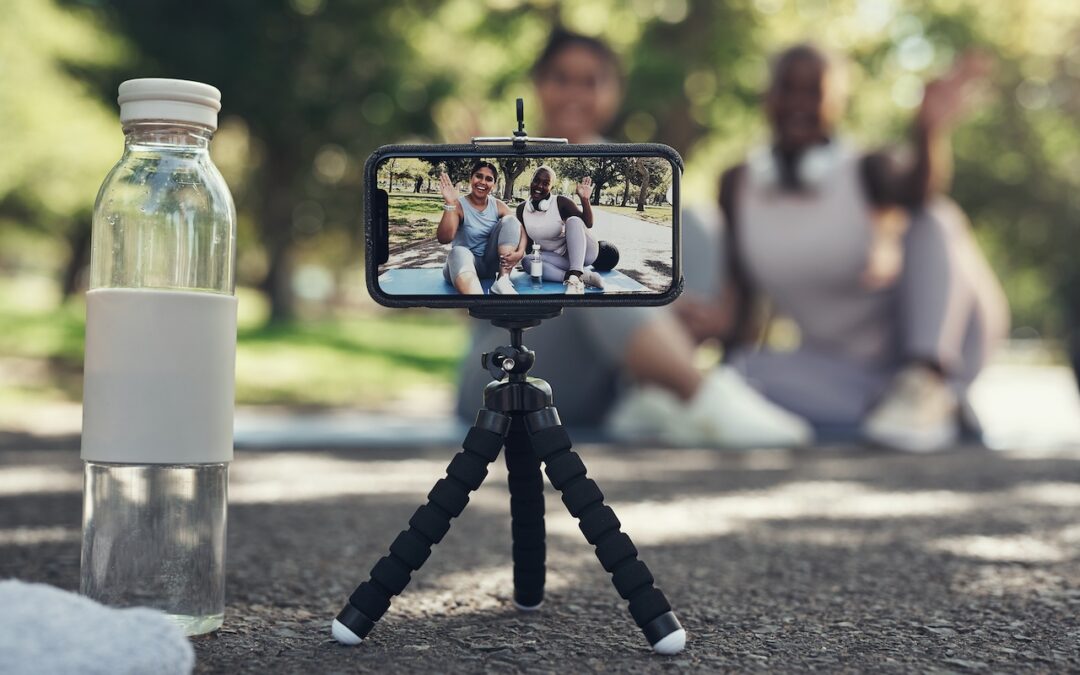
Your AirPods can now double as a camera remote in iOS 26. Here’s how to set it up so a press or press-and-hold triggers the shutter to take a photo or start and stop a video.
A week might be too short if IT approval is still pending. I'd treat "keeping your old iPhone for a…
Awesome tech breakdown on "When Should You Upgrade to macOS 27 Golden Gate, iOS 27, iPadOS 27, watchOS 27, tvOS…
I’ve used Chrome’s built-in screenshot tool, but opening DevTools every time gets a bit tedious. I recommend FullPage Capture, it’s…
This is such an important reminder. I've been in meetings where an AI notetaker silently joined and recorded everything, and…
Awesome tech breakdown on "When Should You Upgrade to macOS 27 Golden Gate, iOS 27, iPadOS 27, watchOS 27, tvOS…