Apple just raised Mac and iPad prices by 15–33%, blaming the AI industry’s hunger for memory and storage chips. The iPhone and Apple Watch were spared, but the next new models may be more expensive. Here’s what you need to know.
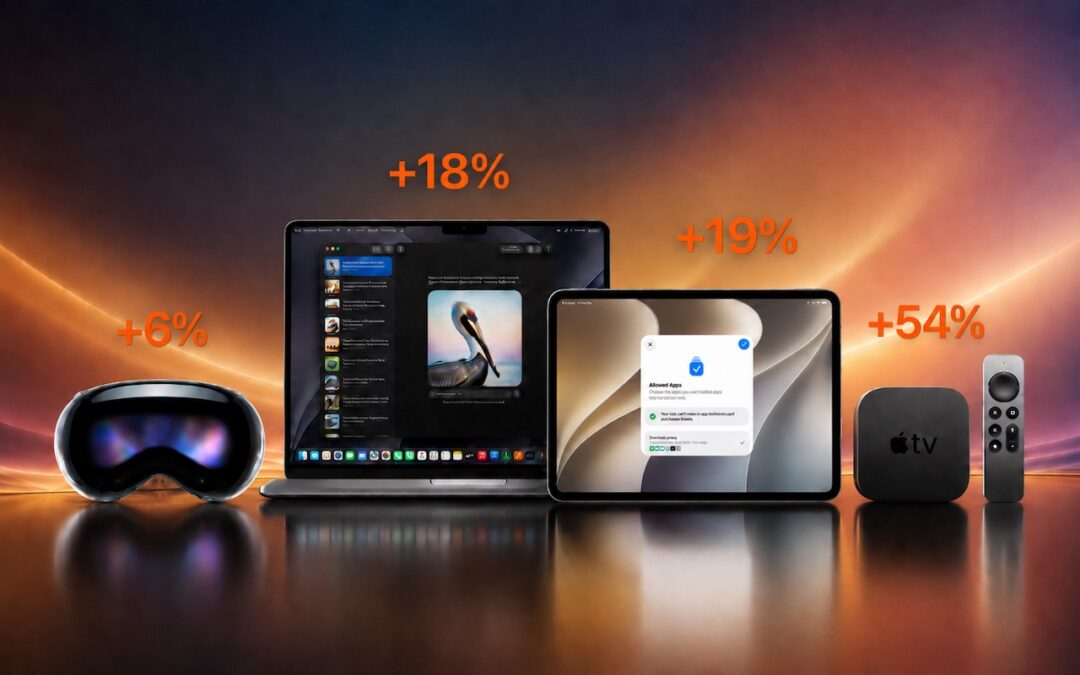

Apple just raised Mac and iPad prices by 15–33%, blaming the AI industry’s hunger for memory and storage chips. The iPhone and Apple Watch were spared, but the next new models may be more expensive. Here’s what you need to know.
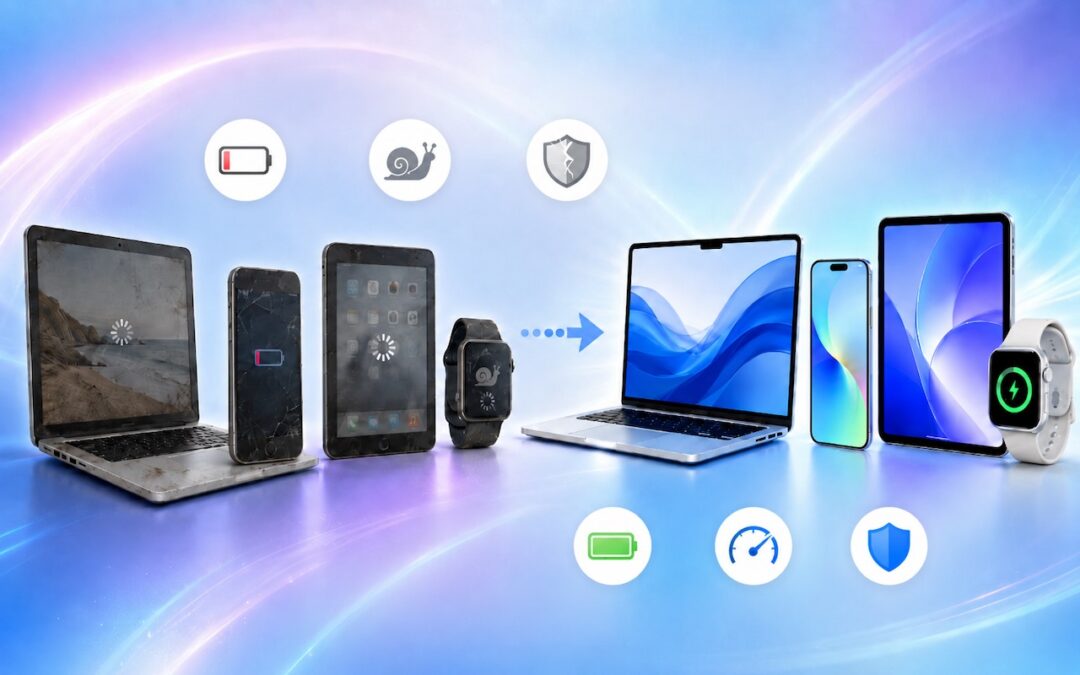
When’s the right time to upgrade your Mac, iPhone, iPad, or Apple Watch? The key warning signs: a battery that no longer lasts all day, performance lags, and the end of security updates. Here’s how to time it right.
Apple’s HomePods can recognize the sound of a nearby smoke or carbon monoxide alarm and notify your iPhone, alerting you when you’re away and allowing you to inform emergency services and neighbors.
Do you want to read the actual manuals or specs for Apple products? You can now easily find them on Apple’s new Documentation website.
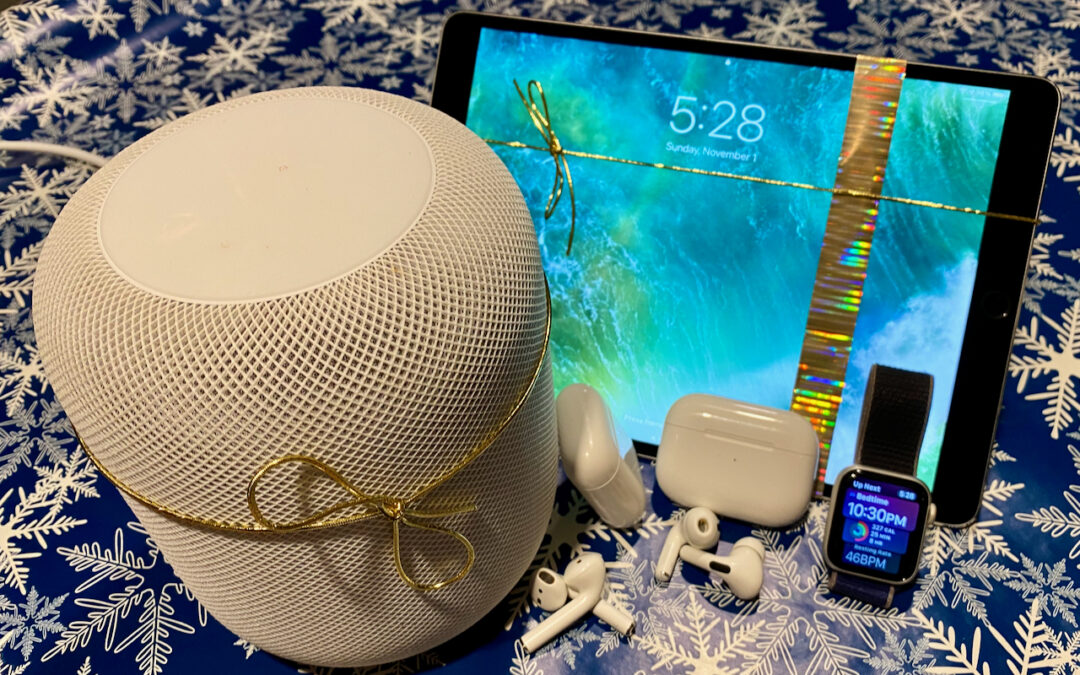
Looking for the perfect holiday gift for the Apple user in your life? Here are our suggestions for the top Apple gifts for 2023.
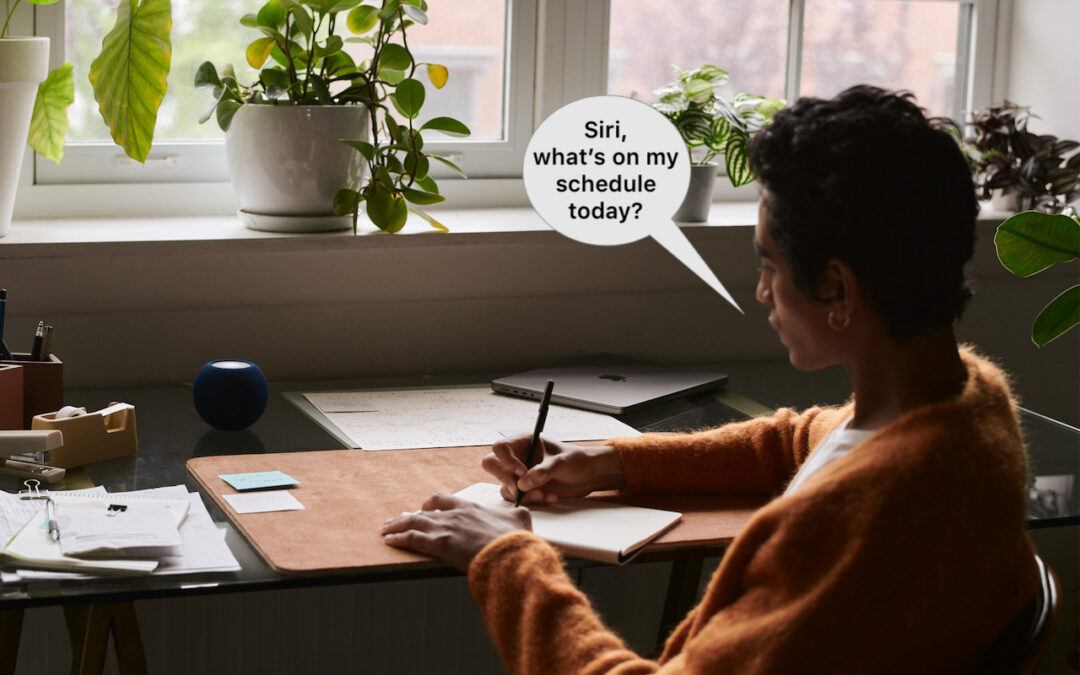
In Apple’s new operating systems for 2023, you can choose to invoke Siri with just “Siri” or the old “Hey Siri”—or turn the feature off entirely. We explain where to find the feature for each of your Apple devices.
If you ever need to look up technical details about an Apple product, look no further than the Mactracker app, which provides specifications for every Mac, iPhone, iPad, and iPod ever made. It’s an indispensable free download.
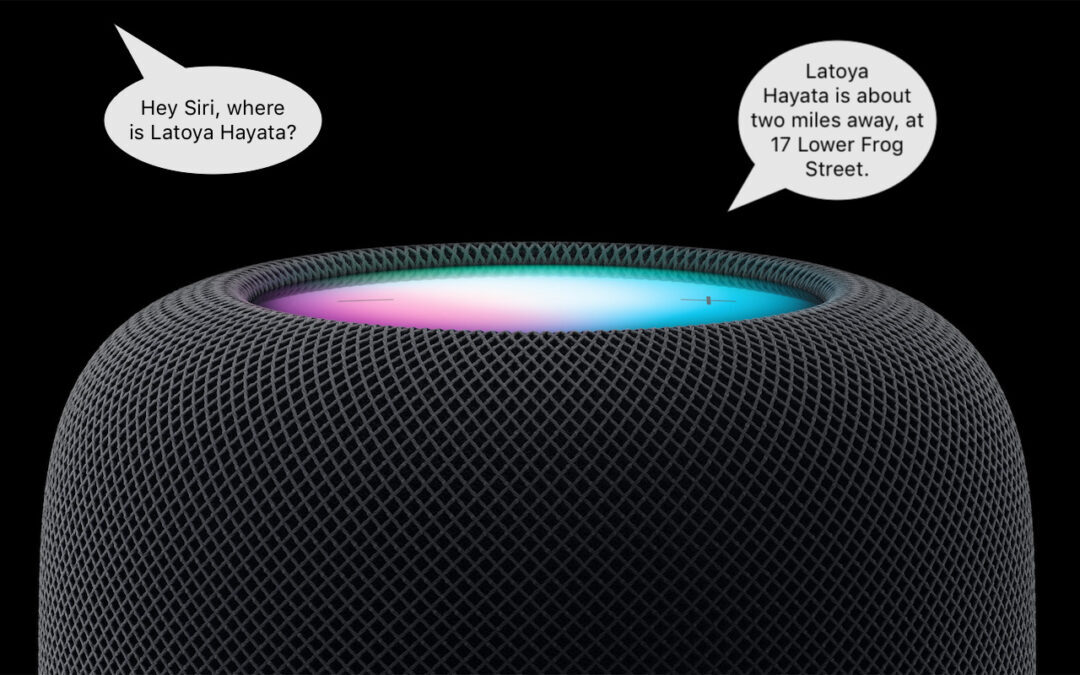
HomePod Software 16.3 now supports Find My, which means you can ask Siri to locate one of your devices or a friend or family member who shares their location with you.
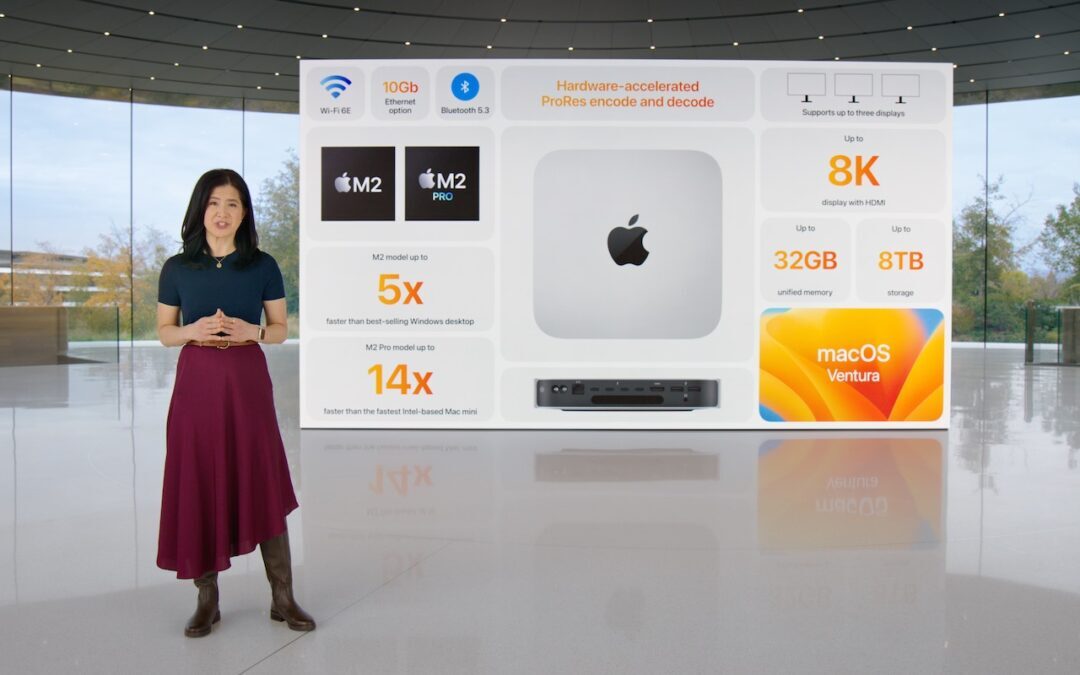
Apple has unveiled the M2 Pro and M2 Max chips and announced the M2 Mac mini and M2 Pro Mac mini, plus the M2 Pro and M2 Max models of the 14-inch and 16-inch MacBook Pro. Oh, and a new HomePod! Read all about it at:
Siri has plenty of tricks, and we’ve discovered a new one. Let’s say you set iPhone alarms to wake up and remind you to take medication throughout the day. If you have a HomePod, it turns out that you can say, “Hey Siri, snooze the alarm” or “Hey Siri, stop the alarm.”
A week might be too short if IT approval is still pending. I'd treat "keeping your old iPhone for a…
Awesome tech breakdown on "When Should You Upgrade to macOS 27 Golden Gate, iOS 27, iPadOS 27, watchOS 27, tvOS…
I’ve used Chrome’s built-in screenshot tool, but opening DevTools every time gets a bit tedious. I recommend FullPage Capture, it’s…
This is such an important reminder. I've been in meetings where an AI notetaker silently joined and recorded everything, and…
Awesome tech breakdown on "When Should You Upgrade to macOS 27 Golden Gate, iOS 27, iPadOS 27, watchOS 27, tvOS…