Don’t just trust your backups—verify them. Each quarter, restore a few files from Time Machine, your clone, or your cloud backup, and make sure they open correctly. Silent failures happen; test restores prevent nasty surprises.


Don’t just trust your backups—verify them. Each quarter, restore a few files from Time Machine, your clone, or your cloud backup, and make sure they open correctly. Silent failures happen; test restores prevent nasty surprises.
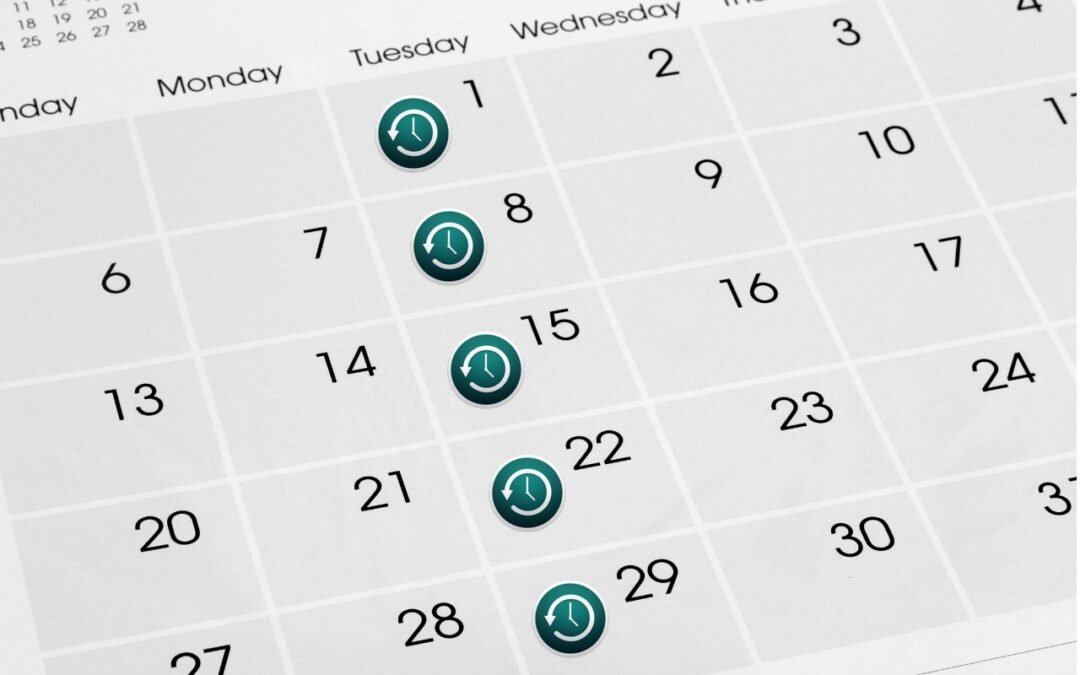
Has Time Machine’s hourly backup frequency been problematic for you? Starting in macOS 13 Ventura, you can instead choose a daily or weekly backup schedule.

Using iCloud Drive? Learn how to recover local storage space.
What should you do when your Time Machine backup drive fills up? We investigate the options in this piece:
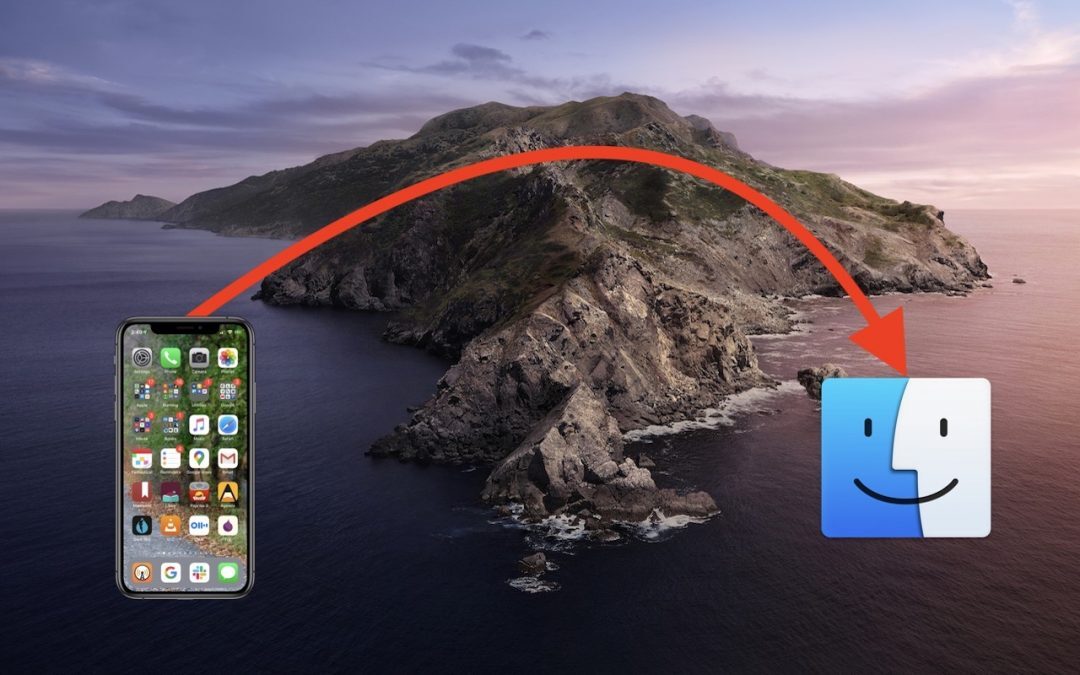
If you prefer to back up your iOS devices to your Mac, rather than take advantage of daily automatic iCloud backups, note that in macOS 10.15 Catalina, you now do that in the Finder, not in iTunes. Here’s what you need to know:
A week might be too short if IT approval is still pending. I'd treat "keeping your old iPhone for a…
Awesome tech breakdown on "When Should You Upgrade to macOS 27 Golden Gate, iOS 27, iPadOS 27, watchOS 27, tvOS…
I’ve used Chrome’s built-in screenshot tool, but opening DevTools every time gets a bit tedious. I recommend FullPage Capture, it’s…
This is such an important reminder. I've been in meetings where an AI notetaker silently joined and recorded everything, and…
Awesome tech breakdown on "When Should You Upgrade to macOS 27 Golden Gate, iOS 27, iPadOS 27, watchOS 27, tvOS…