
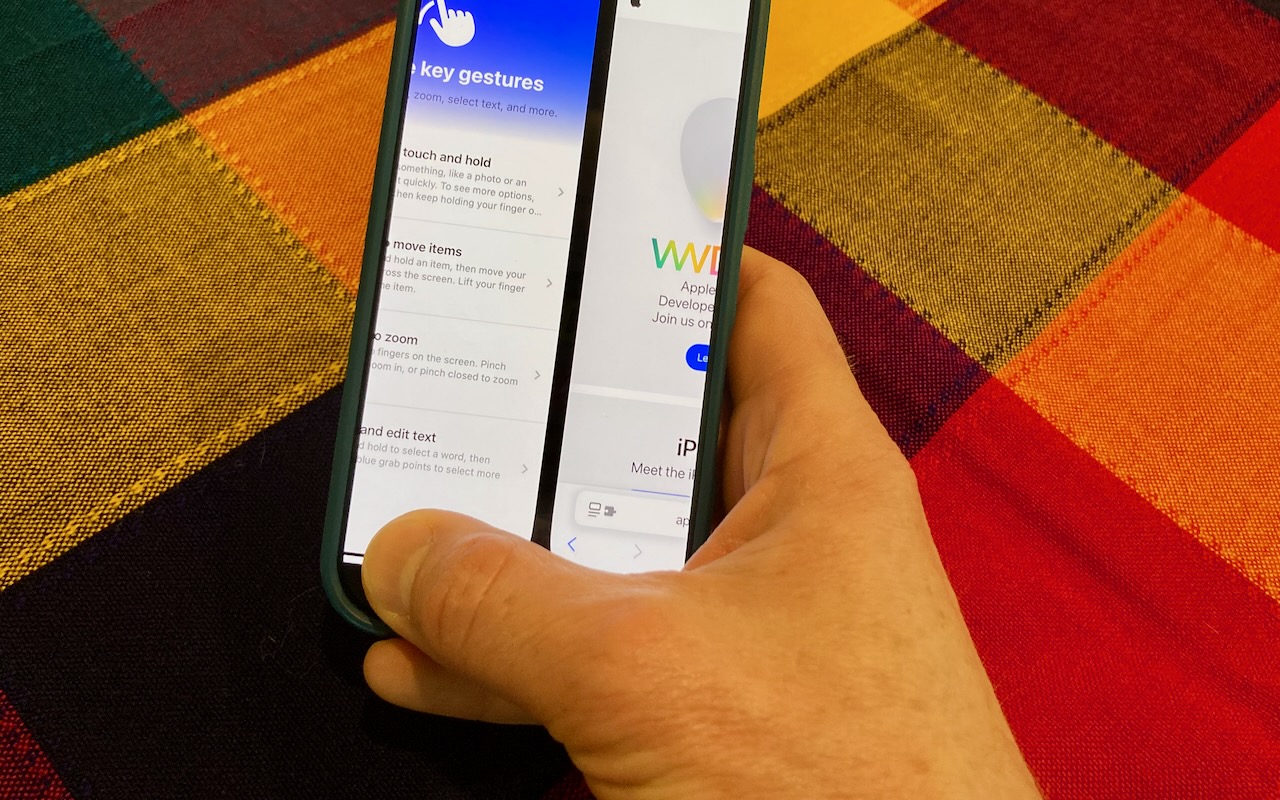
The ongoing threat of tariffs raising the price of iPhones has recently prompted some people to upgrade from an old Touch ID iPhone to a new iPhone 16. Although most have adjusted well to Face ID, few are aware of the app-switching shortcut exclusive to Face ID iPhones. To access the App Switcher on a Face ID iPhone, you must swipe up slightly from the bottom of the screen and then continue the swipe to the right. However, Face ID experts rarely do that. Instead, they just swipe right and left on the bar at the bottom of the screen to switch between apps—it’s much faster and easier, albeit hard to discover.
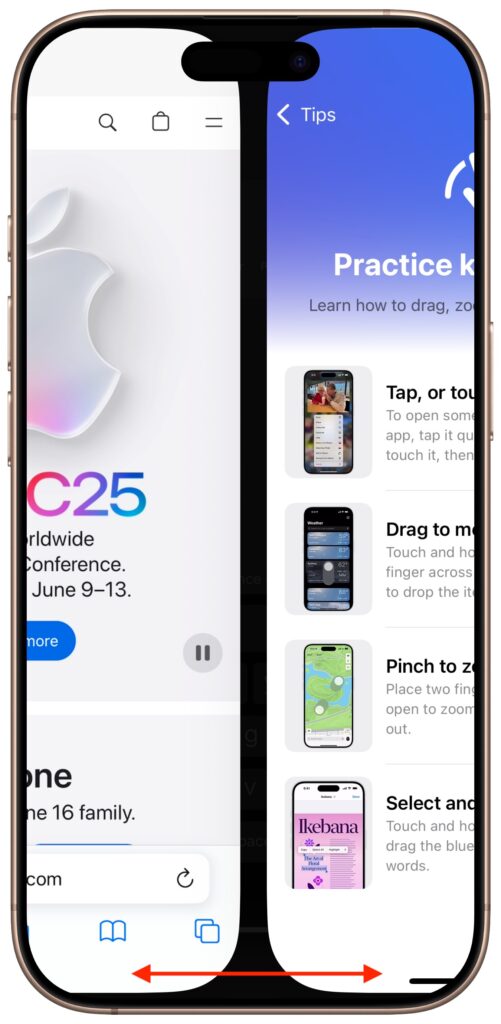
(Featured image by Adam Engst)

Picking one style guide and living with it is the advice I give every time this question comes up, and…
Golden Gate as the macOS 27 codename is a nice callback. For mixed households I'd love a recommendation on the…
Check with your phone service provider.
Do you take orders for the new 18 or is that just at the Apple stores? Thanks
Making Wi-Fi joining as easy as scanning a QR code is exactly the kind of MacWorks tip guests actually use.