Learn how to keep the perspective straight in your photos using a secret feature in iPhone camera.
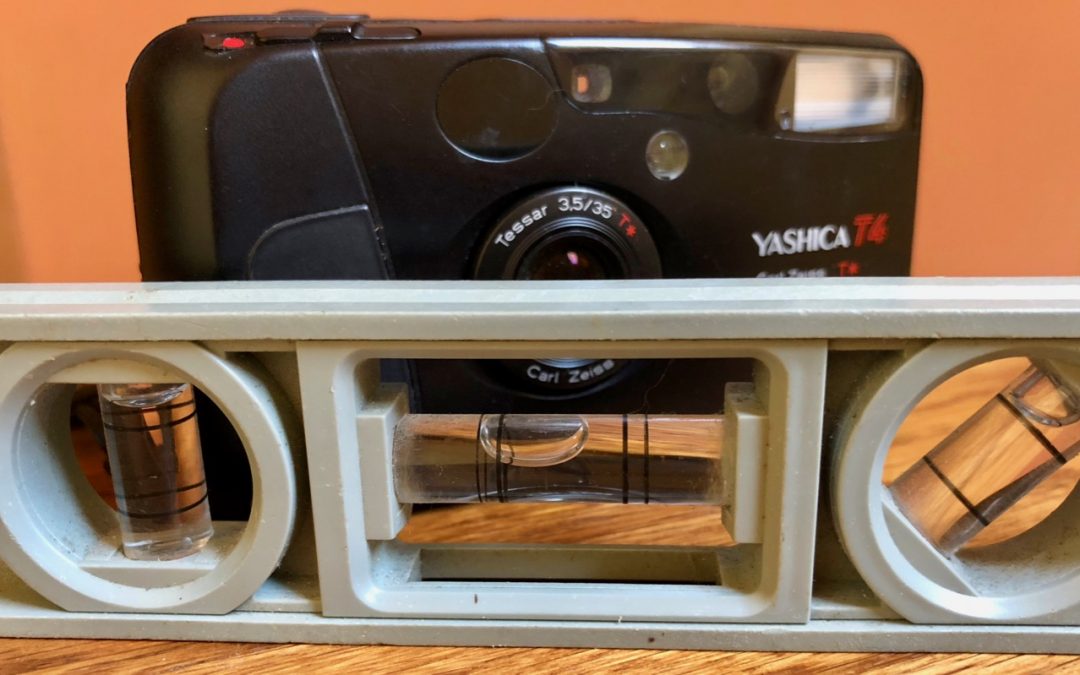

Learn how to keep the perspective straight in your photos using a secret feature in iPhone camera.

In this quick article from Austin MacWorks, learn how to resize columns, rearrange them, and even add and remove columns.

Apple’s Photos app on the Mac can identify thousands of different objects in your photos, so it’s easy to find photos based on their content. You can find objects (cars and trains), scenery (beaches and forests), and even some events (weddings and parades). This is...

Take some time to check for and update compromised, vulnerable, and weak passwords. Start with more important sites, and, as time permits, move on to accounts that don’t contain confidential information.
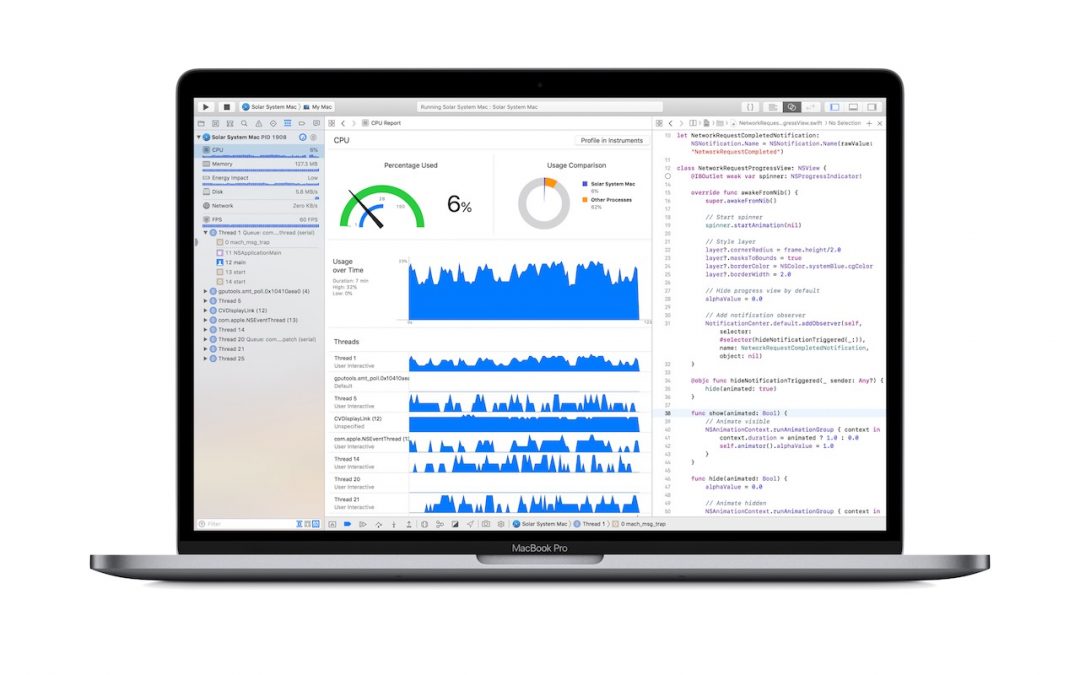
Apple has updated the Touch Bar-equipped MacBook Pro line to provide with changes that are primarily under the hood, focusing on faster performance, more RAM, and larger SSD-based storage.

Messages in iCloud, is a way of syncing your conversations in Messages via your iCloud account. Learn more now at Austin MacWorks.

Apple recently released three updates—iOS 11.4, tvOS 11.4, and HomePod 11.4—with an eye toward delivering AirPlay 2 and many new promised features. Once you’ve installed these updates, here’s how to start enjoying AirPlay 2’s improvements.

Now on Austin MacWorks, Learn how to get rid of or change the “sent from my iPhone” message.

Did you know that you can turn on certain Mac features by sliding the pointer to a corner of the screen? Learn how now at Austin MacWorks.

Learn how you can copy a file’s path name on your mac to help others locate files. This handy tip will make your life much easier!
Super insightful and fresh perspective.
Well explained and easy to follow.
So glad I stumbled upon this.
Looking forward to your next post!
Truly a masterpiece of content.