
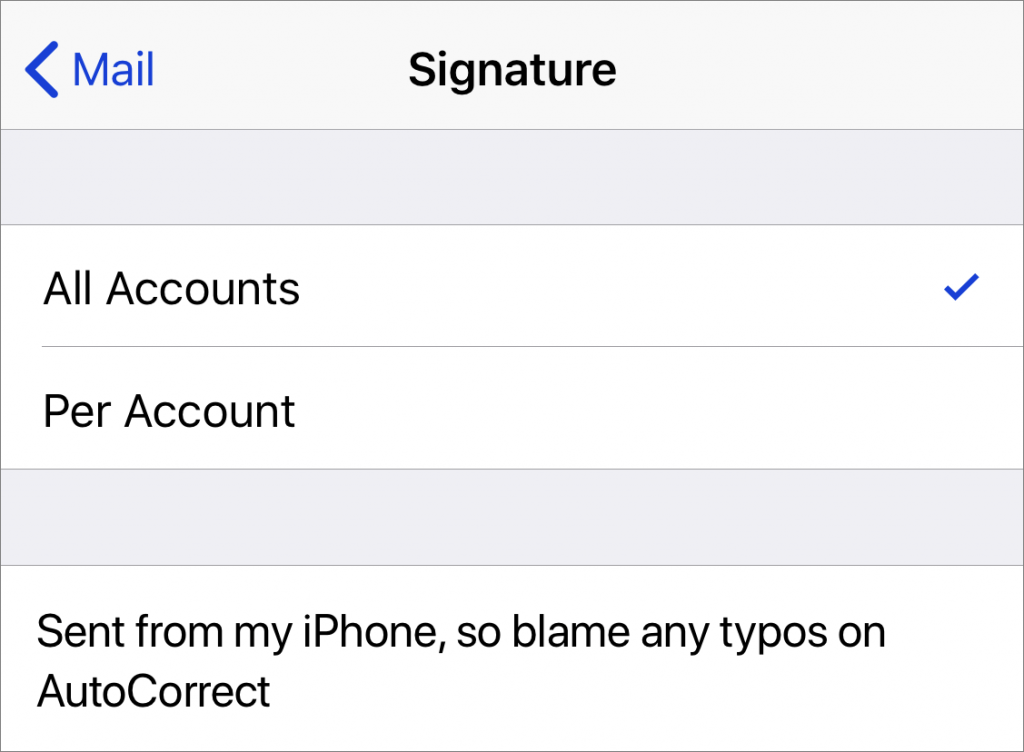
When you use Apple’s Mail app on your iPhone to send email, the default signature is “Sent from my iPhone.” If you’d rather not advertise that fact with every email, or would prefer to change it to something more personal, don’t bother poking around in the Mail app itself. Instead, go to Settings > Mail > Signature, where you can change the signature to anything you like or delete it entirely. If you have multiple email accounts configured, such as one for work and one for home, you can also set a different signature for each.

A week might be too short if IT approval is still pending. I'd treat "keeping your old iPhone for a…
Awesome tech breakdown on "When Should You Upgrade to macOS 27 Golden Gate, iOS 27, iPadOS 27, watchOS 27, tvOS…
I’ve used Chrome’s built-in screenshot tool, but opening DevTools every time gets a bit tedious. I recommend FullPage Capture, it’s…
This is such an important reminder. I've been in meetings where an AI notetaker silently joined and recorded everything, and…
Awesome tech breakdown on "When Should You Upgrade to macOS 27 Golden Gate, iOS 27, iPadOS 27, watchOS 27, tvOS…