You don’t have to put up with your iPhone’s list of Bluetooth devices being cluttered with confusing factory default names. Most Bluetooth devices can be renamed, allowing you to, for example, change the name from “MY-CAR” to “Nissan Leaf.”
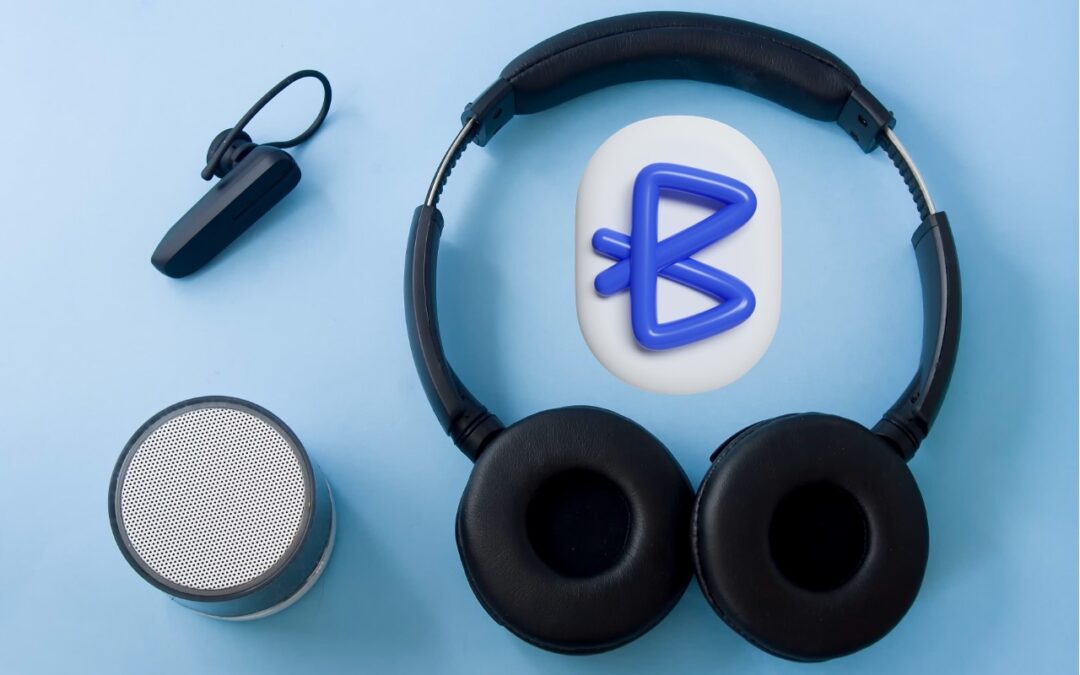

You don’t have to put up with your iPhone’s list of Bluetooth devices being cluttered with confusing factory default names. Most Bluetooth devices can be renamed, allowing you to, for example, change the name from “MY-CAR” to “Nissan Leaf.”
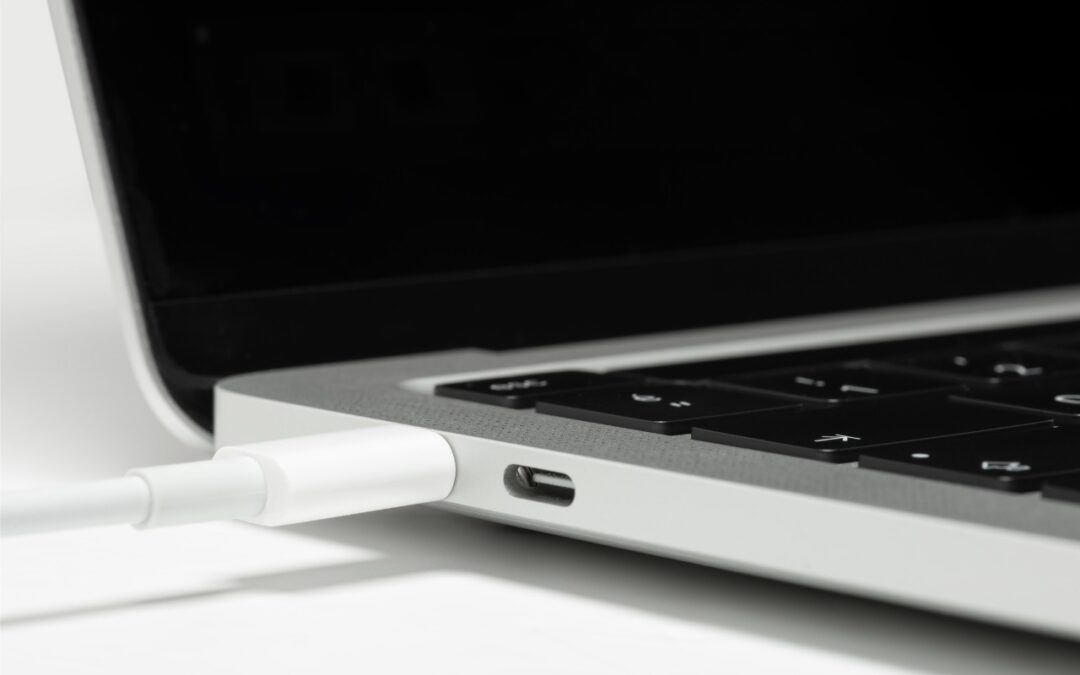
If your Apple silicon Mac won’t boot from an external drive, the issue may be related to which USB-C port you’re using—the special DFU port cannot be used for booting from external drives. Learn how to identify that port on your Mac.

The new Share Item Location feature in Find My enables you to share the location of a lost AirTag or another item tracked by Find My with anyone, including airline reps who can use it to locate lost luggage for you.
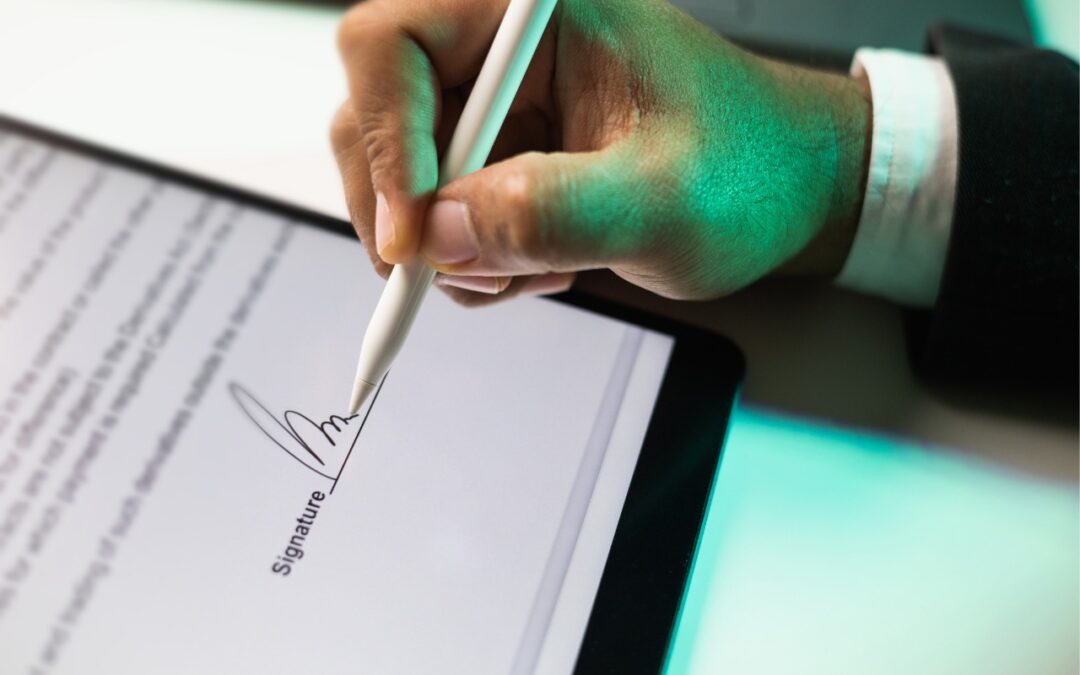
Have you ever needed to sign or annotate a PDF you received in the Mail app on your iPhone? With iOS 18 and iPadOS 18, you can manage PDFs directly in Mail. Once you’re finished, you can attach the modified PDF to a reply or a new message.
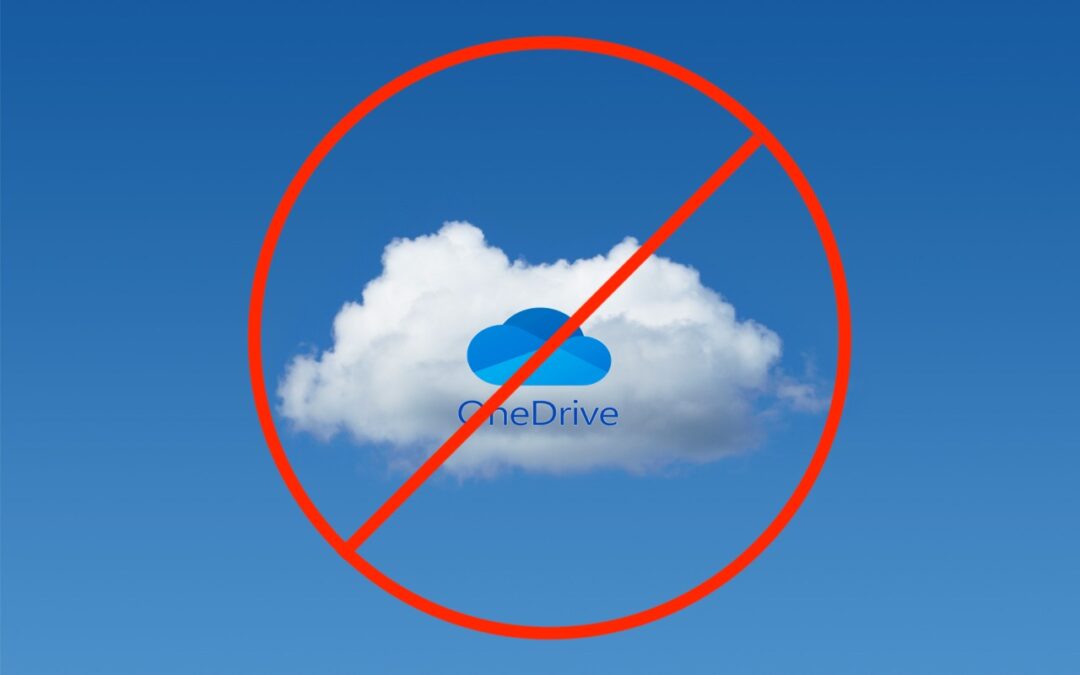
Microsoft Office apps save documents in the cloud-based OneDrive by default, but you can easily switch to saving files elsewhere. The apps generally remember your change but may forget after an update.
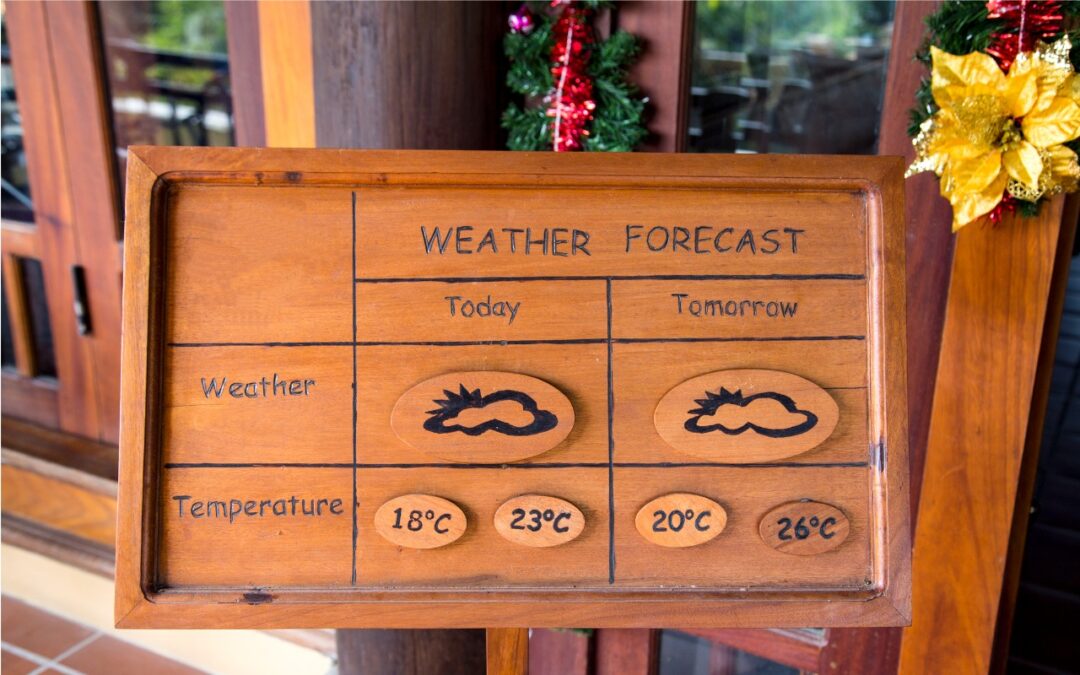
In macOS 15.2 Sequoia, you can display the current weather conditions in your Mac’s menu bar. Here’s how to enable that feature.

Apple’s built-in text replacement feature expands a short abbreviation you type into something longer, but a simple menu option can prevent it from working in a Mac app. Here’s how to fix it.

The iPhone 16’s new Camera Control button is a welcome shortcut, but you may need to retrain your brain so you remember to use it.
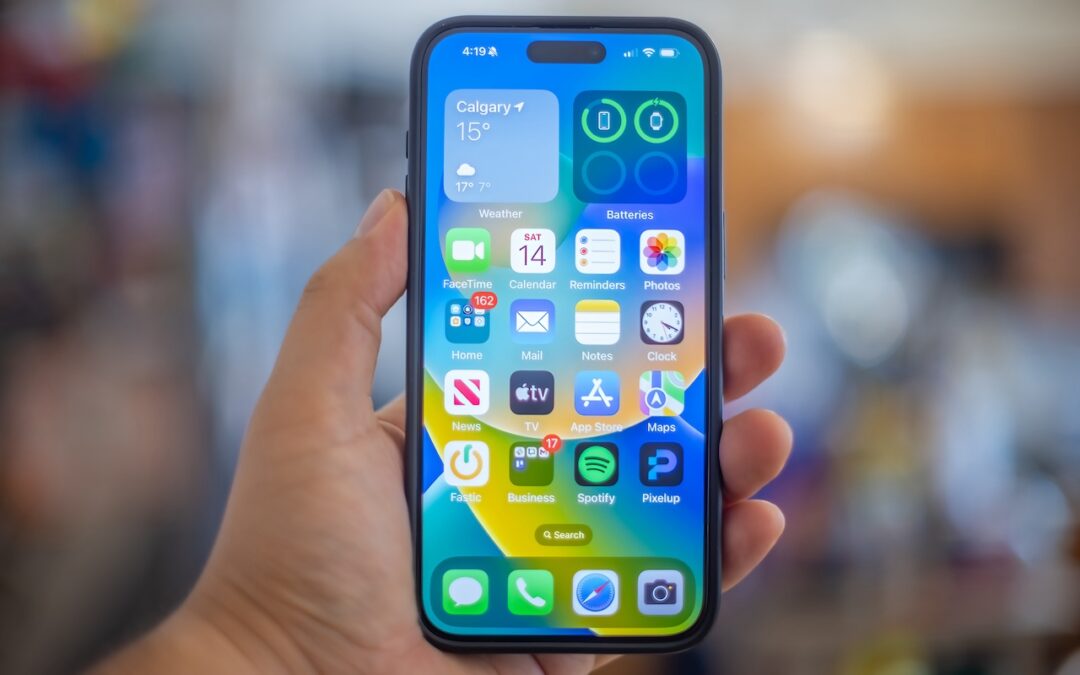
A new shortcut in iOS 18 and iPadOS 18 makes it easy to convert an app’s icon on the Home Screen into a widget of any size supported by that app.
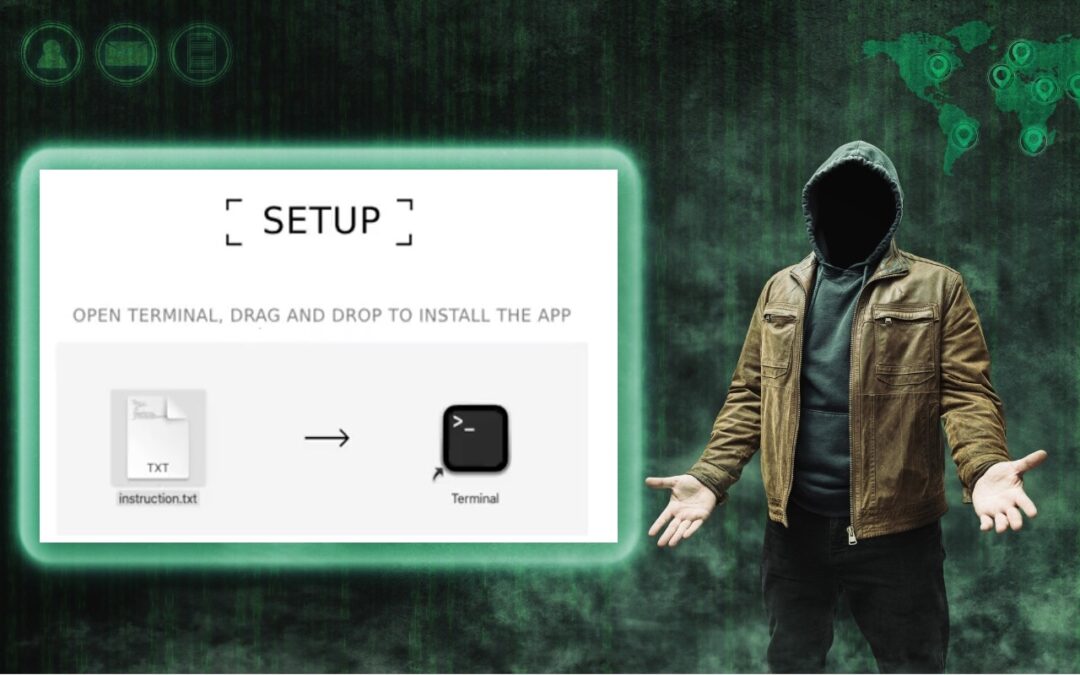
Thing #17 to never do: Follow instructions to drop a text file into Terminal. It’s a great way to install malware and let cybercriminals steal your passwords, financial information, and more.
Picking one style guide and living with it is the advice I give every time this question comes up, and…
Golden Gate as the macOS 27 codename is a nice callback. For mixed households I'd love a recommendation on the…
Check with your phone service provider.
Do you take orders for the new 18 or is that just at the Apple stores? Thanks
Making Wi-Fi joining as easy as scanning a QR code is exactly the kind of MacWorks tip guests actually use.