Do you avoid restarting your Mac because of how long it takes to set up your apps, documents, windows, and browser tabs again? These macOS and browser settings will restore your working environment after a restart.
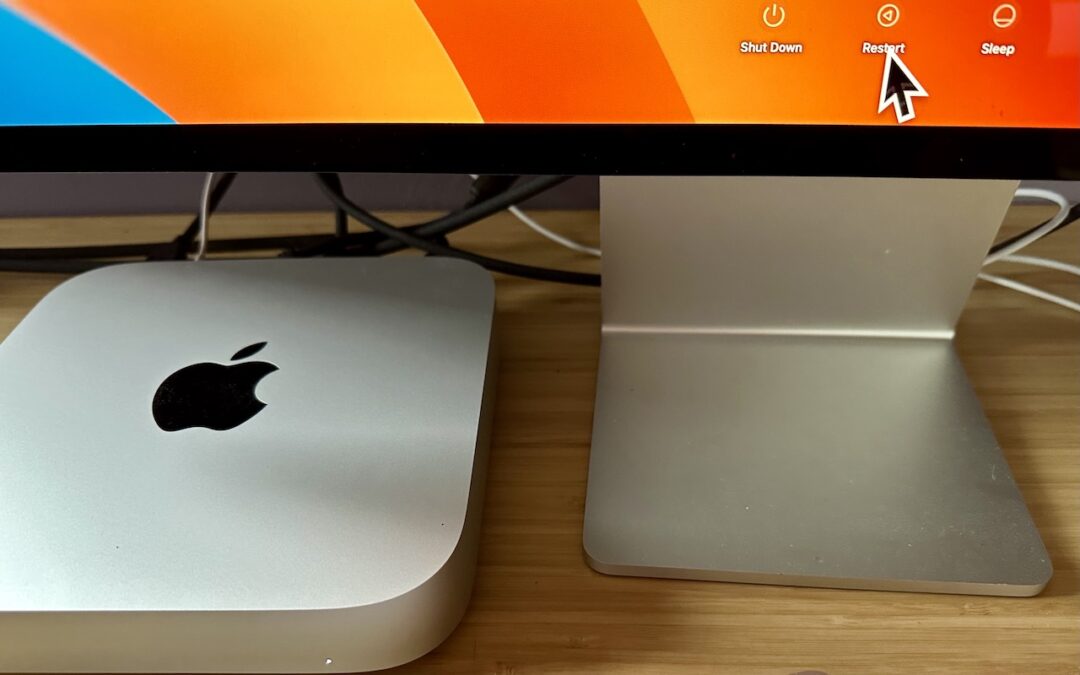

Do you avoid restarting your Mac because of how long it takes to set up your apps, documents, windows, and browser tabs again? These macOS and browser settings will restore your working environment after a restart.
We can’t help with a messy office desk, but if your Mac’s desktop is a confusing mess of randomly placed icons, using the Finder’s sort options will make it nice and orderly.
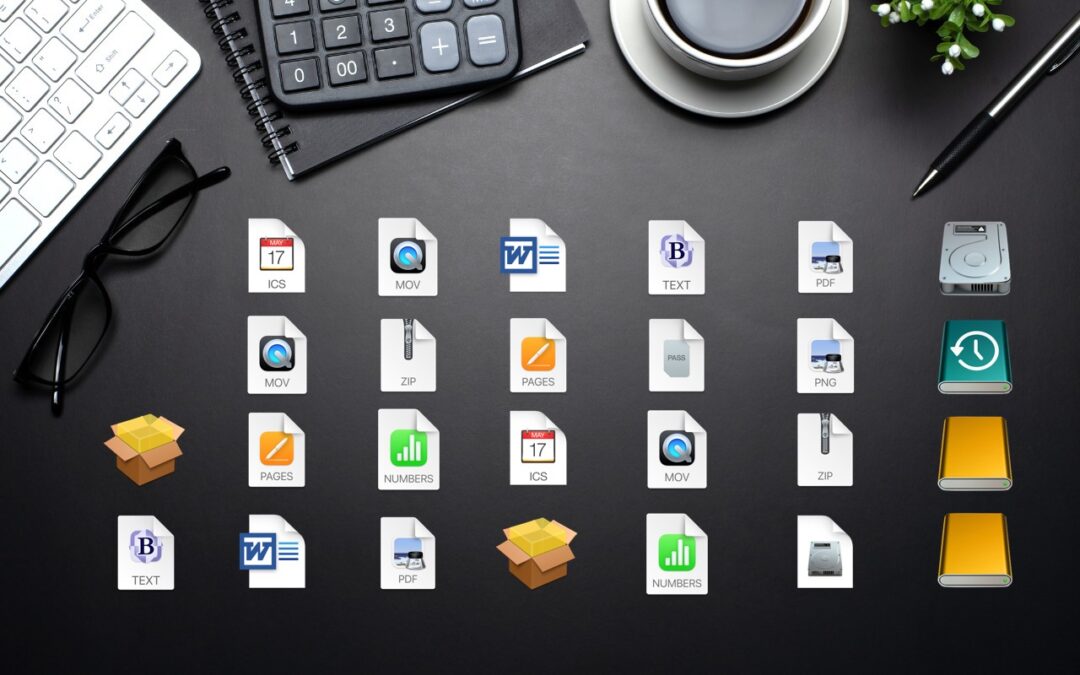
The Mac’s Desktop is a great place for in-progress documents, screenshots, and other things you’re working on, but only if you can get to it easily. Read on for two little-known tricks for temporarily pushing windows aside.
Learn how to take advantage of a slick Finder command that Apple added in macOS 11 Big Sur.
In macOS 13 Ventura, Apple added Quick Look support to Spotlight so you can easily preview the search results.
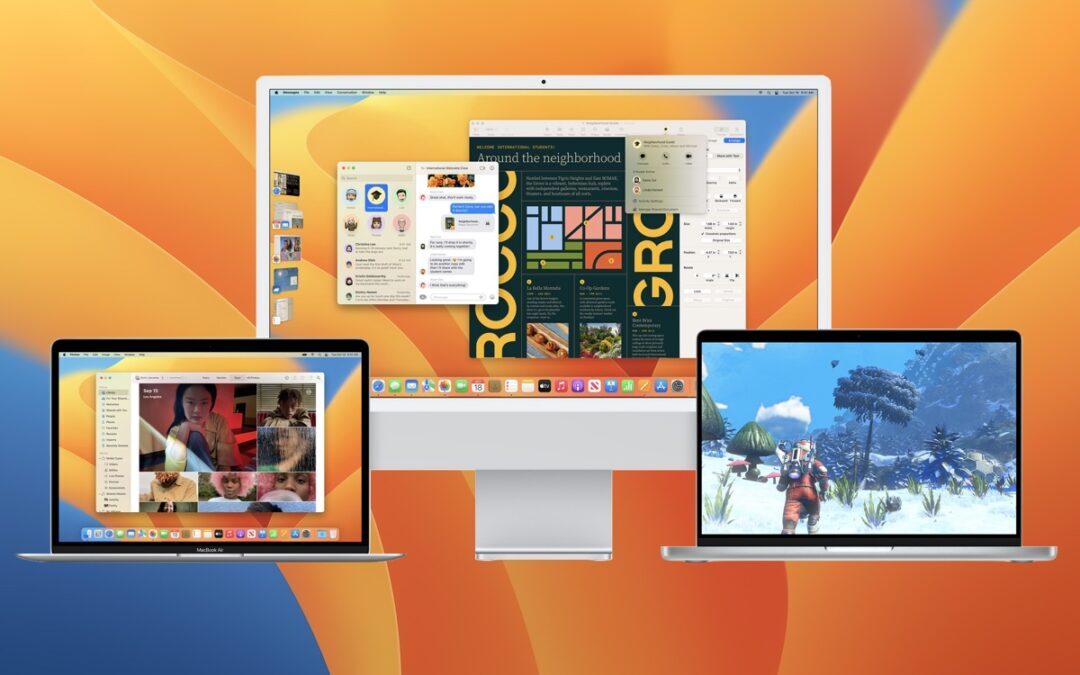
Should you upgrade to macOS 13 Ventura? There’s no need to install it today, but we think it’s now safe for those who want to take advantage of the new features and integration with Apple’s other operating systems.

Now you can protect the Photos Hidden Album—and the Recently Deleted album—with Face ID or Touch ID on an iPhone or iPad, or Touch ID or your password on a Mac.
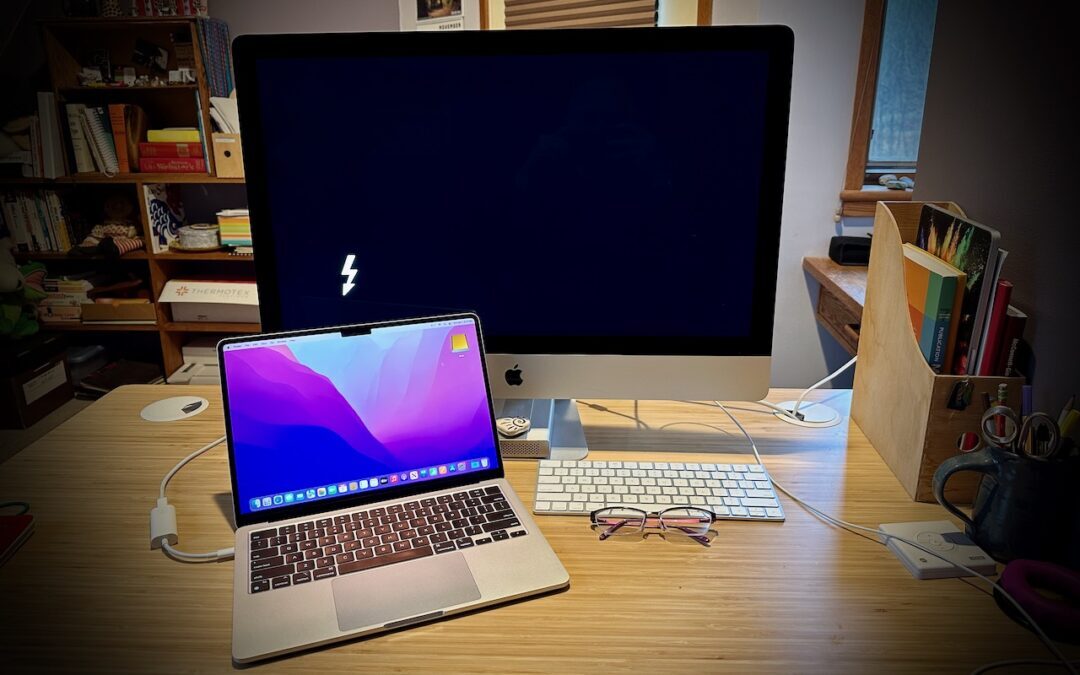
If you have to move tens or hundreds of gigabytes of data between Macs, give Target Disk Mode a try. It’s fast, easy, and reliable.
Microsoft has announced that current versions of its productivity suite will receive updates only if your Mac is running macOS 11 Big Sur, macOS 12 Monterey, or macOS 13 Ventura.
At the end of 2022, Apple released operating system updates that delivered previously promised features like Freeform, Stage Manager on external displays, Advanced Data Protection for iCloud, and more. See what’s new at:
Useful walkthrough. The concrete examples made the workflow much easier to follow.
Saved my day
The note that Rosetta isn’t automatically restored after the macOS 27 Golden Gate upgrade is the part that would catch…
Useful note that Live Text needs an A12 Bionic or later on iPhone and iPad but works on any Mac…
Just found text to game by Tuvimo and it actually works for quick browser fun. Makes me want to revisit…