Apple makes it easy to share Wi-Fi passwords without requiring anyone to type them. We explain how you can do this nearly automatically, with a QR code, or by looking up the password and copying it so you can paste it into an email message or text.

Apple makes it easy to share Wi-Fi passwords without requiring anyone to type them. We explain how you can do this nearly automatically, with a QR code, or by looking up the password and copying it so you can paste it into an email message or text.

While Apple’s automatic sharing of Wi-Fi passwords feels like magic, it doesn’t work in every situation. For a more reliable manual approach, use the Show Network QR Code feature in the new Passwords app.

When you connect to a public Wi-Fi network, you often must authenticate or agree to terms on a captive portal login page. Here’s the solution if that page doesn’t appear.
As more personal and work information passes through Wi-Fi networks, it becomes increasingly important that you follow this advice to secure your network.

Wi-Fi Calling and Wi-Fi Assist. They sound similar and share a goal of providing connectivity when you need it. But they go about doing that in opposite ways.
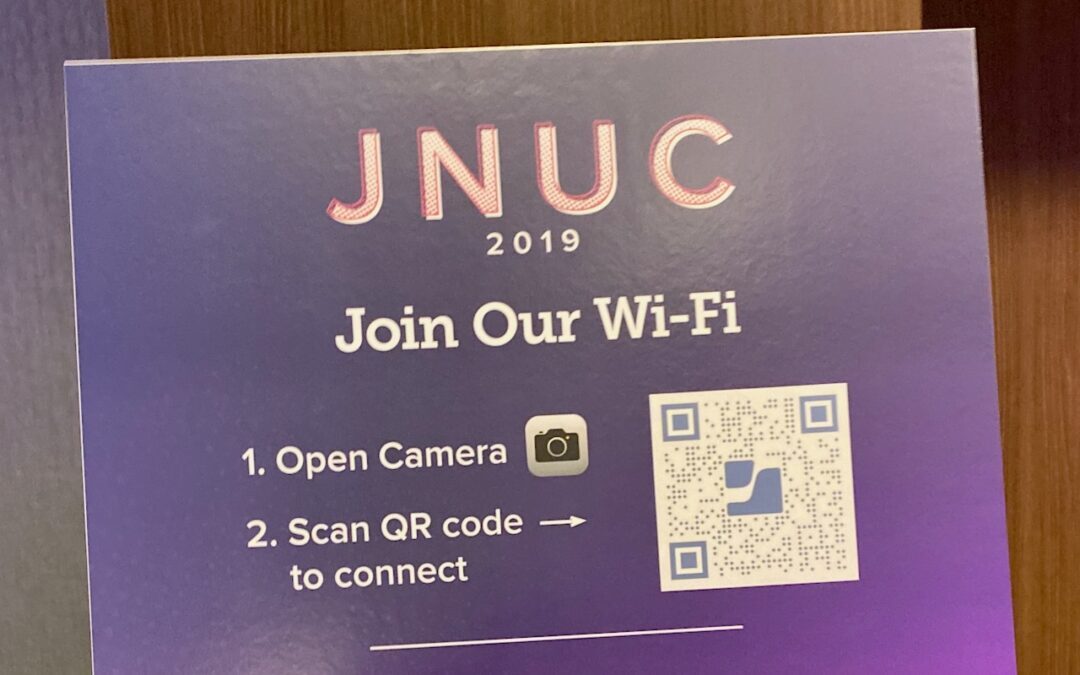
Want visitors to be able to access your Wi-Fi network without typing a password? Follow our steps to create a custom QR code they can scan to join your network instantly.
Once your iPhone, iPad, or Mac has connected to a particular network, it may reconnect to it later, causing consternation when things don’t work. The solution? Whenever you realize a Wi-Fi network is worthless, forget it. Learn more now.
Super insightful and fresh perspective.
Well explained and easy to follow.
So glad I stumbled upon this.
Looking forward to your next post!
Truly a masterpiece of content.