Learn how to temporarily reduce power usage on your MacBook Air and MacBook Pro.


Learn how to temporarily reduce power usage on your MacBook Air and MacBook Pro.
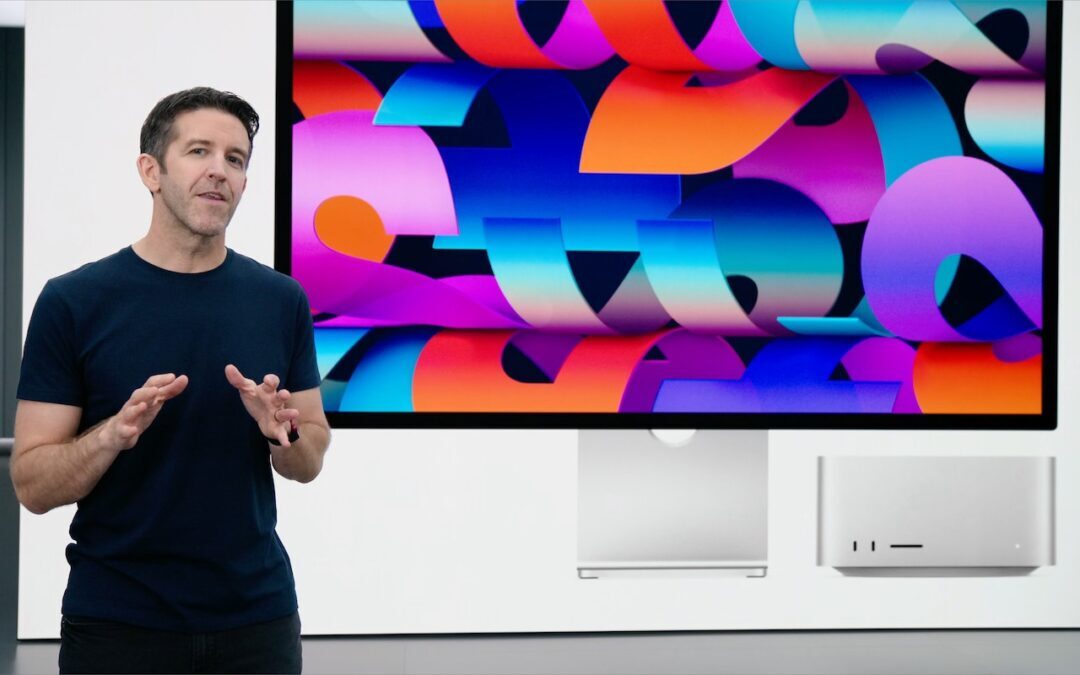
At its March 8th Peek Performance event, Apple unveiled the impressive new Mac Studio—powered by the M1 Ultra chip—and Studio Display. The company also introduced an updated iPhone SE and iPad Air.
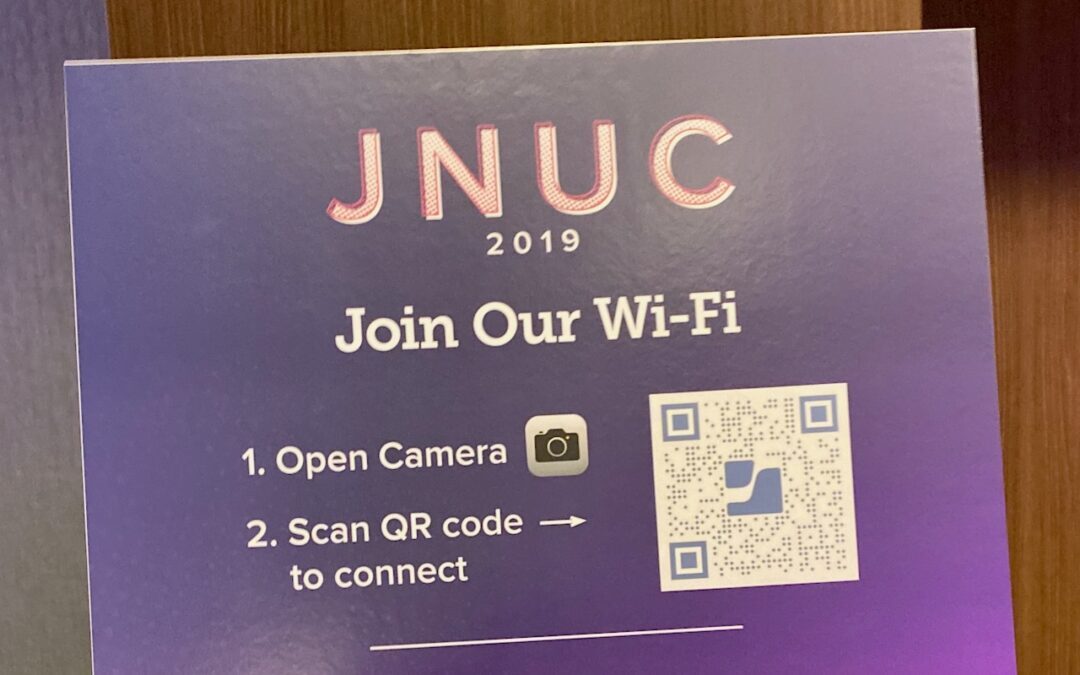
Want visitors to be able to access your Wi-Fi network without typing a password? Follow our steps to create a custom QR code they can scan to join your network instantly.

If you ever end up in a situation where your device’s screen doesn’t rotate when you think it should, check Rotation Lock.

In iOS 15 and iPadOS 15, you can open an app directly from the Lock screen, assuming you have certain settings properly configured. Learn more.

Apple makes it easy to check storage status any time, before it becomes a problem.

Slow or unreliable Internet connection? It could be your ISP—read on to find out how to test your connection and evaluate the results.

Is it time for a new email provider? Our article looks at recommended choices and helps you pick one that meets your needs, whether you’re an everyday user or a business.
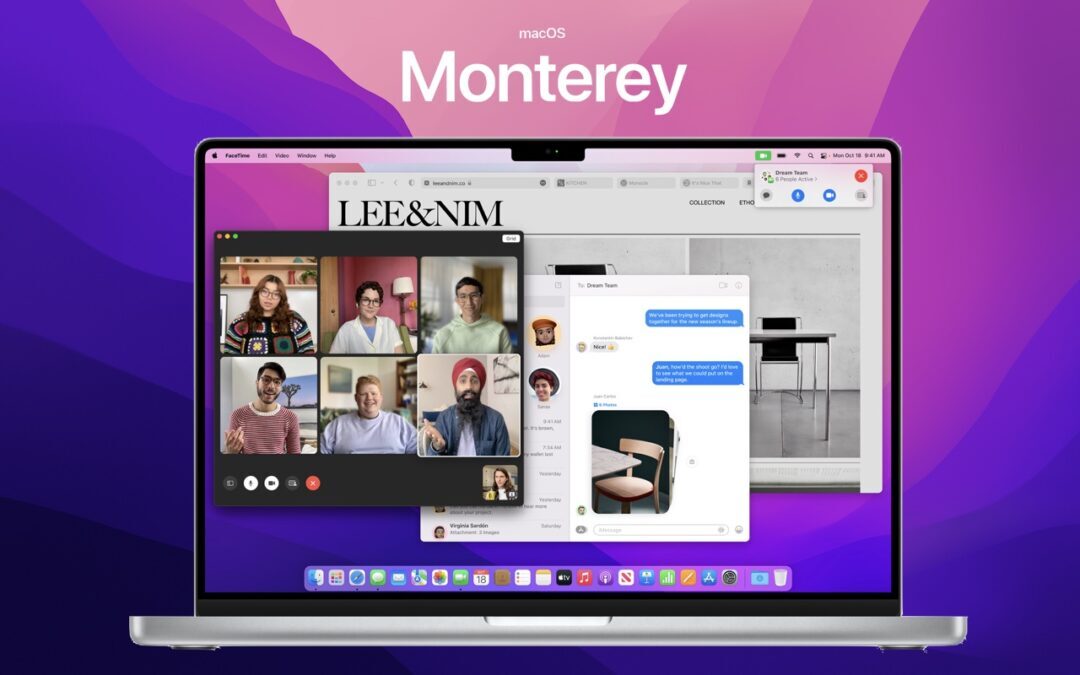
Should you upgrade to macOS 12 Monterey? There’s no need to do so immediately, but we think it’s now safe for those who want to take advantage of the new features and integration with Apple’s other operating systems.

In iOS 15, Apple has taken the next step with the App Library. Learn more now.
Stop by either store and let's see if we can figure it out together!
Stop by either store and let's see if we can figure it out together!
Stop by either store, and we'll be happy to see what we can do to help you.
Stop by either store, and we'll be happy to see what we can do.
Useful read. I have been tinkering with virtual machines on my Mac recently, and this fits neatly into the things…