
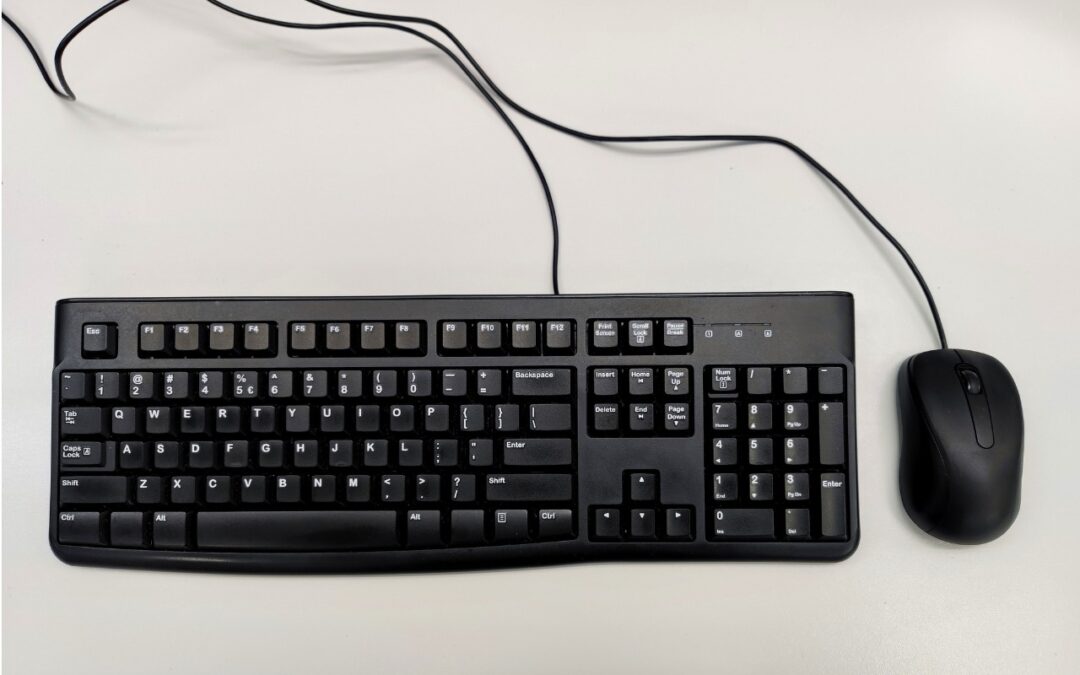
Steve Jobs famously railed against cable clutter, and it’s now easy to use a desktop Mac with a wireless keyboard and mouse, either from Apple or another manufacturer. That’s fine for regular usage, but Bluetooth keyboards and mice aren’t always sufficient. Batteries wear out, pairing can fail, and wireless interference can cause lags or spurious inputs. Plus, if you need to boot into macOS Recovery, wireless input devices may not work. We recommend keeping an extra USB keyboard and mouse—preferably from Apple, but any brand will work—to use in case you have problems with your wireless versions. If you don’t have a keyboard and mouse left over from an old Mac, a friend or family member may be happy to give you theirs, or you can check with us here at Austin MacWorks.
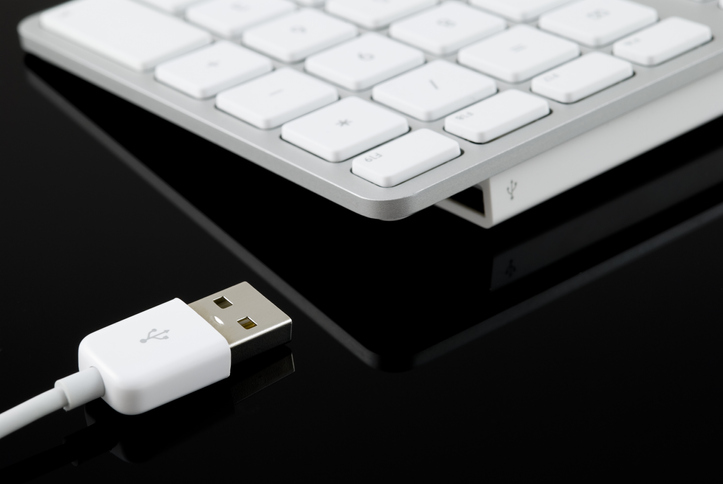
(Images by iStock.com/Jeffrey Glas and RafalStachura)

A week might be too short if IT approval is still pending. I'd treat "keeping your old iPhone for a…
Awesome tech breakdown on "When Should You Upgrade to macOS 27 Golden Gate, iOS 27, iPadOS 27, watchOS 27, tvOS…
I’ve used Chrome’s built-in screenshot tool, but opening DevTools every time gets a bit tedious. I recommend FullPage Capture, it’s…
This is such an important reminder. I've been in meetings where an AI notetaker silently joined and recorded everything, and…
Awesome tech breakdown on "When Should You Upgrade to macOS 27 Golden Gate, iOS 27, iPadOS 27, watchOS 27, tvOS…