
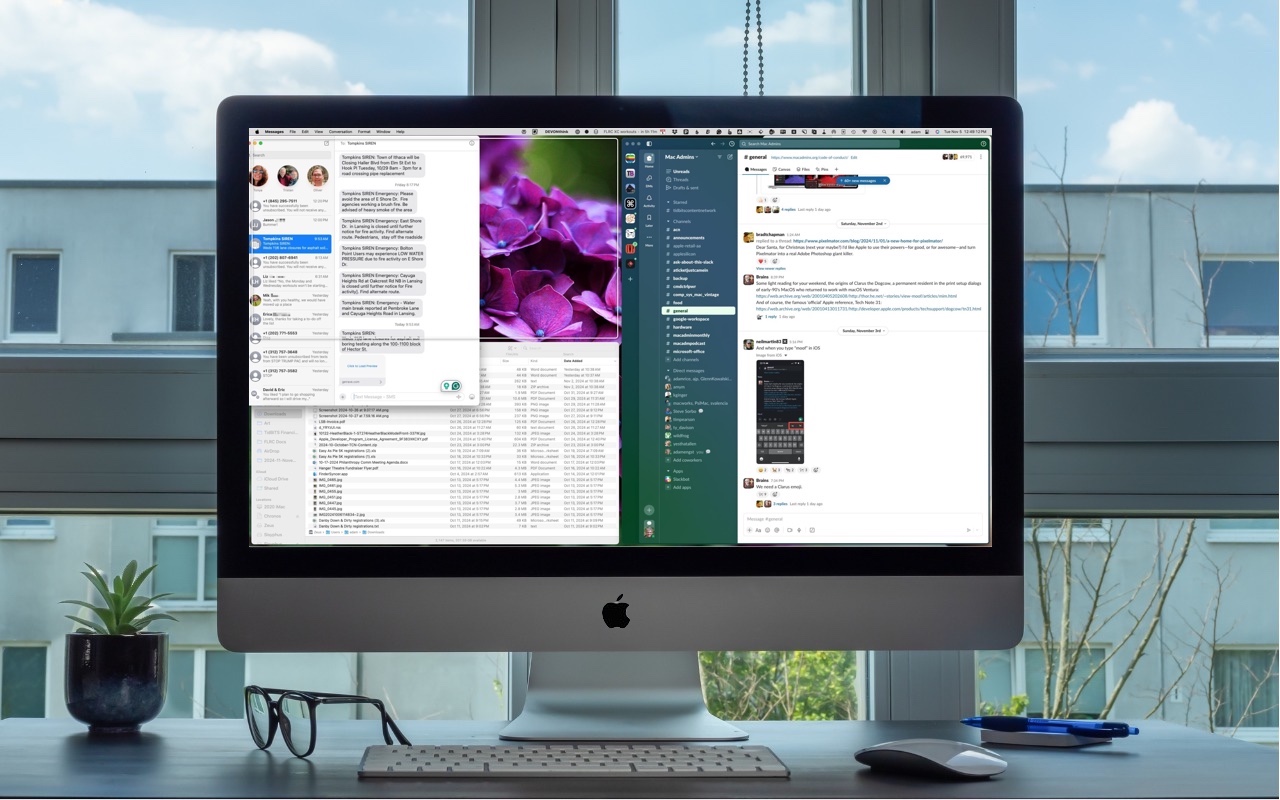
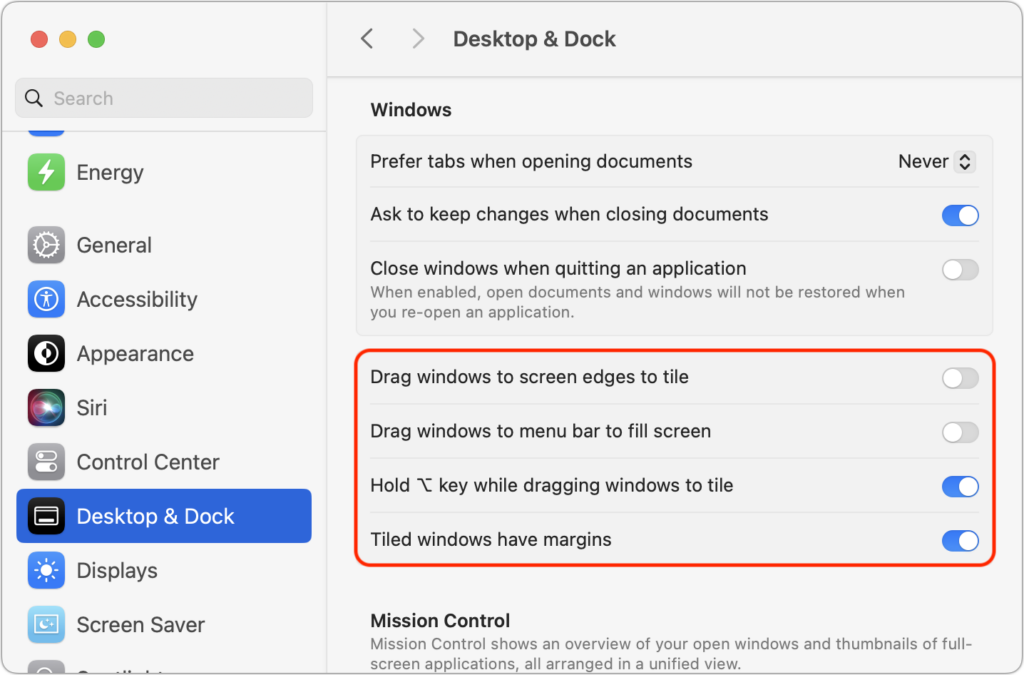
One of macOS 15 Sequoia’s most noticeable additions is a new form of window tiling. Drag a window to the menu bar to expand it to fill the screen, to the left or right edge to resize it to half the screen, or to a corner to resize it to that quarter of the screen. As you drag, a white outline shows what will happen when you drop the window. Unfortunately, accidentally invoking window tiling can be surprising and disruptive. The easiest way to ensure that dragging windows tiles them only when you want is to open System Settings > Desktop & Dock, scroll down to the Windows section, and turn off “Drag windows to screen edges to tile” and “Drag windows to menu bar to fill screen.” The important setting to leave turned on is “Hold Option key while dragging windows to tile” because from now on, your windows will tile only when you Option-drag them.
(Featured image based on an original by iStock.com/Jakob Berg)

Picking one style guide and living with it is the advice I give every time this question comes up, and…
Golden Gate as the macOS 27 codename is a nice callback. For mixed households I'd love a recommendation on the…
Check with your phone service provider.
Do you take orders for the new 18 or is that just at the Apple stores? Thanks
Making Wi-Fi joining as easy as scanning a QR code is exactly the kind of MacWorks tip guests actually use.