Austin Mac Works Blog: Software

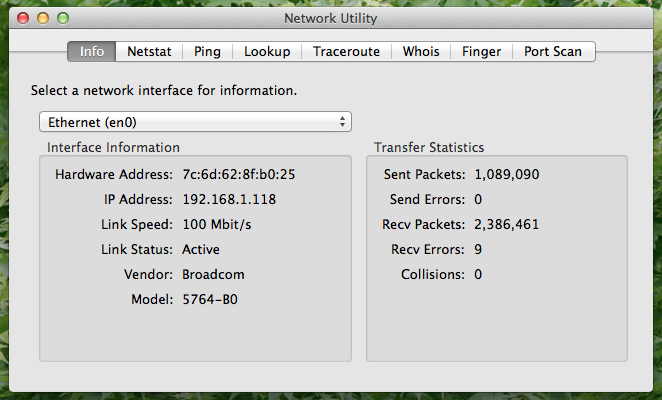
Families Can Now Share iCloud Space

Families Can Now Share iCloud Space

Apple gives iCloud users 5 GB of free storage, but that fills up fast with iCloud Photo Library, iOS backups, iBooks, and more. Until iOS 11 and macOS 10.13 High Sierra, each person in a family had to buy extra iCloud space separately. Happily, Apple has now made it...

How to Erase Your iPhone or iPad

How to Erase Your iPhone or iPad

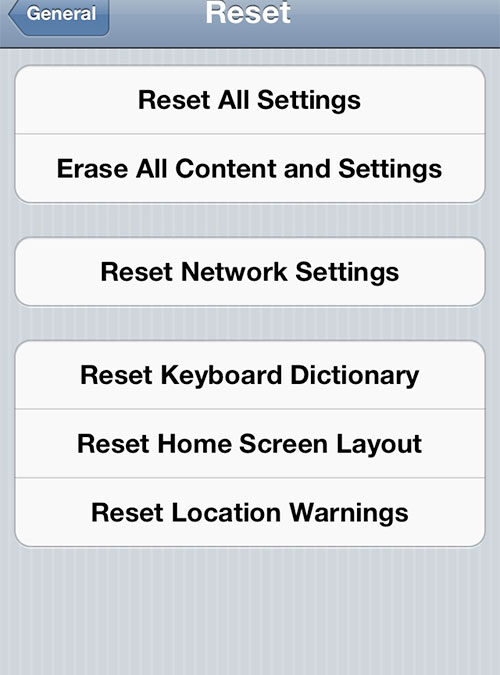
Before you sell your iPhone or iPad, you'll want to securely erase all your personal data from the device. Here are easy steps to do that: Back up your device on iCloud or iTunes. Otherwise, you won’t be able to get your stuff back. Make sure you turn off “Find my...

Mac Tips and Tricks

Mac Tips and Tricks

Enjoy these great Mac tips and tricks from Austin MacWorks: Hold the Option key and press any of the Brightness, Mission Control, or Volume buttons to bring up the respective System Preferences panes. Your Dock can be resized by clicking and dragging the line between...

iOS 7 Tips and Tricks

iOS 7 Tips and Tricks

Check out these fabulous iOS 7 tips and tricks from Austin MacWorks: Notifications can now be accessed by swiping down from the top of the screen, locked or unlocked. You can change which notifications are listed and in what order by accessing the Notifications...

iOS 7.1 is Here

iOS 7.1 is Here

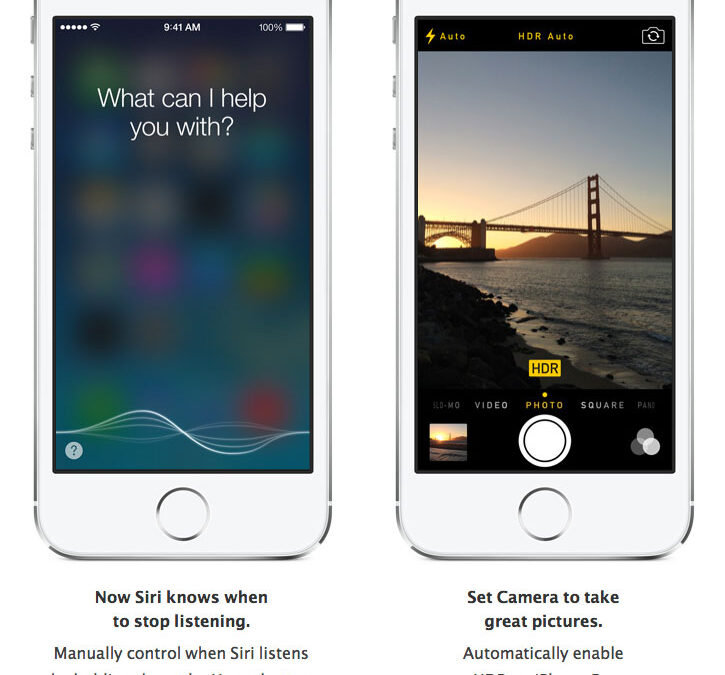
Have you updated to iOS 7.1?   Here's the scoop from Apple:   Other changes: Touch ID fingerprint recognition is improved. An occasional Home screen crash bug has been fixed. iPhone 4 users will enjoy improved responsiveness and...

iPad Art

iPad Art

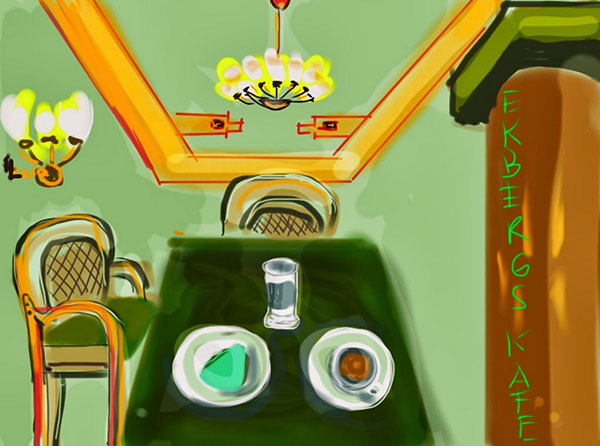
Folks around the world are creating great beauty with their iPads. Check out these amazing samples, and if you, too, are an iPad artist, please share our work on our Austin MacWorks Facebook page. Want to get started making great iPad works of art?  Check out this...