Happily, Apple has added a password-sharing feature to all its operating systems.
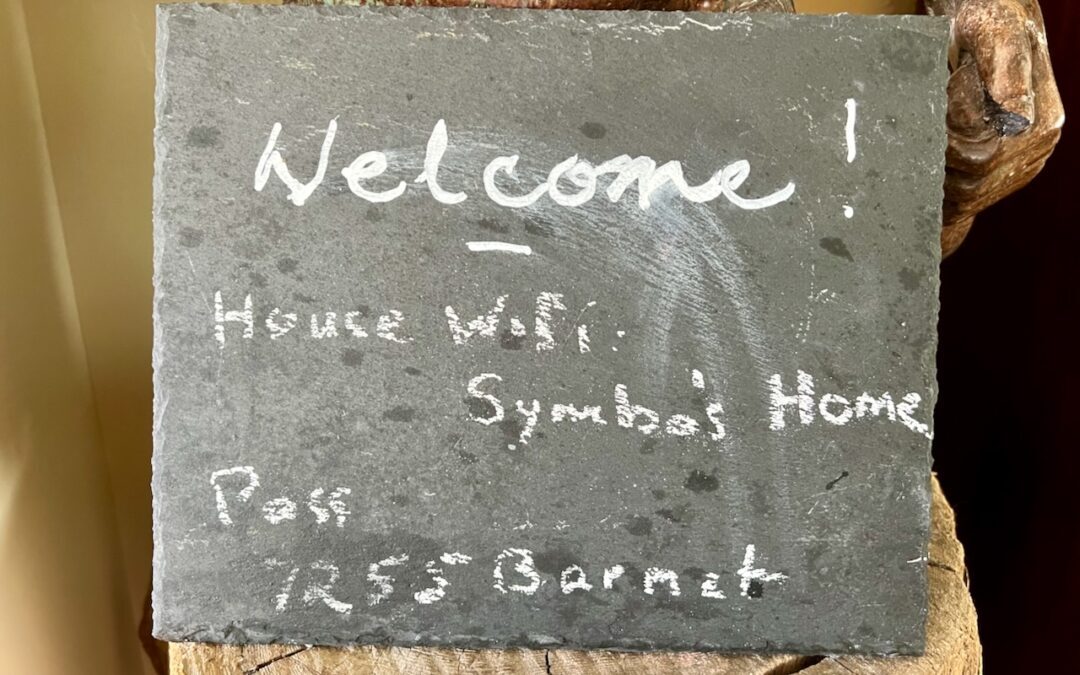

Happily, Apple has added a password-sharing feature to all its operating systems.
DNS filtering is a simple way to protect yourself from malicious websites. All you have to do is configure a DNS server setting to ensure that you never accidentally load a malicious site.

For those still getting started using a password manager, another new capability will ease the transition: Safari password export.

The Russian invasion of Ukraine is horrific, but the economic sanctions and other responses from Western nations mean that businesses of all sizes need to be more vigilant about cybersecurity. Read on for suggestions:

Tired of forgetting your AirPods or iPhone when leaving home? The Find My app’s new Notify When Left Behind feature can remind you of that fact before you’ve gone too far. Learn more at:

Apple’s recently announced expanded protections for child safety have generated a firestorm of criticism and confusion. We attempt to answer some of the most common questions we’ve received.
It’s good to be cautious about attaching sensitive files to email—if either your or your recipient’s email account were to be compromised, confidential information could be revealed. Instead, send password-protected ZIP archives. Here’s how:
The scourge of ransomware isn’t yet common on the Mac, but it makes sense to prepare for the possibility—before your organization is hit with a ransom demand.

Password managers are essential, but you must still remember and enter some passcodes and passwords. Read on for our advice on how to create ones that are secure, memorable, and easy to type.

The sharing pane in the system preferences has many abilities. Find out what it can do.
Picking one style guide and living with it is the advice I give every time this question comes up, and…
Golden Gate as the macOS 27 codename is a nice callback. For mixed households I'd love a recommendation on the…
Check with your phone service provider.
Do you take orders for the new 18 or is that just at the Apple stores? Thanks
Making Wi-Fi joining as easy as scanning a QR code is exactly the kind of MacWorks tip guests actually use.