
 Image based on an original by Kenaz Nepomuceno from Pexels
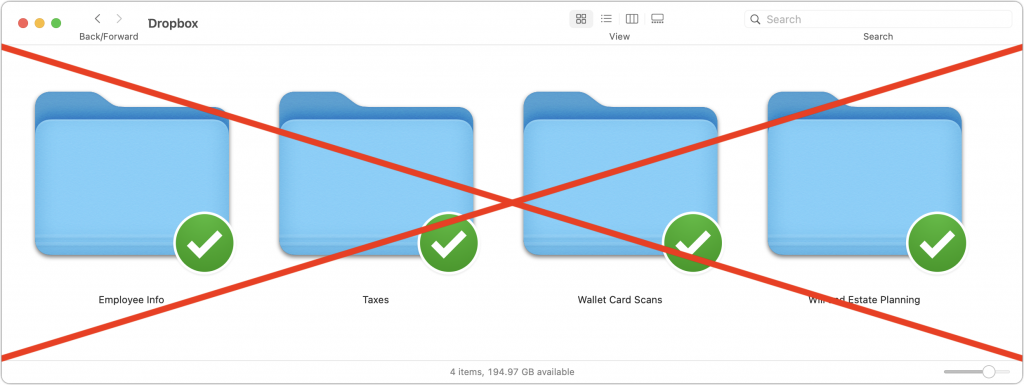
Given their integration into the Mac’s Finder, it can be easy to forget that online file sharing services like Dropbox, Google Drive, iCloud Drive, and Microsoft OneDrive can be accessed using a Web browser by anyone with your username and password. Obviously, you should always have strong, unique passwords, but to be safe, it’s best not to use services designed for public file sharing to store unencrypted files containing sensitive information like credit card numbers, Social Security numbers, passport scans, privileged legal documents, financial data, and so on. Keep such data secure on your Mac—outside of any synced folders—where accessing it requires physical access to the machine.

A week might be too short if IT approval is still pending. I'd treat "keeping your old iPhone for a…
Awesome tech breakdown on "When Should You Upgrade to macOS 27 Golden Gate, iOS 27, iPadOS 27, watchOS 27, tvOS…
I’ve used Chrome’s built-in screenshot tool, but opening DevTools every time gets a bit tedious. I recommend FullPage Capture, it’s…
This is such an important reminder. I've been in meetings where an AI notetaker silently joined and recorded everything, and…
Awesome tech breakdown on "When Should You Upgrade to macOS 27 Golden Gate, iOS 27, iPadOS 27, watchOS 27, tvOS…