If you have trouble finding things in macOS Ventura’s System Settings app, you’re not alone. We have advice to help you navigate alphabetically or jump directly to a deeply nested setting.
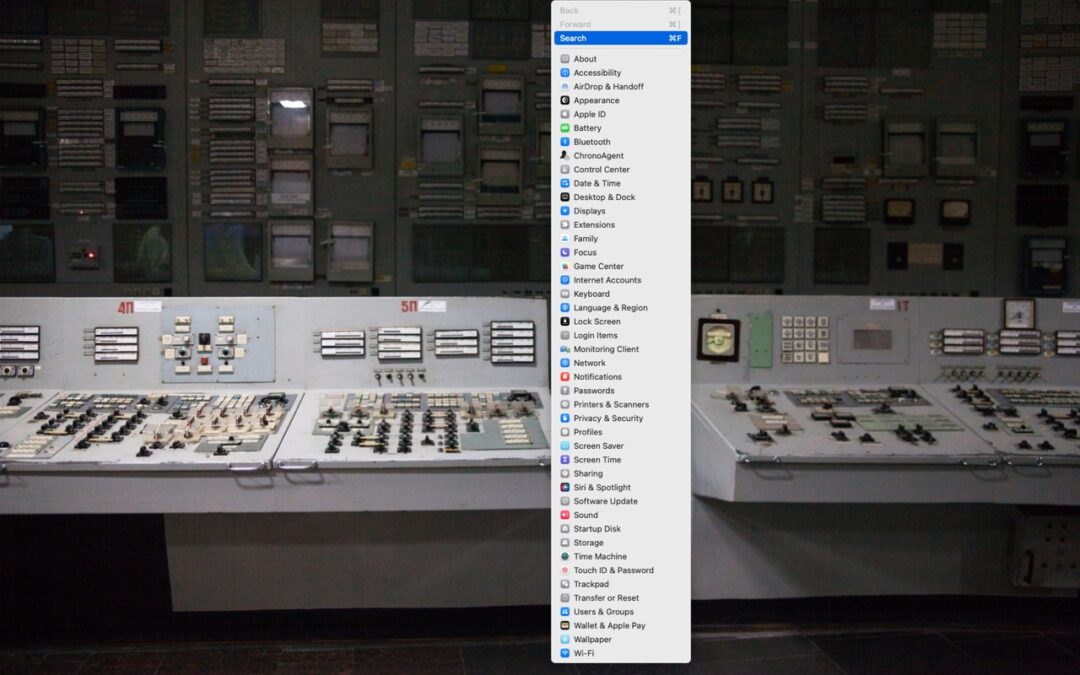

If you have trouble finding things in macOS Ventura’s System Settings app, you’re not alone. We have advice to help you navigate alphabetically or jump directly to a deeply nested setting.

Have you ever needed to remove some content from a screenshot or other illustration? There’s no need for a fancy graphics app—you can do it quickly in Preview with this little-known trick.
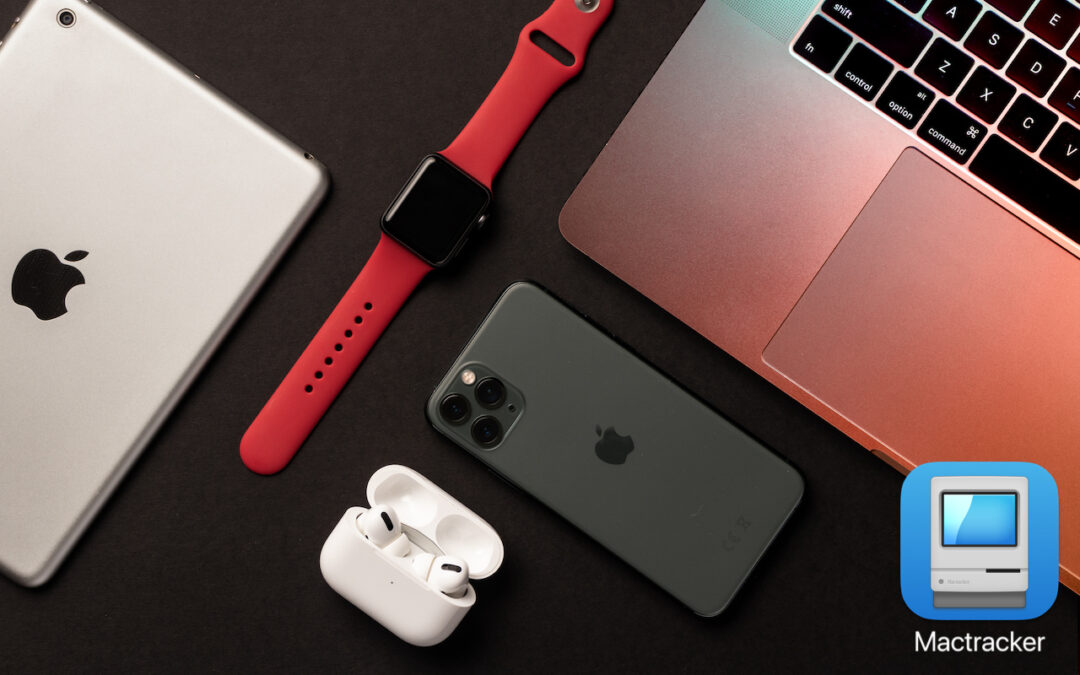
If you ever need to look up technical details about an Apple product, look no further than the Mactracker app, which provides specifications for every Mac, iPhone, iPad, and iPod ever made. It’s an indispensable free download.

An elegant new browser called Arc makes using the Web more fun, especially for people who use a lot of websites and Web apps. Arc offers many productivity features and a rethink of how users can best organize their many bookmarks and tabs.

The default location of the Dock on the bottom of a Mac screen isn’t ideal because it takes valuable space that could contain content. Try hiding the Dock automatically or moving it to the side of the screen.

Which Mac is best for a college student in 2023? Our short answer: either the 13-inch or 15-inch M2 MacBook Air, although students with significant processing needs (like audio or video editing) might look at the 14-inch MacBook Pro.
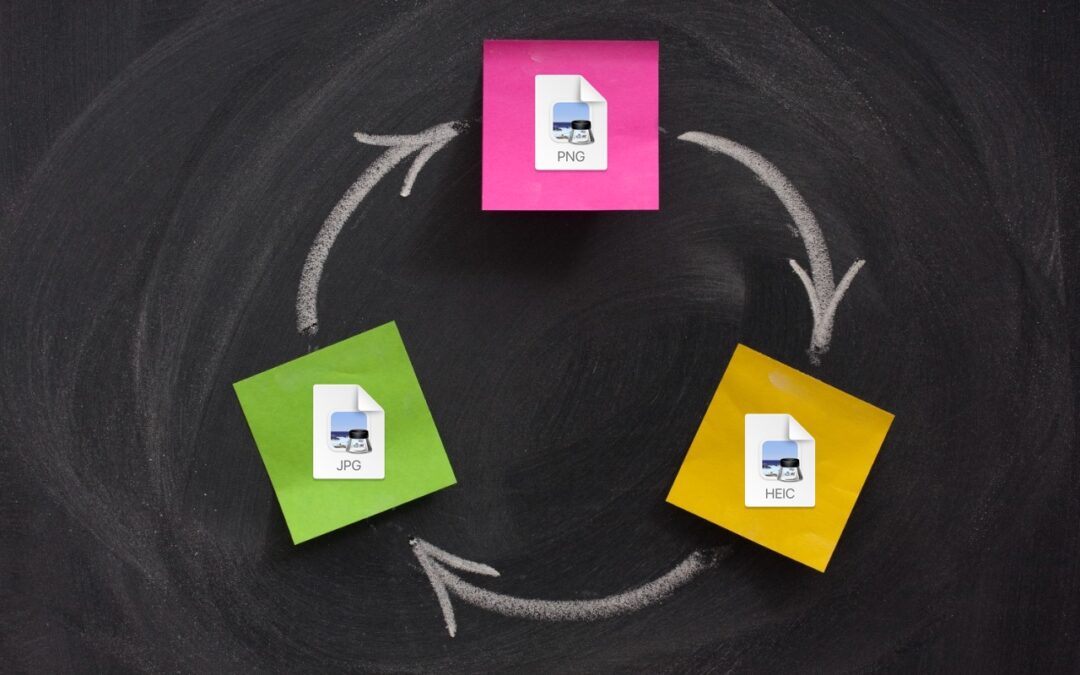
A hidden feature of the macOS Finder lets you quickly convert selected images from their original format to JPEG, PNG, or HEIF. If you regularly need to convert images between formats, it could save you some time.
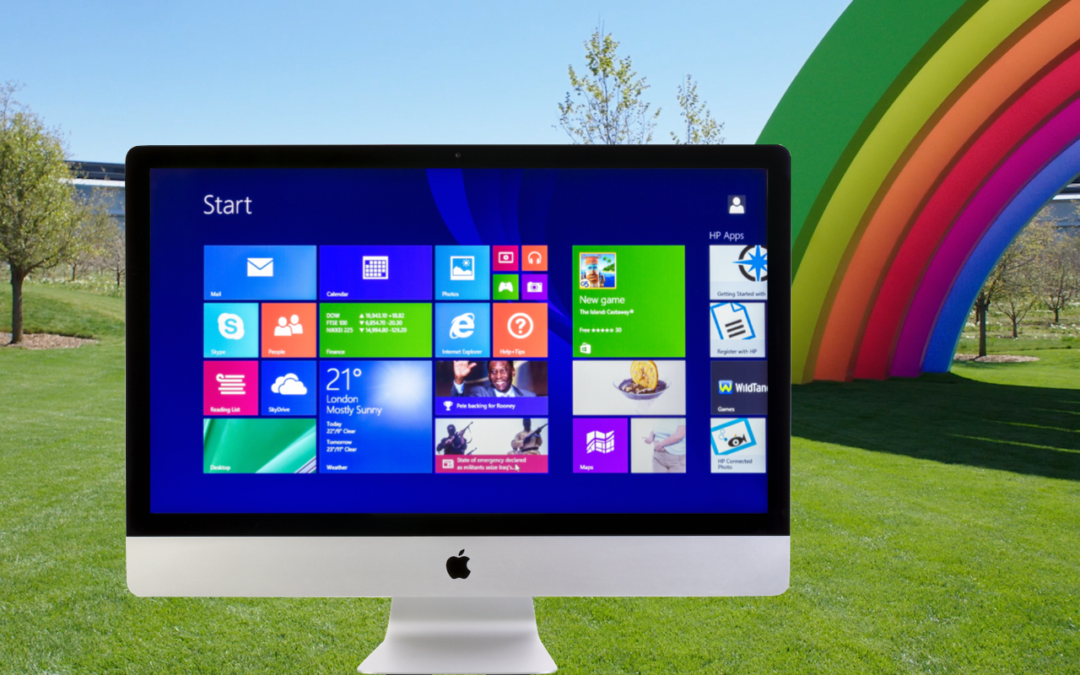
You use a Mac for nearly everything but still need to run Windows software occasionally. Here’s how you can do that in 2023 on either an Intel-based Mac or an M-series Mac.

Given the choice, should you use a native Mac app, an iPhone or iPad app, or a Web app that’s accessible in any standard Web browser? All have advantages, so the takeaway is that you should be ready to use whichever makes the most sense in the moment.

If you make phone calls in loud environments, you can now be heard more easily with iOS 16.4’s new Voice Isolation feature for cellular calls. The tricky part is enabling it in Control Center while talking.
Super insightful and fresh perspective.
Well explained and easy to follow.
So glad I stumbled upon this.
Looking forward to your next post!
Truly a masterpiece of content.