Do you take temporary screenshots on your iPhone or iPad so you can message what your screen looks like to a friend? If you don’t want these images saved in Photos, read on for a tip about how to move them to the clipboard for pasting instead.

Do you take temporary screenshots on your iPhone or iPad so you can message what your screen looks like to a friend? If you don’t want these images saved in Photos, read on for a tip about how to move them to the clipboard for pasting instead.

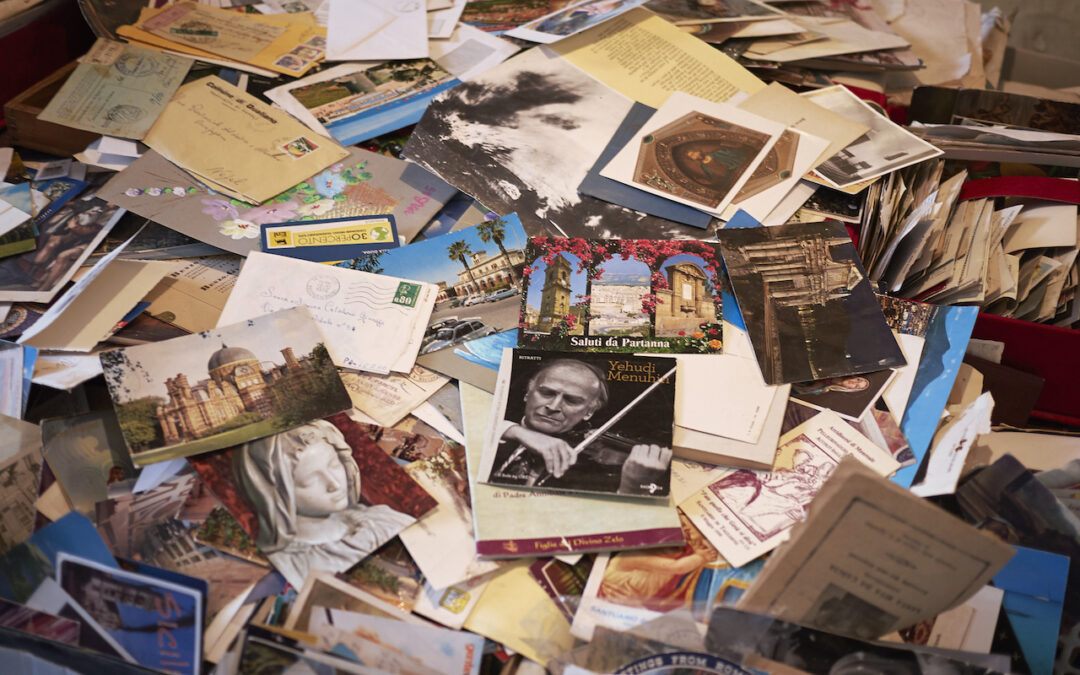
Do you have pictures that are difficult to find or make sense of in Apple’s Photos because they lack dates, titles, locations, and faces? That happens regularly with scanned snapshots, so we explain how you can efficiently add metadata.
The Mac’s Desktop is a great place for in-progress documents, screenshots, and other things you’re working on, but only if you can get to it easily. Read on for two little-known tricks for temporarily pushing windows aside.
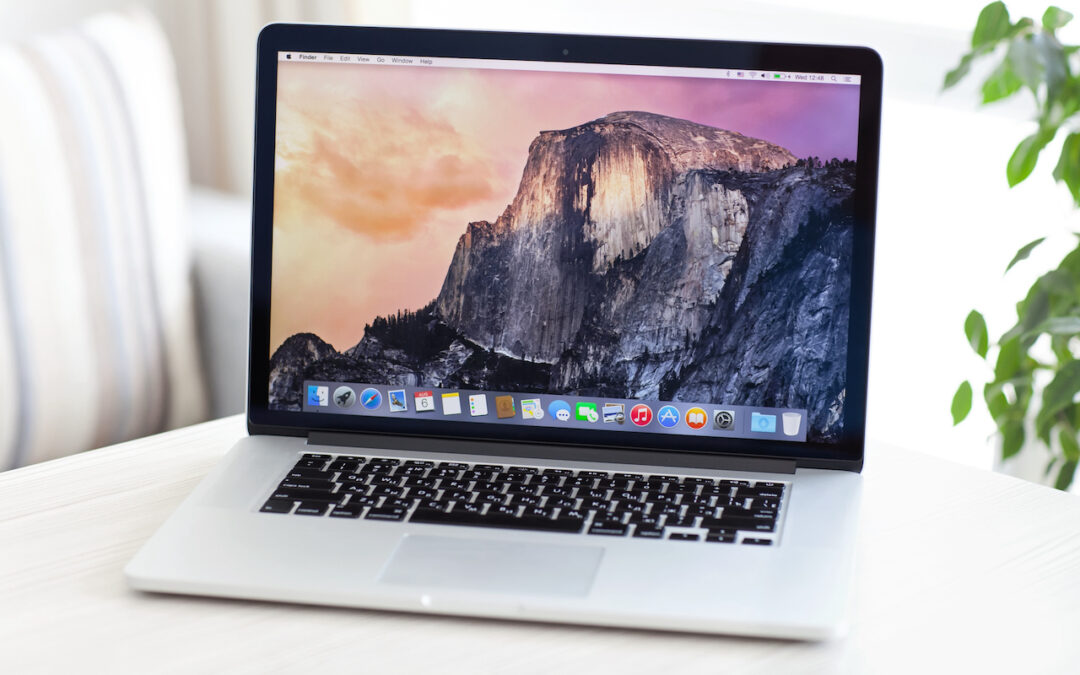
When should you replace the Mac on your desk—or your organization’s Macs? There is no single answer, but we run down some variables that play into the decision and make recommendations for different use cases.

Do you struggle with clunky Web interfaces to cloud storage services like Box, Dropbox, Google Drive, and OneDrive? They’re easier to use when you install their Mac apps and access your files from the Finder. Learn how to get more from these services!

Want to give yourself a few more minutes to get to meetings on time? Use this little-known option to set the time displayed on your Apple Watch ahead by a few minutes.
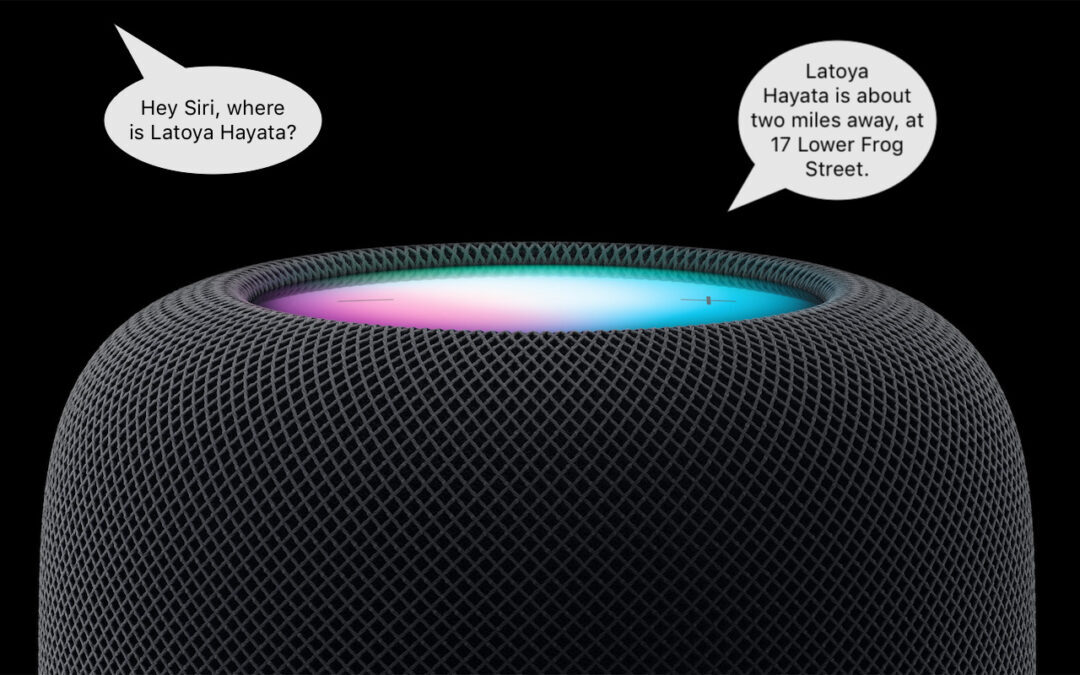
HomePod Software 16.3 now supports Find My, which means you can ask Siri to locate one of your devices or a friend or family member who shares their location with you.

Need to document a Messages conversation with timestamps? Learn how now.
Learn how to take advantage of a slick Finder command that Apple added in macOS 11 Big Sur.

Learn the difference between removing and deleting an iPhone or iPad app, and learn how to do both.
Super insightful and fresh perspective.
Well explained and easy to follow.
So glad I stumbled upon this.
Looking forward to your next post!
Truly a masterpiece of content.