One of the most useful features of iOS 14 is Back Tap, which lets you invoke custom actions with a double or triple tap on the back of your iPhone.

One of the most useful features of iOS 14 is Back Tap, which lets you invoke custom actions with a double or triple tap on the back of your iPhone.
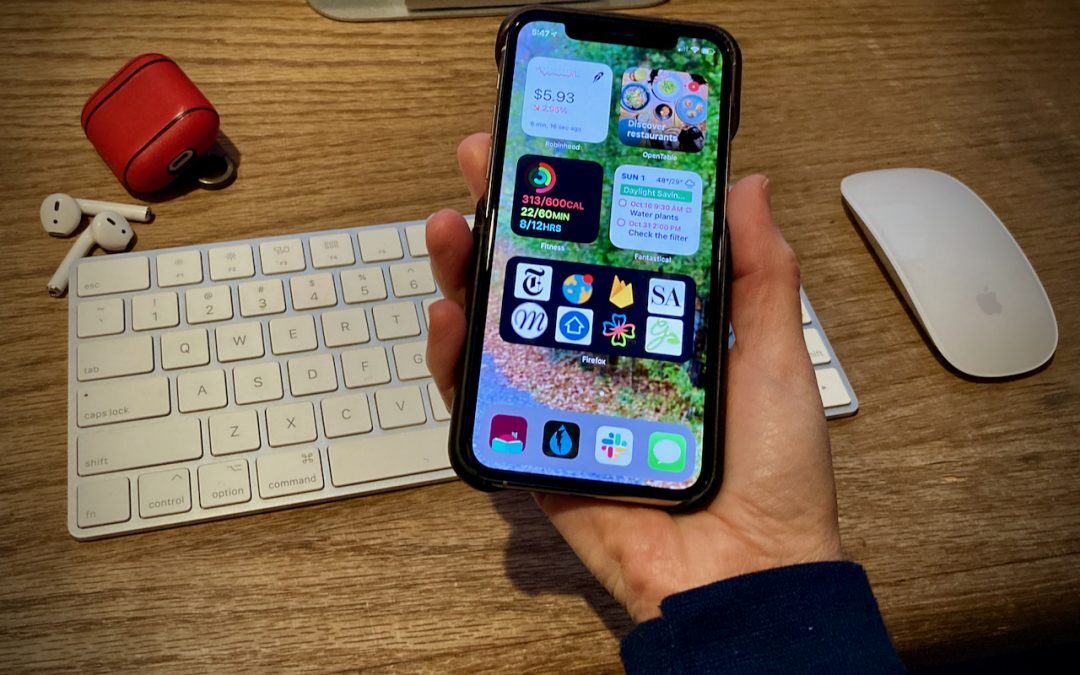
The highest-profile new feature of iOS 14 is the addition of Home screen widgets, which let you add highly customizable, information-rich tiles to your Home screens. Learn more here:

See our tips on using the Dock on an iPhone or iPad as a temporary holding place that makes rearranging apps easier.
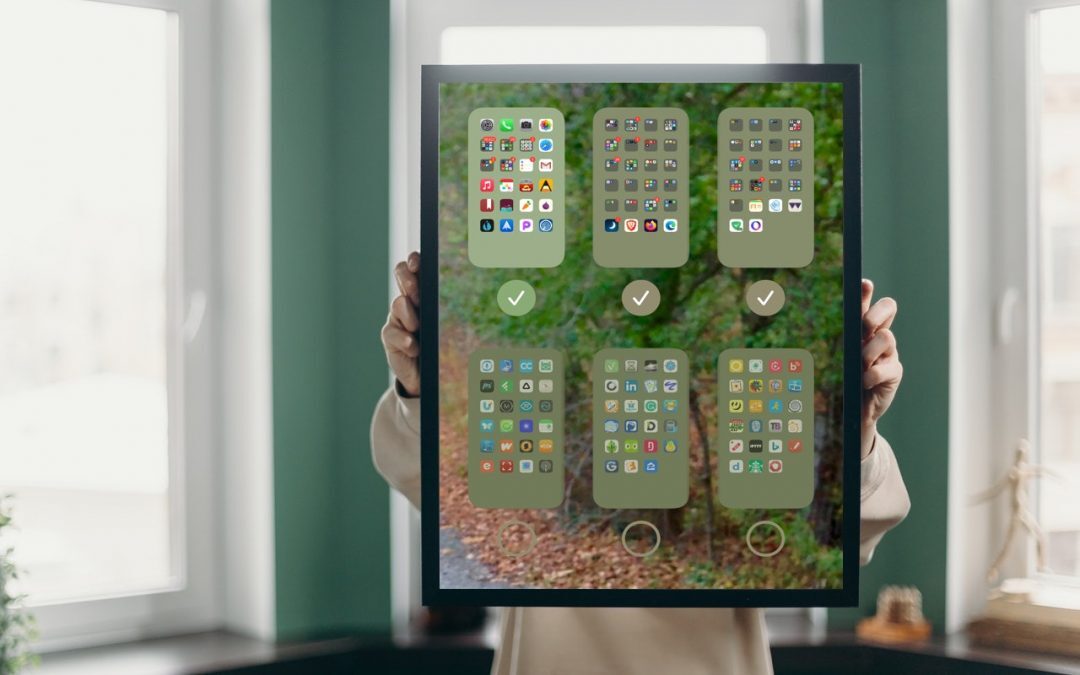
If you already have a lot of Home screens that contain a random assemblage of apps, it might be easier to hide those screens than to remove all the apps on them.

When you get a new Apple device, you must manually enable it to receive forwarded texts from your iPhone—the setting is off by default.

So many new operating systems—macOS 11 Big Sur, iOS 14, iPadOS 14, watchOS 7, and tvOS 14! We have a brief overview of the new features and calm advice on when you should upgrade each of your Apple devices to the latest and greatest.
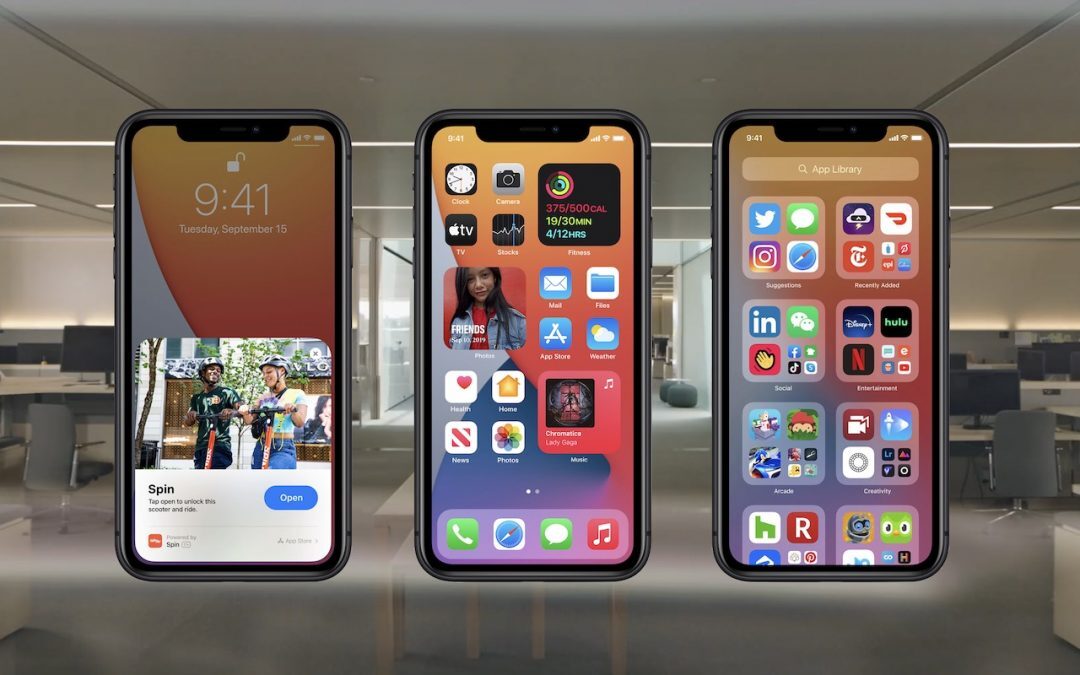
iOS 14 is out! We recommend waiting a bit before installing, but when you’re ready (or to whet your appetite), here are four of our favorite new features.

In iOS 13.6 and iPadOS 13.6, Apple has finally provided a setting you can disable to prevent iOS from downloading updates ahead of time.
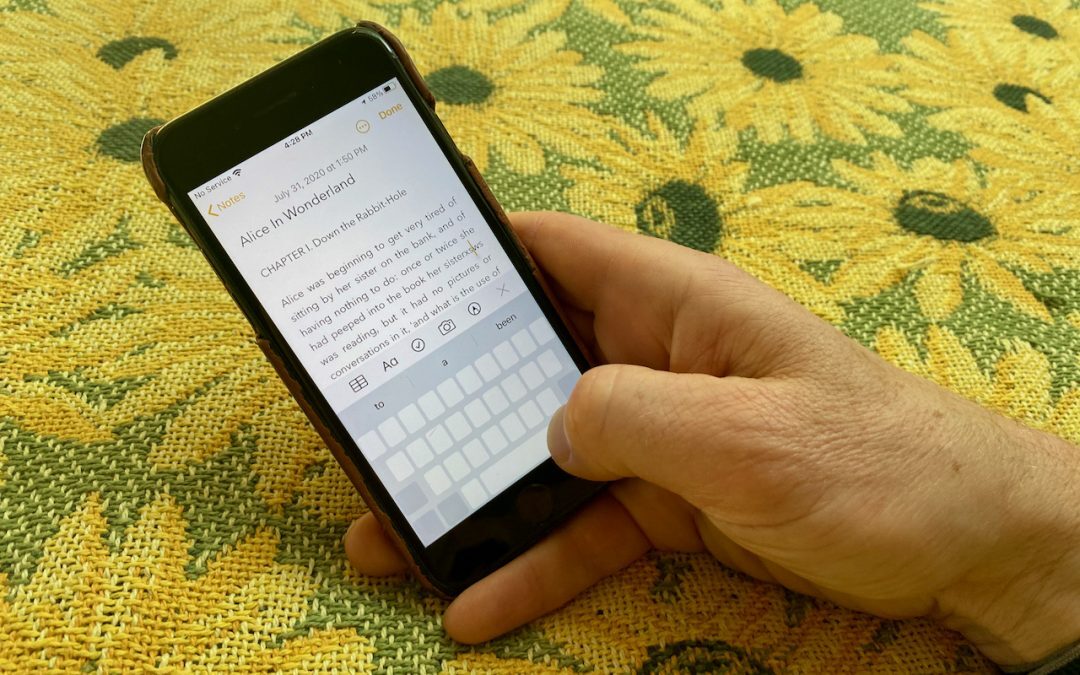
What happens if you touch and hold the Space bar in iOS 12 or later? Find out now.
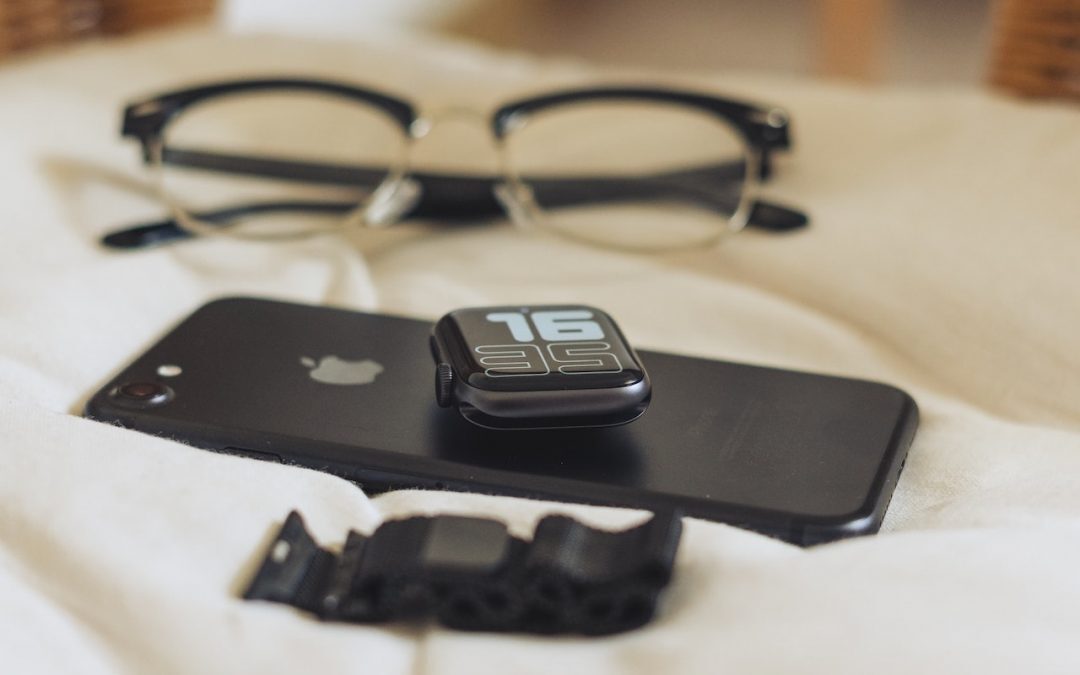
Having trouble reading the tiny, light text on your iPhone or, worse, your Apple Watch? Read on to learn four ways you can make them easier to read.
Super insightful and fresh perspective.
Well explained and easy to follow.
So glad I stumbled upon this.
Looking forward to your next post!
Truly a masterpiece of content.