
The Austin MacWorks Official Blog
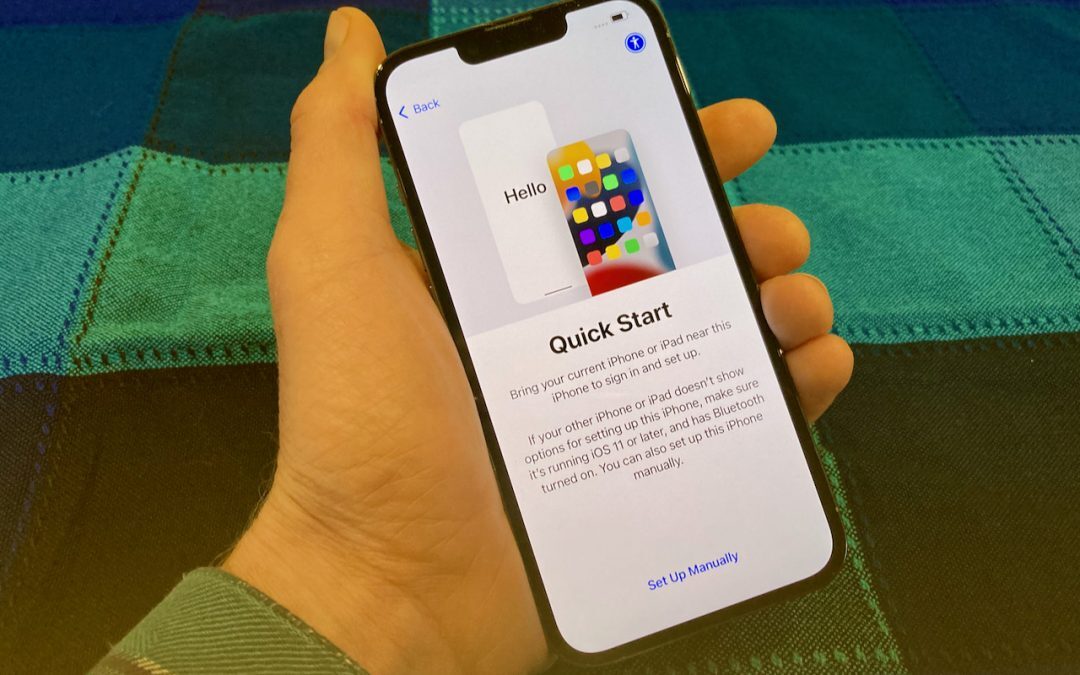
When Migrating to a New iPhone or iPad, Try Quick Start First
When transferring your data to the new device, you have three options: Quick Start, an iCloud backup, or a Mac backup. Our advice? Read on.

After Upgrading to iOS 15, Check Do Not Disturb in Focus Settings
In iOS15 and iPadOS 15, Apple expanded the concept of Do Not Disturb to what it calls Focus. Your settings may not transfer when you upgrade.

Messages Not Being Delivered to Blue-Bubble Friends? Check Cellular Data
Messages should fall back to SMS, which doesn’t require cellular data, but that doesn’t always happen. The fix? Keep reading:

When It Comes to Wi-Fi Networks, Sometimes It’s Better to Forget
Once your iPhone, iPad, or Mac has connected to a particular network, it may reconnect to it later, causing consternation when things don’t work. The solution? Whenever you realize a Wi-Fi network is worthless, forget it. Learn more now.
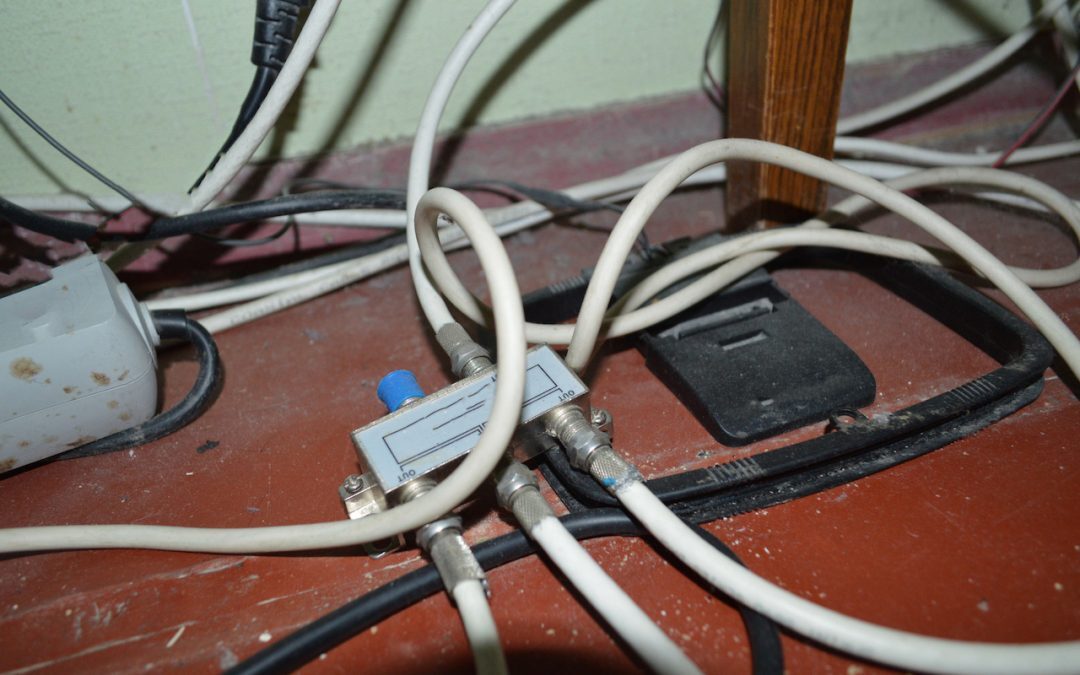
Solve Networking Puzzles with Powerline Networking and MoCA
Wi-Fi and Ethernet are sufficient for most networking needs, but if you can’t extend a network to a particular spot, consider powerline networking, which runs over electrical cables, or MoCA, which runs on cable TV coax. Details here:

When Should You Upgrade to macOS 12 Monterey, iOS 15, iPadOS 15, watchOS 8, and tvOS 15?
Apple is gearing up to release macOS 12 Monterey, iOS 15, iPadOS 15, watchOS 8, and tvOS 15. We take a brief look at the features worth upgrading for and suggest when to upgrade each of your Apple devices.
Super insightful and fresh perspective.
Well explained and easy to follow.
So glad I stumbled upon this.
Looking forward to your next post!
Truly a masterpiece of content.