
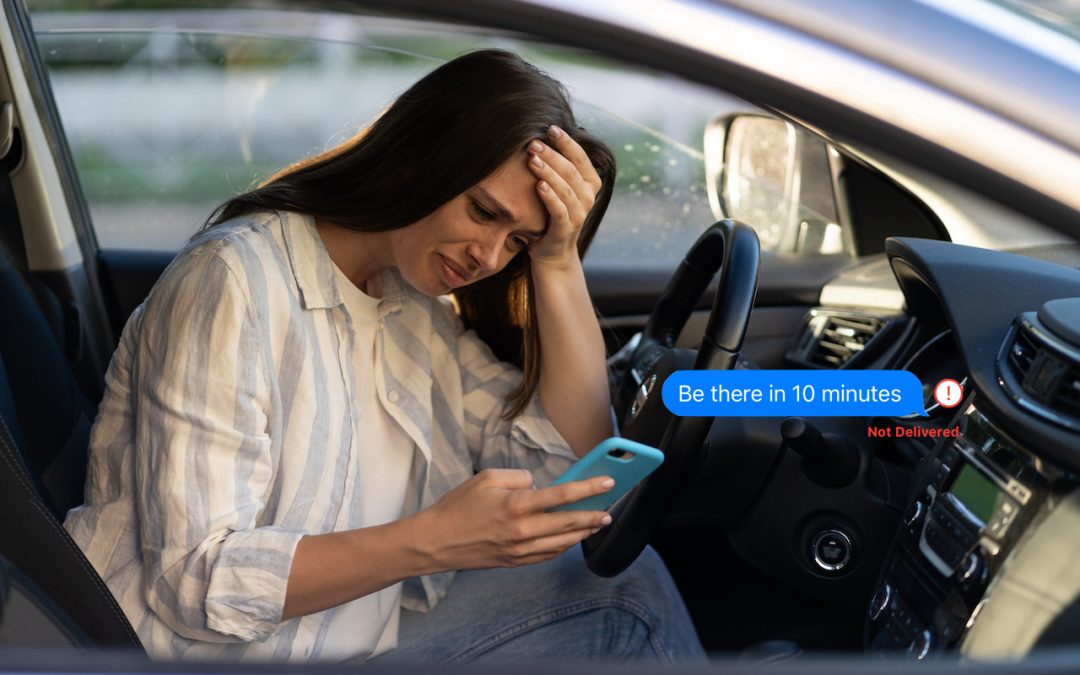
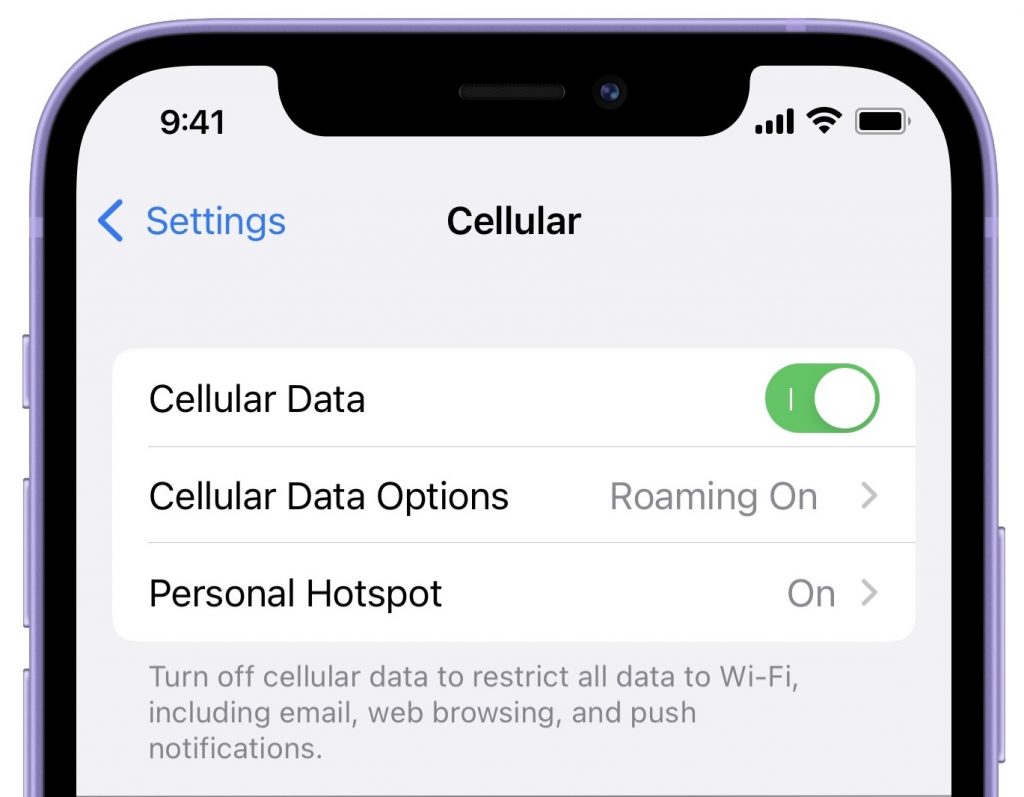
Here’s a tricky situation that threw one of our clients for a loop recently. Texts they sent in Messages via iMessage (indicated by blue bubbles) to their son, letting him know they were stopping by weren’t being delivered, making their visits a surprise. But other texts worked fine. The problem, it turned out, was that Cellular Data had somehow gotten turned off in Settings > Cellular. So messages worked fine as long as the iPhone was on Wi-Fi at home, but as soon as they were on the road using a cellular connection, the iPhone could no longer communicate with the Internet. In theory, Messages should fall back to SMS (indicated by green bubbles), which doesn’t require cellular data, but that doesn’t always happen. The fix? Just enable Settings > Cellular > Cellular Data again.
(Featured image based on an original by iStock.com/Dima Berlin)

A week might be too short if IT approval is still pending. I'd treat "keeping your old iPhone for a…
Awesome tech breakdown on "When Should You Upgrade to macOS 27 Golden Gate, iOS 27, iPadOS 27, watchOS 27, tvOS…
I’ve used Chrome’s built-in screenshot tool, but opening DevTools every time gets a bit tedious. I recommend FullPage Capture, it’s…
This is such an important reminder. I've been in meetings where an AI notetaker silently joined and recorded everything, and…
Awesome tech breakdown on "When Should You Upgrade to macOS 27 Golden Gate, iOS 27, iPadOS 27, watchOS 27, tvOS…