
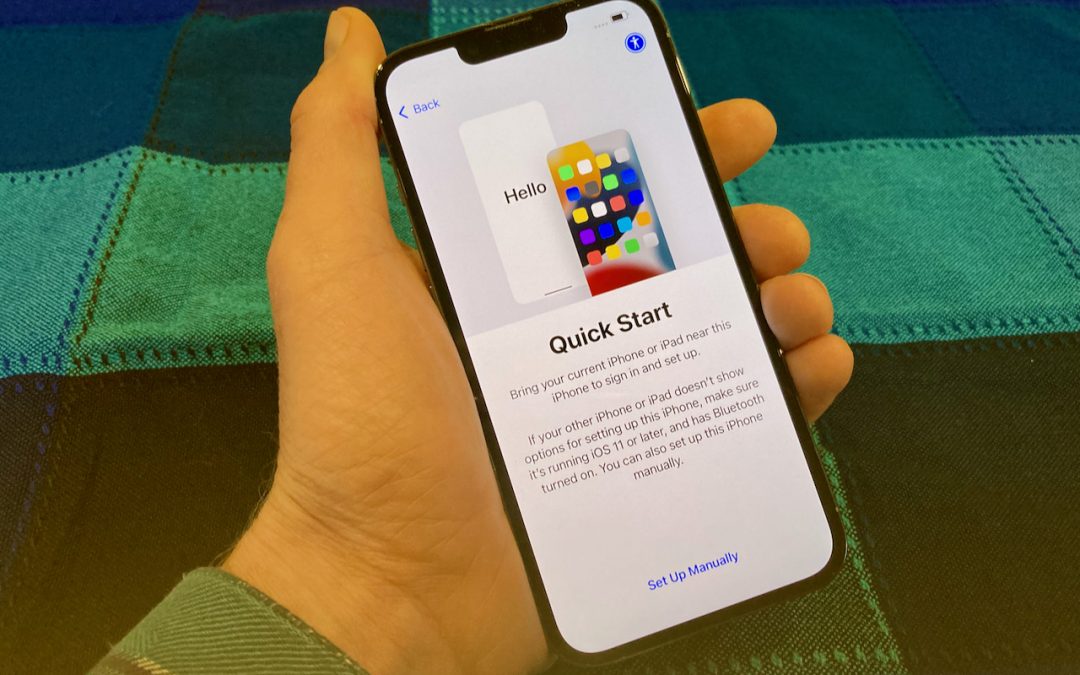
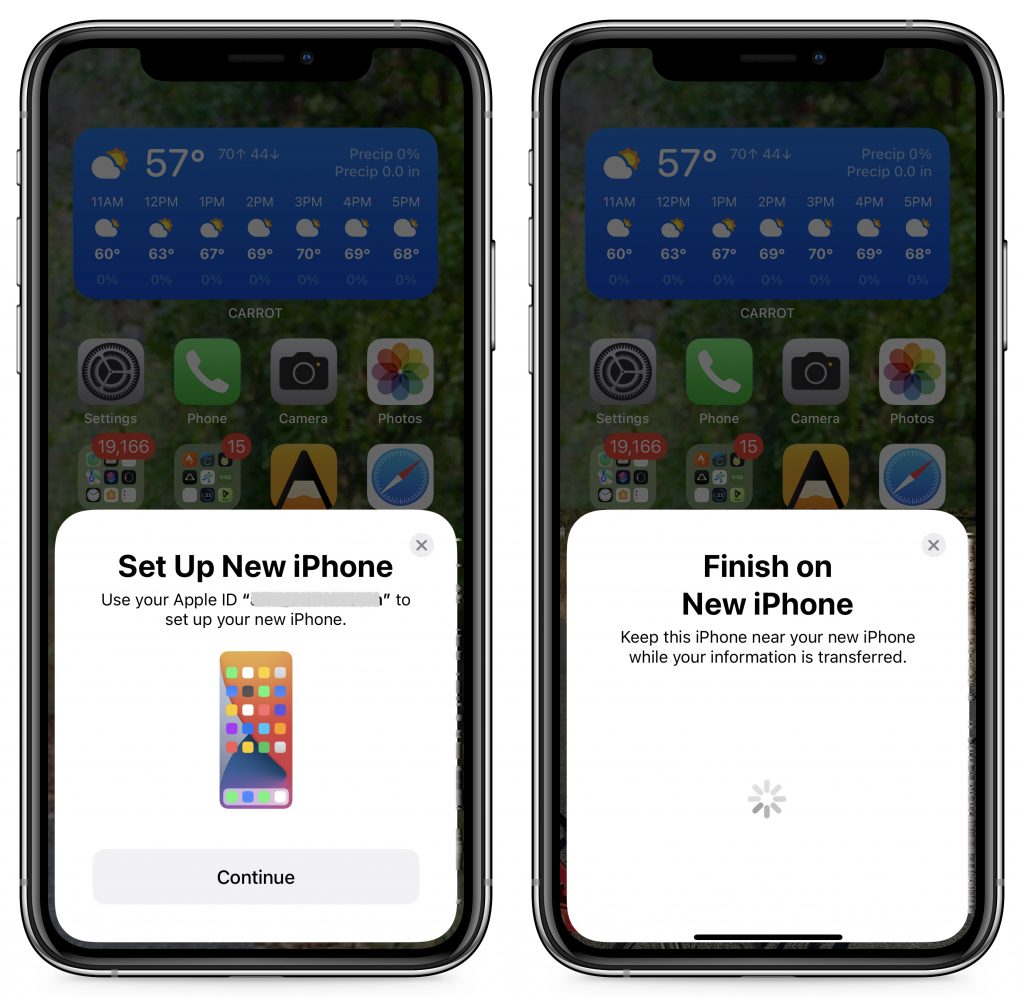
You have a new iPhone or iPad—congratulations! When transferring your data to the new device, you have three options: Quick Start, an iCloud backup, or a Mac backup. All will work, but they don’t quite provide the same end result (particularly if you didn’t encrypt your Mac backup). Our advice—backed by this post from Apple expert John Gruber—is to try Quick Start first because it transfers everything directly from your old device to your new one, maintaining app logins in most cases and allowing you to transfer your Apple Watch pairing. It may seem like it’s taking a long time before you can use the device, but it’s worth it to avoid logging in to numerous apps and unpairing and repairing your Apple Watch.
(Featured image by Adam Engst)

Useful walkthrough. The concrete examples made the workflow much easier to follow.
Saved my day
The note that Rosetta isn’t automatically restored after the macOS 27 Golden Gate upgrade is the part that would catch…
Useful note that Live Text needs an A12 Bionic or later on iPhone and iPad but works on any Mac…
Just found text to game by Tuvimo and it actually works for quick browser fun. Makes me want to revisit…