
The Austin MacWorks Official Blog

Photos Library Showing Blank Thumbnails or Having Other Issues? Try This Trick to Repair It
If you find that your Photos library is showing blank thumbnails or otherwise acting oddly, see if the Photos Repair Library tool can fix it.

Read This Article Before Transferring Your Data to a New iPhone
It’s exciting to get a new iPhone, but take a few minutes to read our advice on what you need to do before—and after—transferring your data from your old iPhone.

How to Restore Missing SMS Two-Factor Authentication Codes
Locked out of your accounts because you never got the SMS code? Find out how to fix it.

Go Beyond Get Info with the Finder’s Inspector Window
You probably know about the Get Info window. But do you know about the Inspector window for multiple files? Learn more now.
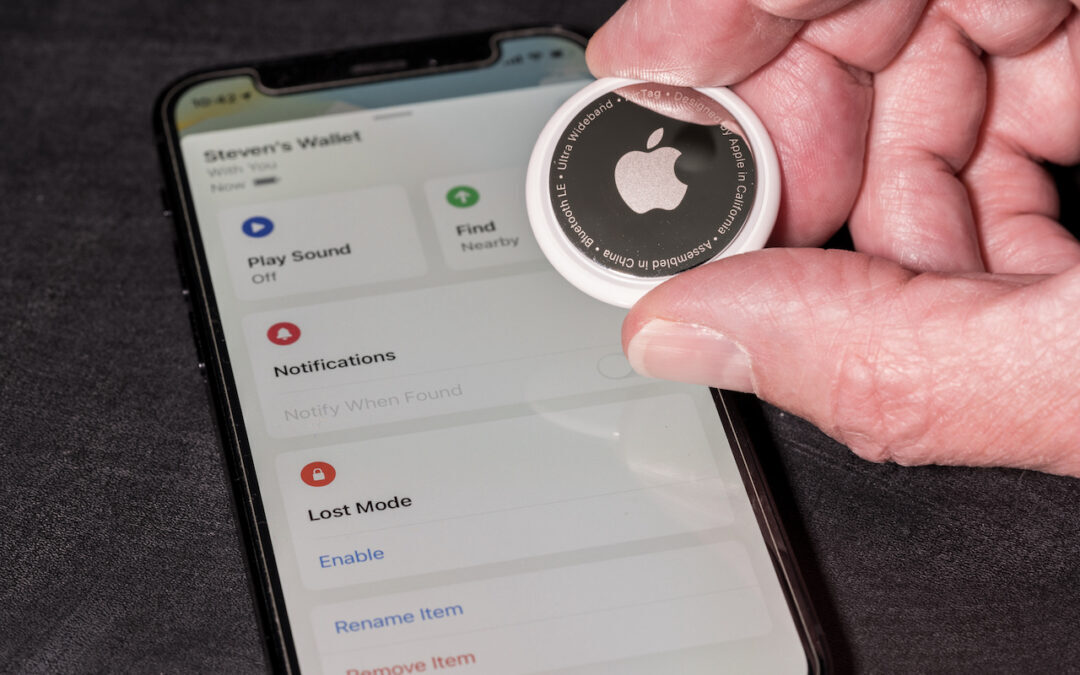
What Should I Do If I Get an “AirTag Found Moving With You” Message?
If you get an alert that an AirTag is moving with you, and it’s not yours, take steps to determine the source of the AirTag.

Follow These Steps before Bringing Your Mac in for Repair
It’s no fun to have to get your Mac repaired, but if that’s necessary, read our advice about steps to take beforehand to ensure the safety and security of your data.
A week might be too short if IT approval is still pending. I'd treat "keeping your old iPhone for a…
Awesome tech breakdown on "When Should You Upgrade to macOS 27 Golden Gate, iOS 27, iPadOS 27, watchOS 27, tvOS…
I’ve used Chrome’s built-in screenshot tool, but opening DevTools every time gets a bit tedious. I recommend FullPage Capture, it’s…
This is such an important reminder. I've been in meetings where an AI notetaker silently joined and recorded everything, and…
Awesome tech breakdown on "When Should You Upgrade to macOS 27 Golden Gate, iOS 27, iPadOS 27, watchOS 27, tvOS…