
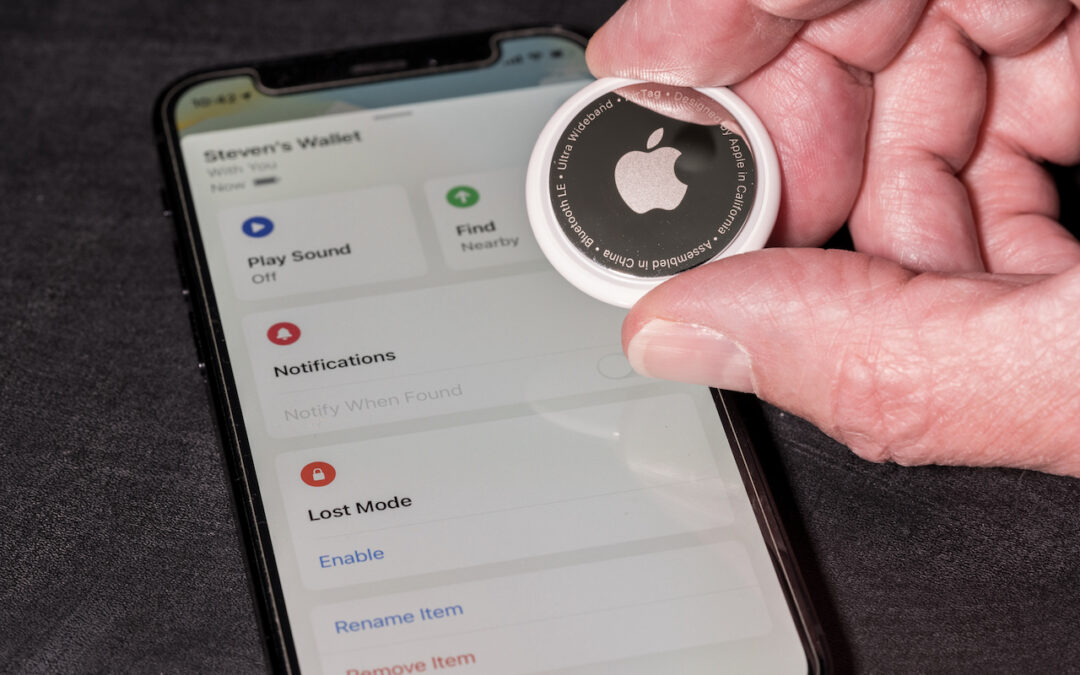
If you get an alert that an AirTag is moving with you, and it’s not yours, take steps to determine the source of the AirTag. While we’ve all heard stories of sinister usage of these devices—predators tracking potential victims—It could also completely harmless. Perhaps you’re borrowing something with an Apple AirTag location tracker attached to it, or someone left something with an attached AirTag in your car.
Take these steps to understand more about the AirTag near you:
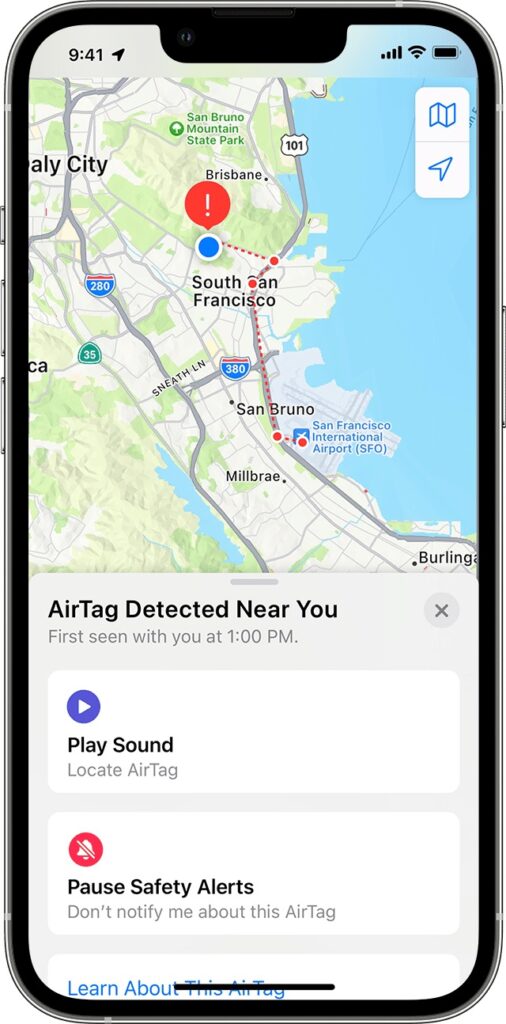
- Tap the alert to open the Find My app, which displays a map showing where the AirTag has been with you, which might shed some light on where it started traveling with you.
- In the Find My app, tap Play Sound to try to locate the AirTag by its audible alert.
- If you find the AirTag, hold it near your iPhone until a notification appears, and tap that for more information, including the last four digits of the owner’s phone number (search for it in the Contacts app to see if it’s anyone you know).
We’re being intentionally brief here—for significantly more detail, including advice on contacting local law enforcement—read Apple’s support article.
(Featured image by iStock.com/BackyardProduction)

A week might be too short if IT approval is still pending. I'd treat "keeping your old iPhone for a…
Awesome tech breakdown on "When Should You Upgrade to macOS 27 Golden Gate, iOS 27, iPadOS 27, watchOS 27, tvOS…
I’ve used Chrome’s built-in screenshot tool, but opening DevTools every time gets a bit tedious. I recommend FullPage Capture, it’s…
This is such an important reminder. I've been in meetings where an AI notetaker silently joined and recorded everything, and…
Awesome tech breakdown on "When Should You Upgrade to macOS 27 Golden Gate, iOS 27, iPadOS 27, watchOS 27, tvOS…