
The Austin MacWorks Official Blog

Is Your Mac Running Low on Disk Space? Here’s How to Delete Unnecessary Files
Is your Mac low on drive space? Learn how to use Apple’s built-in storage management capabilities—perhaps supplemented with a third-party utility—to find and delete gigabytes of unnecessary files.
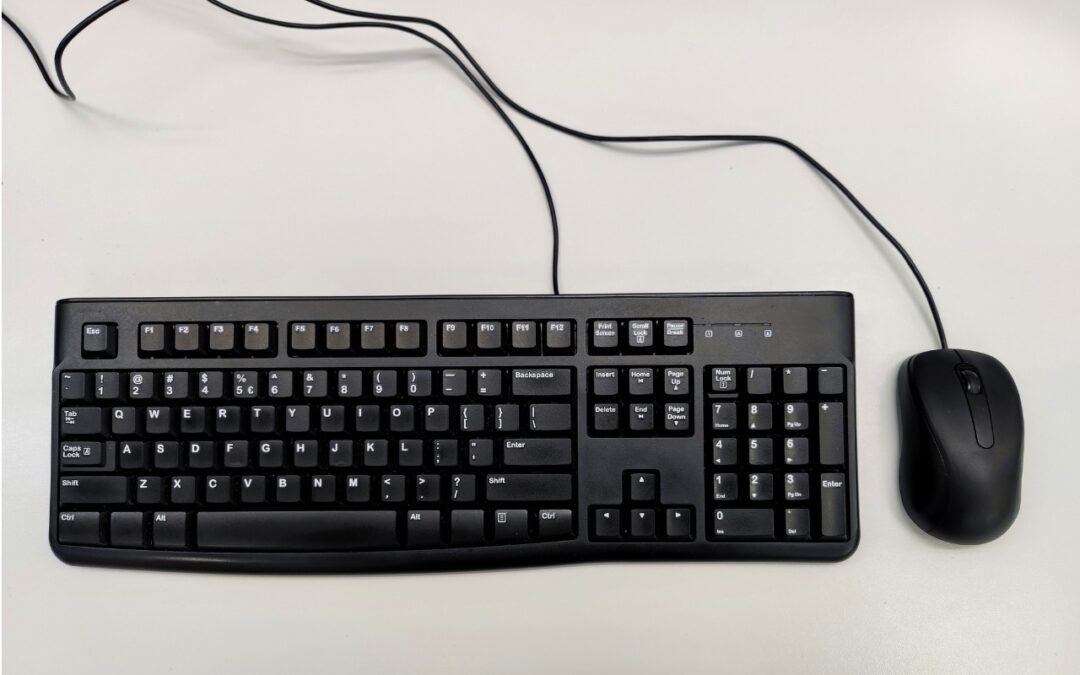
Keep a USB Keyboard and Mouse for Troubleshooting
The minimalist approach with a wireless keyboard and mouse is good most of the time, but if things go wrong, it can be handy to have a wired USB keyboard and mouse available for troubleshooting.

Networking Gear Does Wear Out—Suspect It in Internet Slowdowns and Dropouts
If you’re suffering from Internet slowdowns and dropouts, remember that networking gear and cables can get flaky with age, so it’s worth checking your modems, routers, and switches when troubleshooting.

Forget Your Just-Changed Passcode? iOS 17’s Passcode Reset Has Your Back
If you change your passcode and can’t remember it (or it was changed for you by a prankster), iOS 17 lets you use your old passcode for 72 hours. It’s a helpful backstop for the results of a memory lapse or mischievous child.

Tired of Nonstop Cookie Popups? Dismiss Them Automatically with These Extensions
If you’re as annoyed as we are by constant cookie consent popups on seemingly every website these days, check out our recommendations for browser extensions that can banish them for good.

Faster Copying of Two-Factor Authentication Codes from Messages
Need to enter SMS-initiated two-factor authentication codes manually in Web browsers other than Safari? Try this hidden trick for quickly copying and pasting them instead of retyping all those numbers.
Super insightful and fresh perspective.
Well explained and easy to follow.
So glad I stumbled upon this.
Looking forward to your next post!
Truly a masterpiece of content.