
The Austin MacWorks Official Blog

Use Quick Look to Preview Files and Folders in the Finder, Spotlight, and Open Dialogs
With a press of your Mac’s Space bar, you can use Quick Look to preview the contents of nearly any selected file, saving you time looking for the right file, comparing files, evaluating photos, and more. Try it in apps other than the Finder, too!
Control Window Tiling in macOS 15 Sequoia
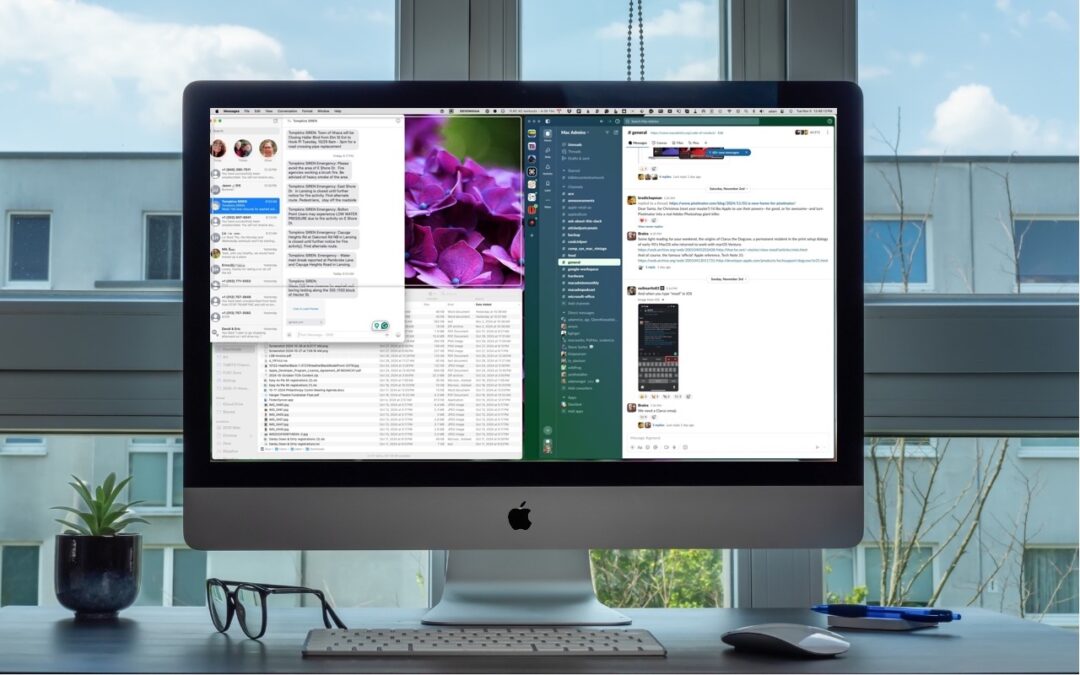
Those who are disconcerted by dragged windows suddenly resizing accidentally in macOS 15 Sequoia, take note: you can tweak settings to make Sequoia’s new window tiling feature activate only when you want.

Safari 18 Adds Highlights, Distraction Control, Redesigned Reader, and Video Viewer
Safari 18 debuts some notable new features, including Highlights, Distraction Control, a redesigned Reader, and—on the Mac—a new Video Viewer that supports Picture in Picture.

A Few of Our Favorite Things: Tech Edition
If you’re looking for a geeky gift for the Apple user on your holiday list or need to bolster your tech toolkit with new or updated gear, read our recommendations for a wide variety of peripherals.

Watch Out for PayPal Invoice Phishing Scams
Beware of PayPal invoice scams that might even appear to come from Apple. Should you receive one, report it to PayPal to help protect other people, but don’t mark the message as spam.

Use Guided Access for Securely Allowing Others to Use an App on Your iPhone or iPad
If you’d like to allow a child, friend, or colleague to enjoy a specific app on your iPhone or iPad while keeping them focused and preventing access to everything else on the device, check out Apple’s Guided Access feature.
A week might be too short if IT approval is still pending. I'd treat "keeping your old iPhone for a…
Awesome tech breakdown on "When Should You Upgrade to macOS 27 Golden Gate, iOS 27, iPadOS 27, watchOS 27, tvOS…
I’ve used Chrome’s built-in screenshot tool, but opening DevTools every time gets a bit tedious. I recommend FullPage Capture, it’s…
This is such an important reminder. I've been in meetings where an AI notetaker silently joined and recorded everything, and…
Awesome tech breakdown on "When Should You Upgrade to macOS 27 Golden Gate, iOS 27, iPadOS 27, watchOS 27, tvOS…