
The Austin MacWorks Official Blog

How to Look Up a Saved Wi-Fi Network Password
Apple makes it easy to share Wi-Fi passwords without requiring anyone to type them. We explain how you can do this nearly automatically, with a QR code, or by looking up the password and copying it so you can paste it into an email message or text.

Keep Your IT Budget Working During a Slowdown
Freezing IT spending during a slowdown often leads to higher costs later. Here’s practical, real-world advice on reducing costs while protecting the services that keep your business running.

New Apple Creator Studio Bundles Pro Apps
Apple’s new Creator Studio bundle includes Final Cut Pro, Logic Pro, Pixelmator Pro, and more—plus premium content and AI features in the iWork apps—for $12.99/month or $129/year. Don’t worry—Keynote, Pages, and Numbers stay free for existing features.

Be Very Careful with AI Agents!
AI agents like OpenClaw promise to automate tedious tasks, but recent security vulnerabilities highlight the dangers of using them.
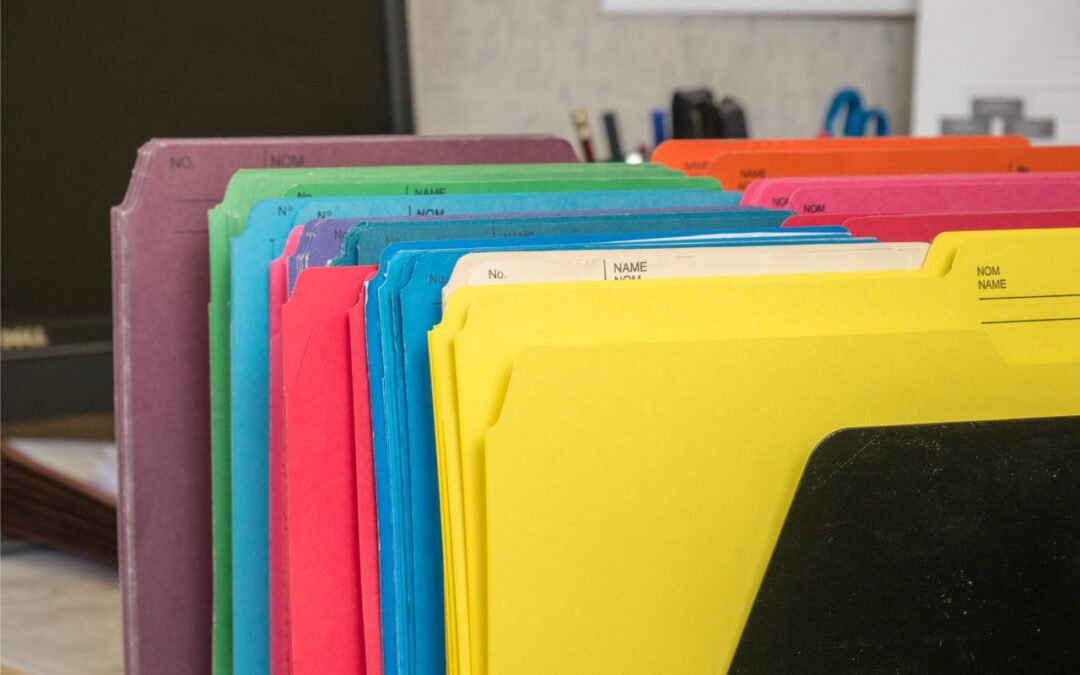
Customize Folder Colors and Icons in macOS 26 Tahoe
Tired of identical blue folders? macOS 26 Tahoe lets you add colors and icons—including emoji—to folders with a few clicks. Here’s how to make your Finder easier to navigate.

Why Your Windows Reopen (Or Don’t) As You Expect
Frustrated when your Mac apps don’t remember their windows—or when they stubbornly reopen old documents? Two little-discussed settings control this behavior. Here’s how Apple’s Resume technology really works.
Super insightful and fresh perspective.
Well explained and easy to follow.
So glad I stumbled upon this.
Looking forward to your next post!
Truly a masterpiece of content.