
The Austin MacWorks Official Blog

Clean Up Your Mac’s Login Items for Better Performance
Speed up your Mac’s startup, reduce conflicts, and improve security by cleaning out old login items. It takes just a minute in System Settings.

Five Ways to Protect Against Forgetting Your Apple Account Password
Don’t let anyone you know get locked out of their Apple Account if they forget the password. Learn how to set up different recovery methods—then help your family and friends protect their accounts too.

Reminders (Finally) Adds Time Zone Support
Traveling across time zones? Reminders in iOS 26, iPadOS 26, and macOS 26 finally lets you set a time zone per reminder so alerts fire at the right local “wall clock” time.

Automate Your Mac with Folder Action Scripts
Automate Mac file chores like moving, renaming, or tagging files with folder action scripts that run whenever files change. You can even get an AI chatbot to write the script for you.
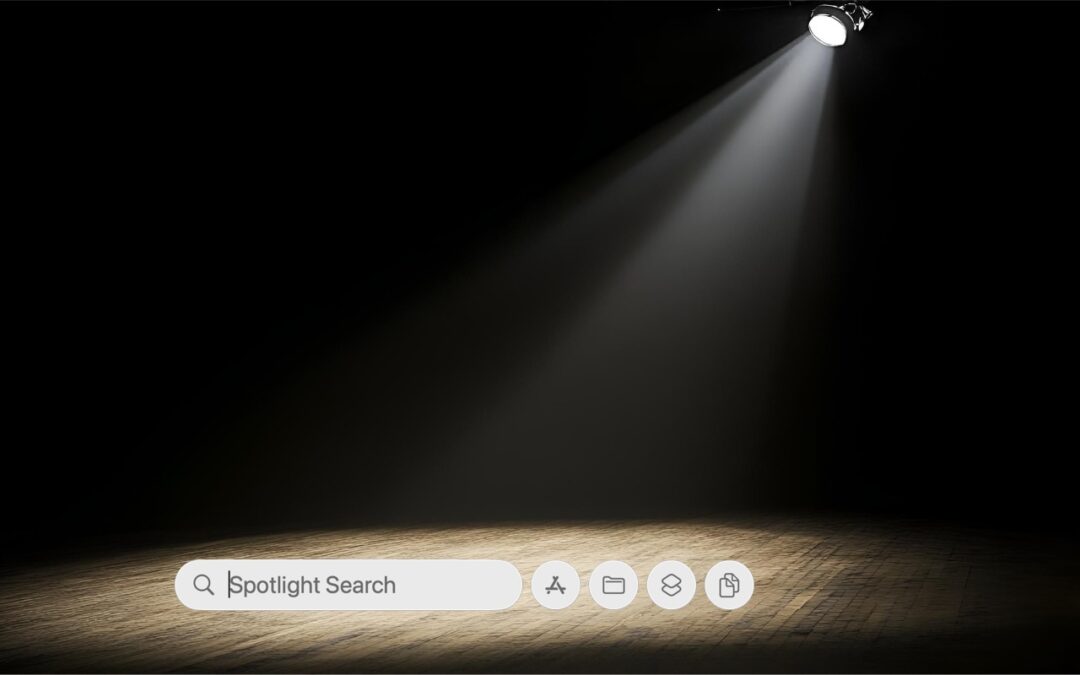
Spotlight Gets Brighter in macOS 26 Tahoe
Spotlight in macOS 26 Tahoe received a major upgrade, and you can now filter results, run app actions, search sites directly, and browse clipboard history—all starting from a quick press of Command‑Space.

Backups: Trust but Verify
Don’t just trust your backups—verify them. Each quarter, restore a few files from Time Machine, your clone, or your cloud backup, and make sure they open correctly. Silent failures happen; test restores prevent nasty surprises.
A week might be too short if IT approval is still pending. I'd treat "keeping your old iPhone for a…
Awesome tech breakdown on "When Should You Upgrade to macOS 27 Golden Gate, iOS 27, iPadOS 27, watchOS 27, tvOS…
I’ve used Chrome’s built-in screenshot tool, but opening DevTools every time gets a bit tedious. I recommend FullPage Capture, it’s…
This is such an important reminder. I've been in meetings where an AI notetaker silently joined and recorded everything, and…
Awesome tech breakdown on "When Should You Upgrade to macOS 27 Golden Gate, iOS 27, iPadOS 27, watchOS 27, tvOS…