
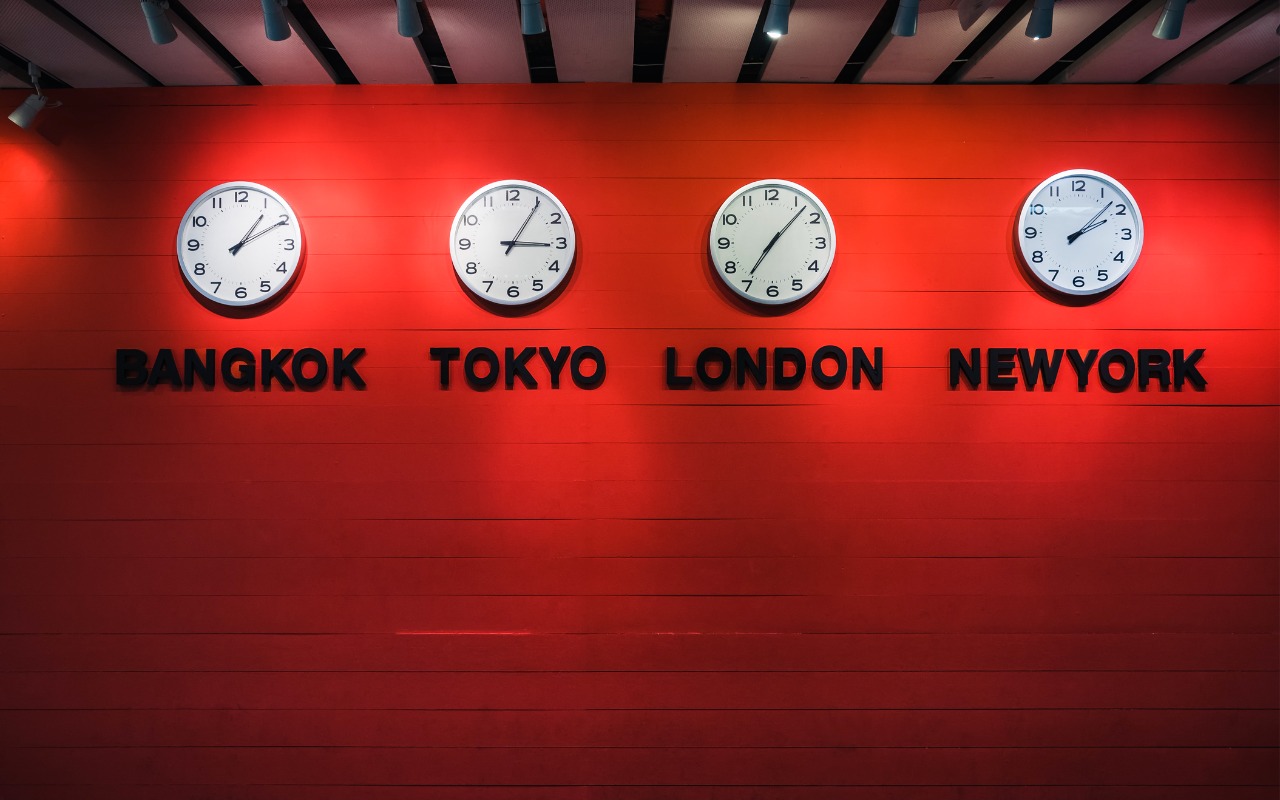
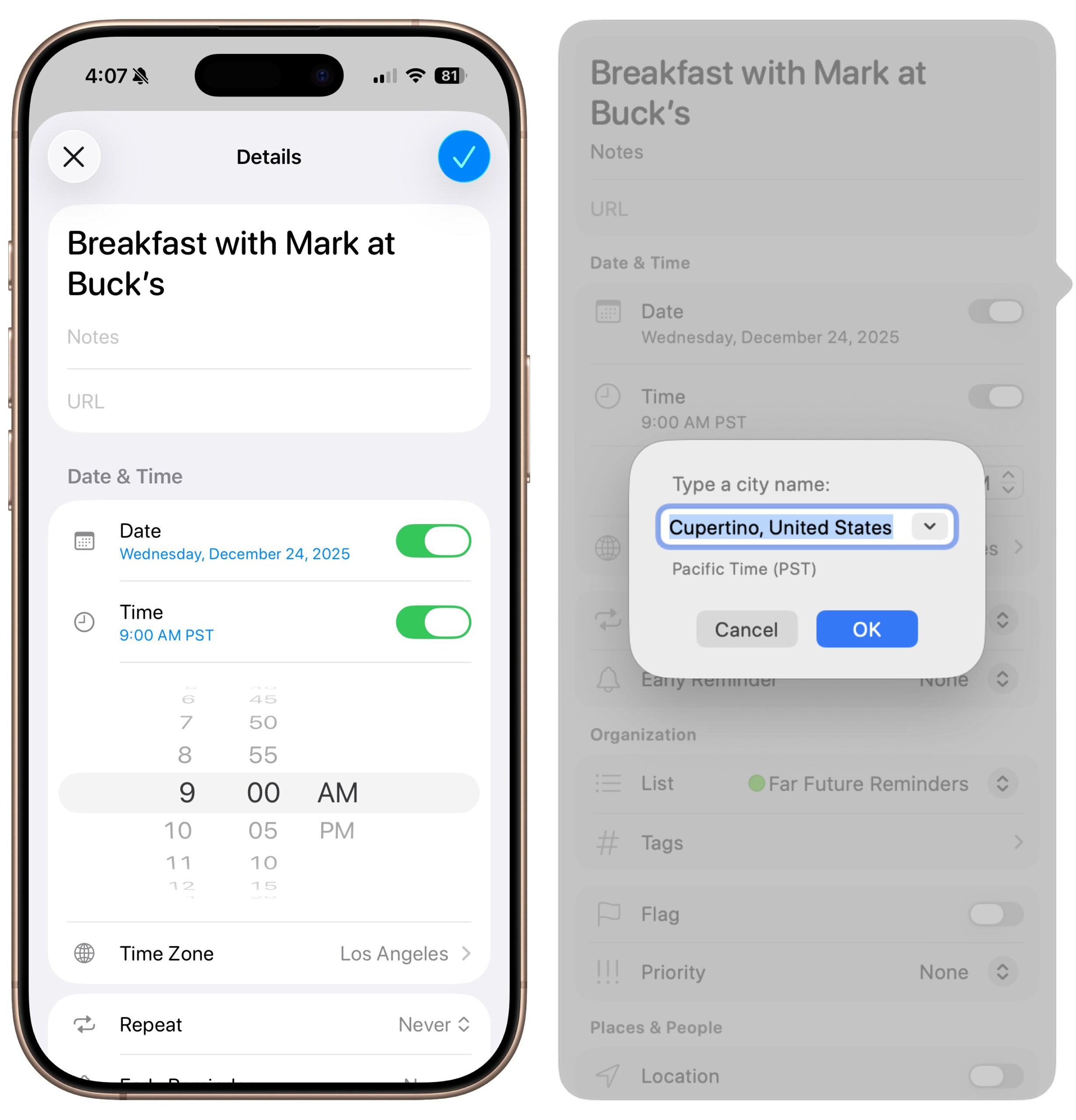
Apple’s latest operating systems have eliminated a longstanding annoyance for frequent travelers: the lack of time zone support in Reminders. If you had set a reminder to alert you at 9 AM Eastern and then traveled from Virginia to California, your alert would go off at 6 AM, which is likely unhelpful and potentially sleep‑disrupting. In iOS 26, iPadOS 26, and macOS 26 Tahoe, you can tap or click the time in a reminder and set the appropriate time zone so the alert fires at the intended local “wall clock” time. For example, set a reminder for “9 AM Pacific” when you’ll be in California so it alerts at 9 AM local time there. There’s an option to turn on manual time zone support in Settings > Apps > Reminders > Time Zone (iOS and iPadOS) and Reminders > Settings (macOS), but it wasn’t necessary in our testing.
(Featured image by iStock.com/VTT Studio)

A week might be too short if IT approval is still pending. I'd treat "keeping your old iPhone for a…
Awesome tech breakdown on "When Should You Upgrade to macOS 27 Golden Gate, iOS 27, iPadOS 27, watchOS 27, tvOS…
I’ve used Chrome’s built-in screenshot tool, but opening DevTools every time gets a bit tedious. I recommend FullPage Capture, it’s…
This is such an important reminder. I've been in meetings where an AI notetaker silently joined and recorded everything, and…
Awesome tech breakdown on "When Should You Upgrade to macOS 27 Golden Gate, iOS 27, iPadOS 27, watchOS 27, tvOS…