

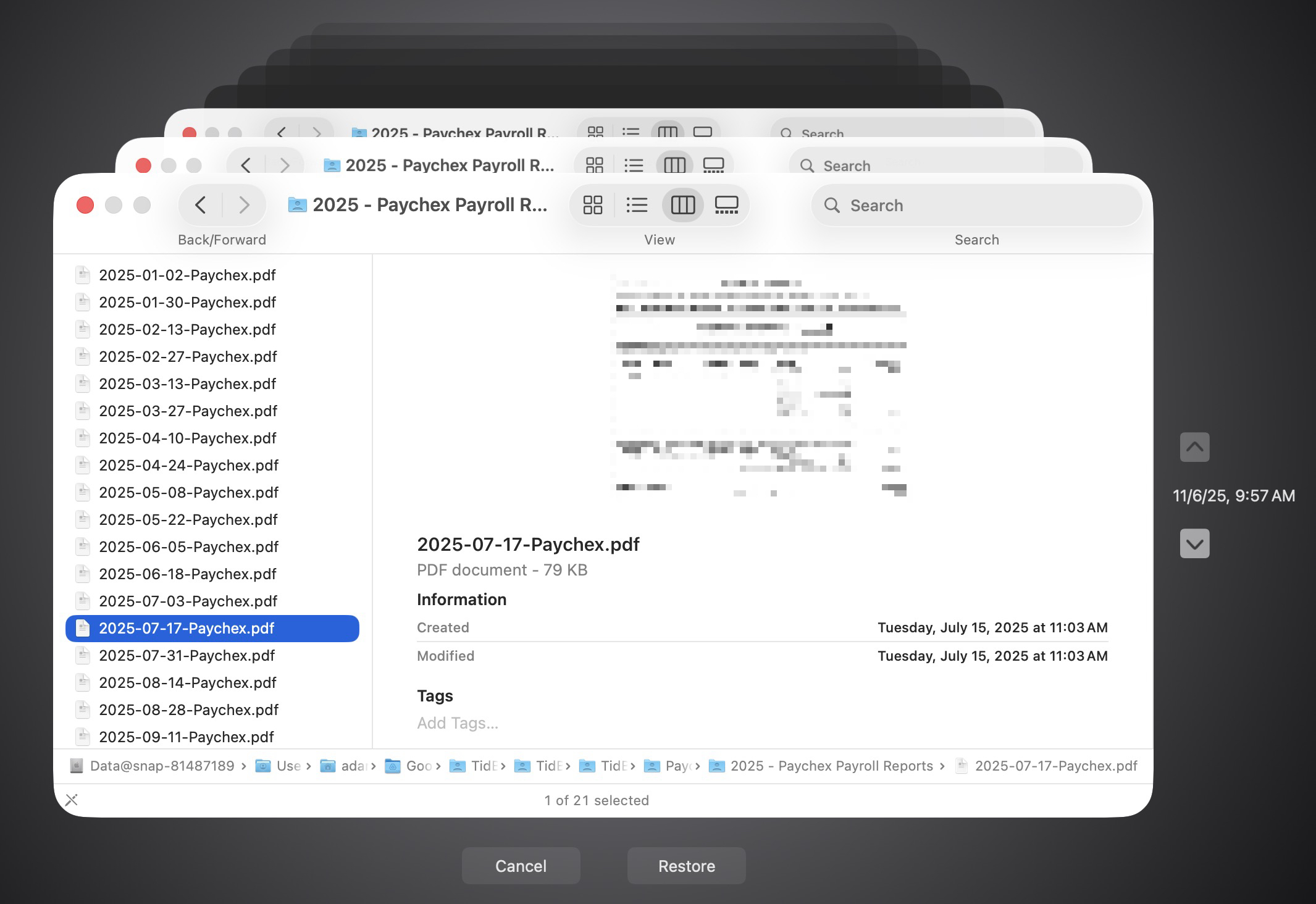
It’s easy to assume your backup app—whether it’s Time Machine, Carbon Copy Cloner, Backblaze, Retrospect, or something else—is quietly doing its job. But it’s possible for a bug to corrupt backups or for a destination disk to fail silently, such that you can’t restore backed-up data. We’ve seen this happen with our Austin clients! For peace of mind, set a quarterly reminder to verify your backups and ensure that you remember the password. Test by restoring a few files and opening them: for Time Machine, enter Time Machine and restore a few important files; for a clone, mount it and open files; for a cloud backup, perform a small restore. Backup failures aren’t common, but since backups are your lifeline after a catastrophe, it’s absolutely worth confirming they work.
(Featured image by iStock.com/Andreus)

A week might be too short if IT approval is still pending. I'd treat "keeping your old iPhone for a…
Awesome tech breakdown on "When Should You Upgrade to macOS 27 Golden Gate, iOS 27, iPadOS 27, watchOS 27, tvOS…
I’ve used Chrome’s built-in screenshot tool, but opening DevTools every time gets a bit tedious. I recommend FullPage Capture, it’s…
This is such an important reminder. I've been in meetings where an AI notetaker silently joined and recorded everything, and…
Awesome tech breakdown on "When Should You Upgrade to macOS 27 Golden Gate, iOS 27, iPadOS 27, watchOS 27, tvOS…