
The Austin MacWorks Official Blog

Let Your Fingers Do the Walking: 13 Essential Trackpad Tricks for Mac Users
A trackpad is not a mouse. In some ways, that’s obvious—you swipe your fingers on it, rather than dragging it around. Less obvious, however, are the many gestures that make using a trackpad on your Mac faster and more fun. These gestures aren’t limited to...

Apple Is Discontinuing Its Photo Printing Services—Here Are 7 Alternatives
As of September 30, you won’t be able to order prints, cards, calendars, or books from Apple in Photos. But several extensions do most of what Apple did, and others go well beyond!
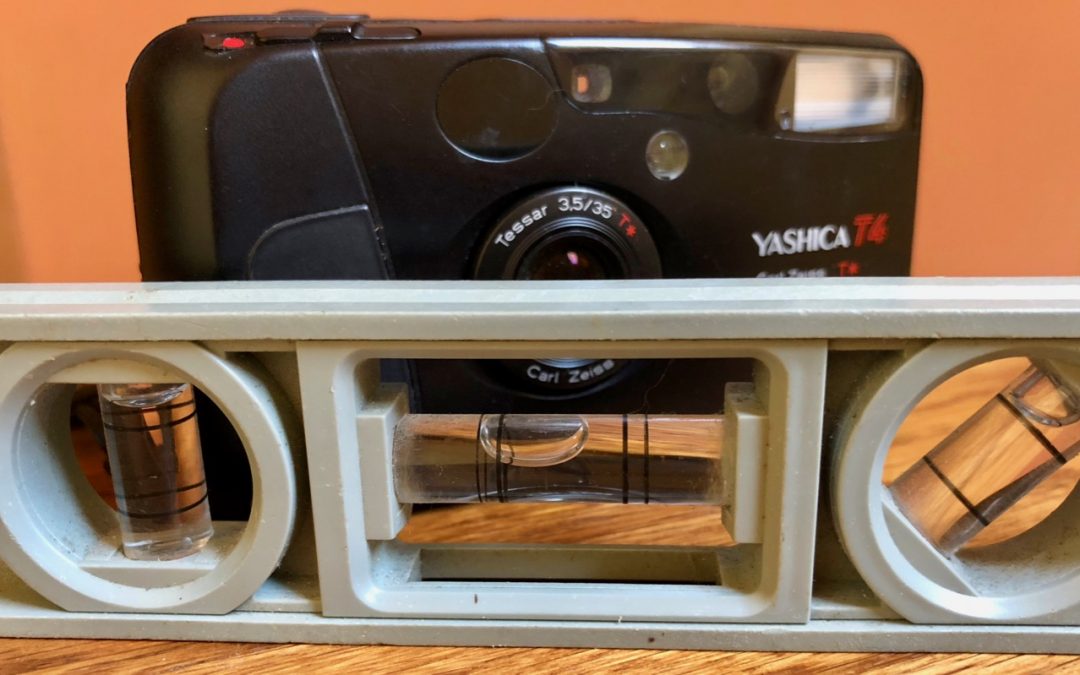
Tired of Skewed Lines in Your Photos? Use the Camera App’s Hidden Level.
Learn how to keep the perspective straight in your photos using a secret feature in iPhone camera.

Did You Know You Can Customize the Columns in a Finder Window’s List View?
In this quick article from Austin MacWorks, learn how to resize columns, rearrange them, and even add and remove columns.

Remember That You Can Search for Nearly Anything in Your Photos Library
Apple’s Photos app on the Mac can identify thousands of different objects in your photos, so it’s easy to find photos based on their content. You can find objects (cars and trains), scenery (beaches and forests), and even some events (weddings and parades). This is...

Have Your Online Passwords Been Stolen? Here’s How to Find Out.
Take some time to check for and update compromised, vulnerable, and weak passwords. Start with more important sites, and, as time permits, move on to accounts that don’t contain confidential information.
Super insightful and fresh perspective.
Well explained and easy to follow.
So glad I stumbled upon this.
Looking forward to your next post!
Truly a masterpiece of content.