Create a Far Future Reminders list, and move reminders to it that aren’t relevant within the next month or so. Just make sure everything in Far Future Reminders is set to alert you on the appropriate day.


Create a Far Future Reminders list, and move reminders to it that aren’t relevant within the next month or so. Just make sure everything in Far Future Reminders is set to alert you on the appropriate day.

Now at Austin MacWorks, check out our quick trick for easily accessing any of the Mac OS System Preferences panes directly.
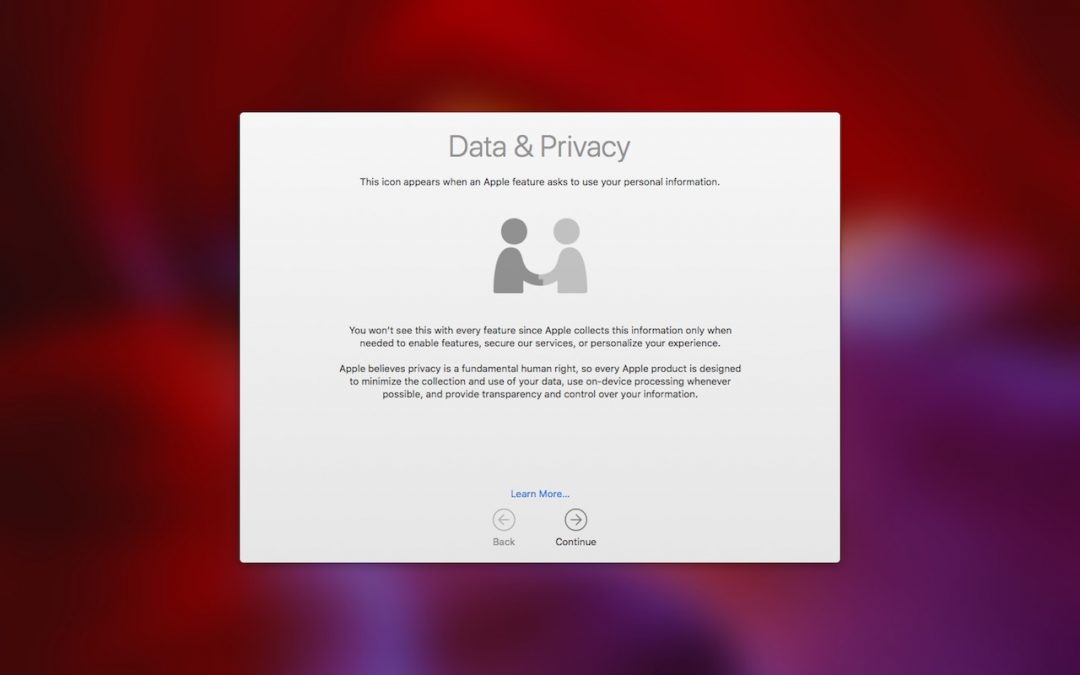
Many of the big Internet companies make their money by assembling a dossier of information about you and then selling advertisers targeted access to you. Luckily, that’s not true of Apple—here are a few of the ways Apple protects your privacy.

Did you know that Find My iPhone can help you find nearly all of your Apple devices, along with all those owned by people in your Family Sharing group? Make sure to enable it on all your Macs and iOS devices—read on for instructions and usage details.

A trackpad is not a mouse. In some ways, that’s obvious—you swipe your fingers on it, rather than dragging it around. Less obvious, however, are the many gestures that make using a trackpad on your Mac faster and more fun. These gestures aren’t limited to...

As of September 30, you won’t be able to order prints, cards, calendars, or books from Apple in Photos. But several extensions do most of what Apple did, and others go well beyond!
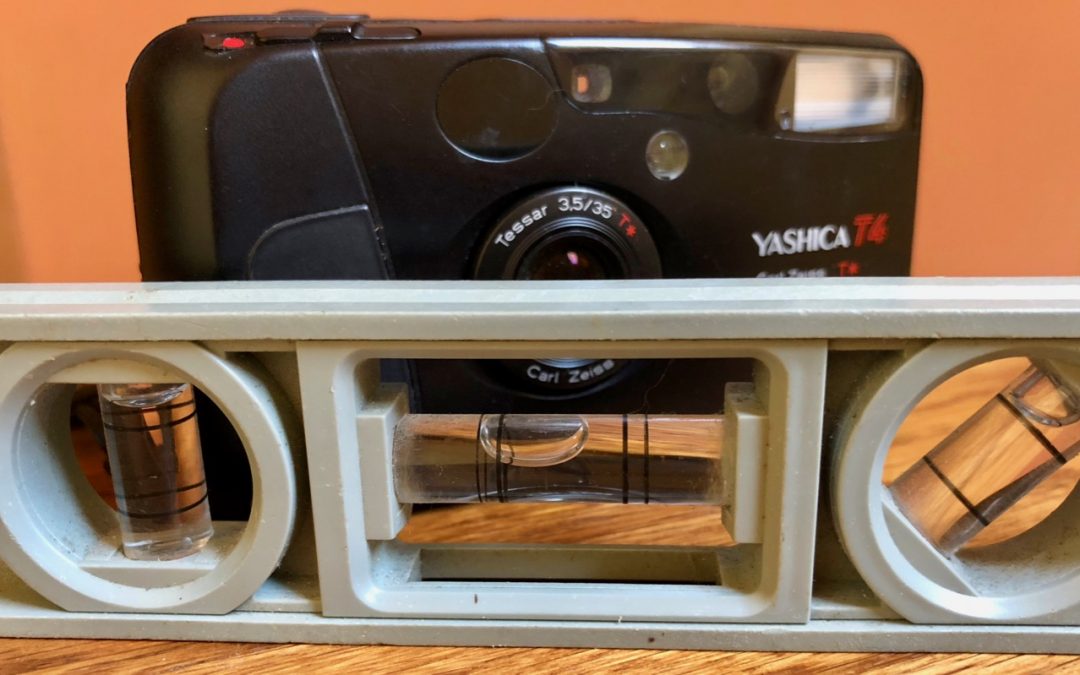
Learn how to keep the perspective straight in your photos using a secret feature in iPhone camera.

In this quick article from Austin MacWorks, learn how to resize columns, rearrange them, and even add and remove columns.

Apple’s Photos app on the Mac can identify thousands of different objects in your photos, so it’s easy to find photos based on their content. You can find objects (cars and trains), scenery (beaches and forests), and even some events (weddings and parades). This is...

Take some time to check for and update compromised, vulnerable, and weak passwords. Start with more important sites, and, as time permits, move on to accounts that don’t contain confidential information.
Stop by either store and let's see if we can figure it out together!
Stop by either store and let's see if we can figure it out together!
Stop by either store, and we'll be happy to see what we can do to help you.
Stop by either store, and we'll be happy to see what we can do.
Useful read. I have been tinkering with virtual machines on my Mac recently, and this fits neatly into the things…