iOS 14 is out! We recommend waiting a bit before installing, but when you’re ready (or to whet your appetite), here are four of our favorite new features.
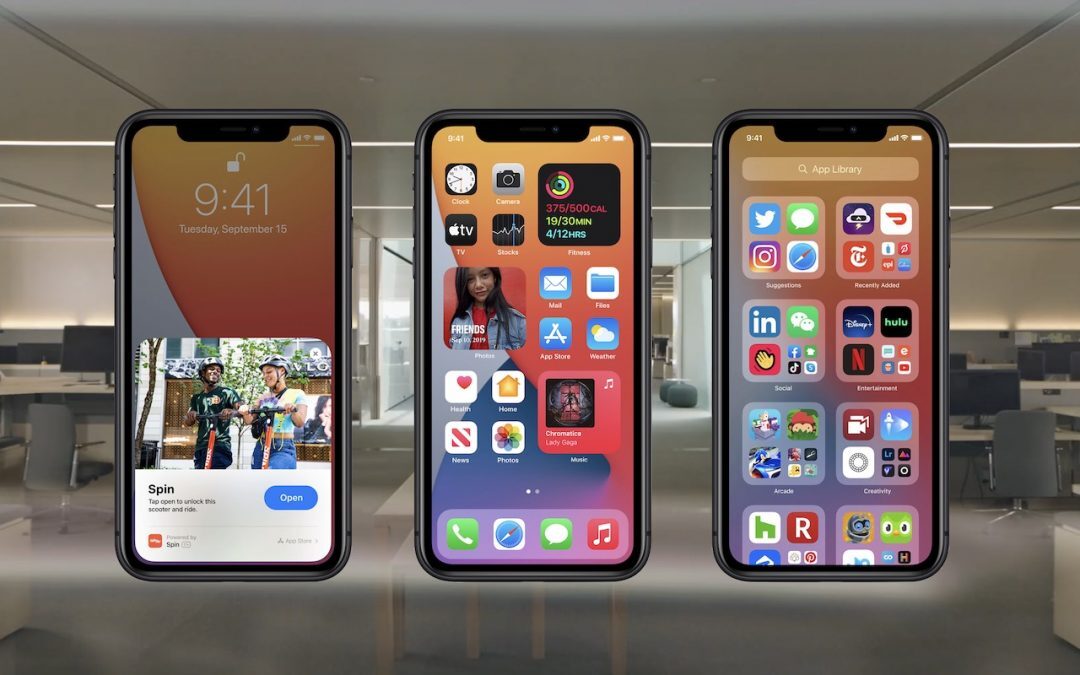

iOS 14 is out! We recommend waiting a bit before installing, but when you’re ready (or to whet your appetite), here are four of our favorite new features.
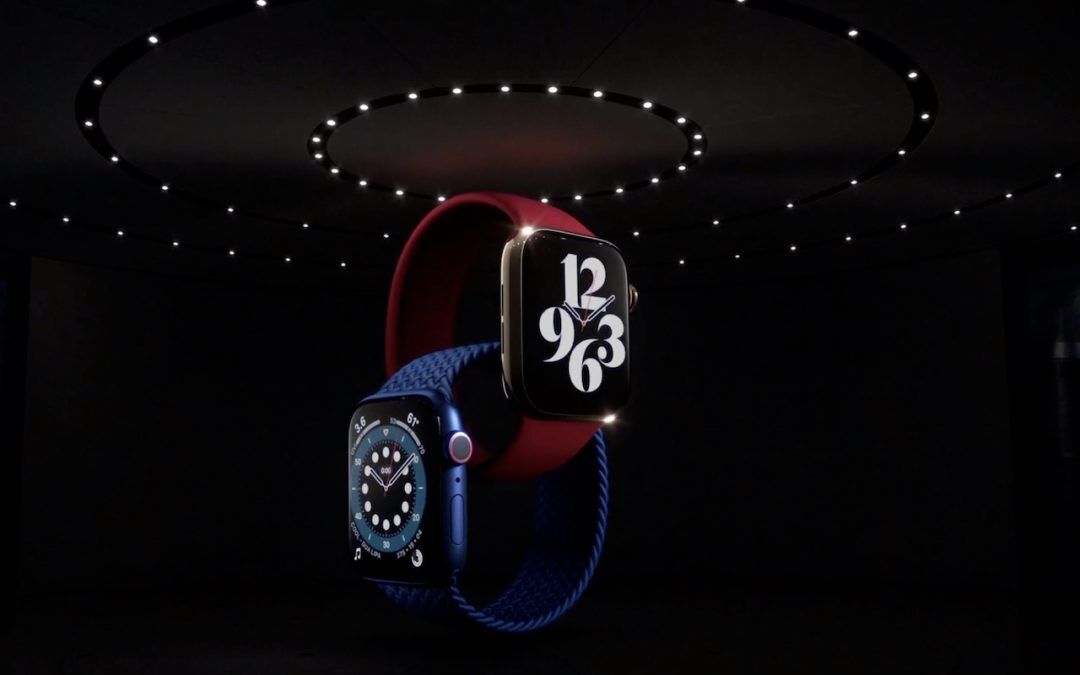
Looking for a new Apple Watch or iPad? The new Apple Watch Series 6 tracks blood oxygen saturation, and the Apple Watch SE cuts the price by 30%. The new iPad Air has great performance without the iPad Pro price, and the new iPad remains cheap at $329.
We wanted to make sure that those of you who work on a Mac laptop with an external display know that you can close your laptop’s screen and keep working.

Learn how to temporarily share your location.

We’ve heard reports of an uptick in the scam phone calls that claim to be from Apple. Don’t fall for this. Apple will never call you.

A lot has been written about working from home, but what about schooling from home? We have some advice on how to set your kids up for success with online instruction.
Running into file compatibility problems when colleagues have older or newer versions of Adobe’s Creative Cloud apps? Here’s how to downgrade so everyone can stick with older versions.
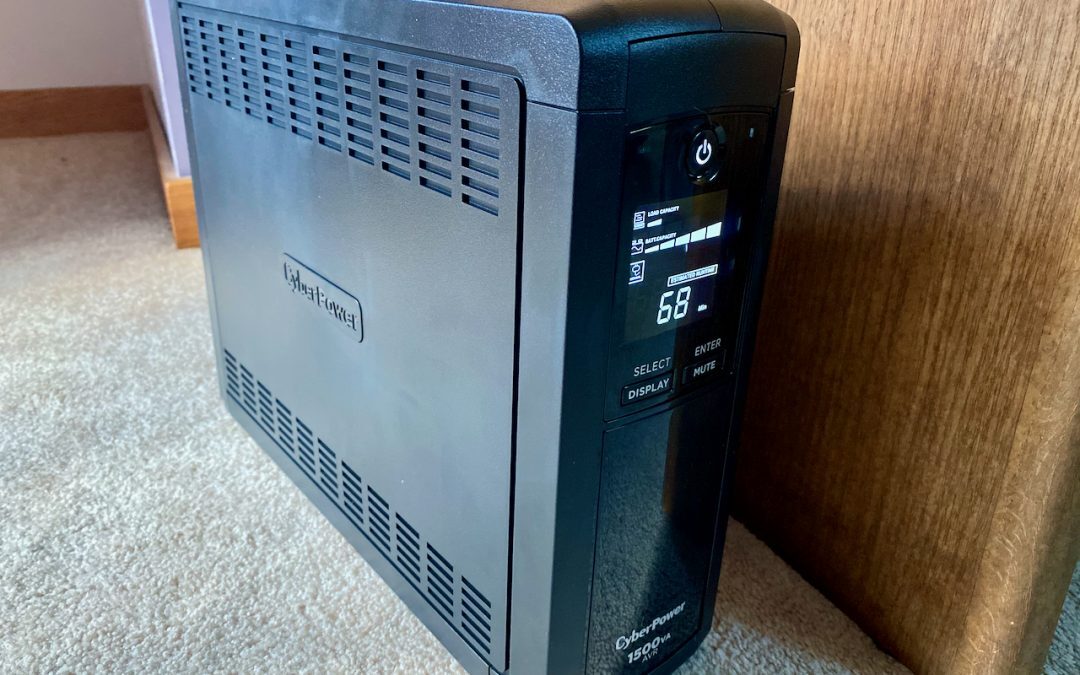
To ensure that you don’t lose work during a power outage and that your Mac and peripherals aren’t damaged by electrical spikes or drops, you need a UPS—an uninterruptible power supply. Here’s what you need to know.

In iOS 13.6 and iPadOS 13.6, Apple has finally provided a setting you can disable to prevent iOS from downloading updates ahead of time.

Would you like scroll bars to always be visible without you having to guess where they are or perform some incantation to reveal them? Learn how.
Super insightful and fresh perspective.
Well explained and easy to follow.
So glad I stumbled upon this.
Looking forward to your next post!
Truly a masterpiece of content.