Messages should fall back to SMS, which doesn’t require cellular data, but that doesn’t always happen. The fix? Keep reading:


Messages should fall back to SMS, which doesn’t require cellular data, but that doesn’t always happen. The fix? Keep reading:

Once your iPhone, iPad, or Mac has connected to a particular network, it may reconnect to it later, causing consternation when things don’t work. The solution? Whenever you realize a Wi-Fi network is worthless, forget it. Learn more now.
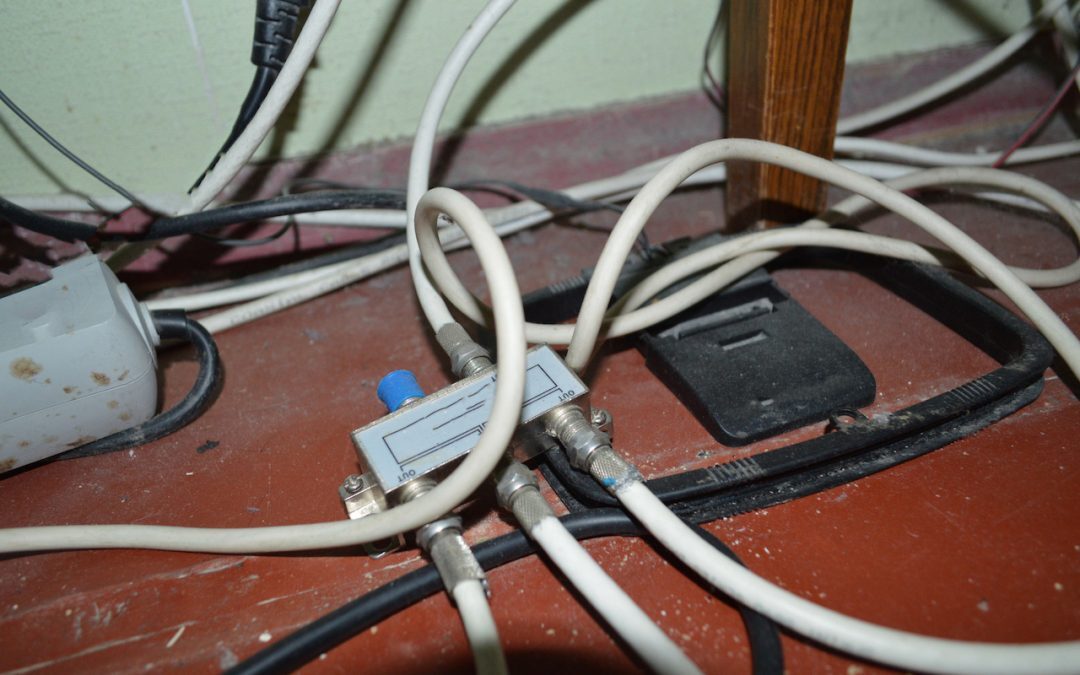
Wi-Fi and Ethernet are sufficient for most networking needs, but if you can’t extend a network to a particular spot, consider powerline networking, which runs over electrical cables, or MoCA, which runs on cable TV coax. Details here:

Apple is gearing up to release macOS 12 Monterey, iOS 15, iPadOS 15, watchOS 8, and tvOS 15. We take a brief look at the features worth upgrading for and suggest when to upgrade each of your Apple devices.

Apple’s recently announced expanded protections for child safety have generated a firestorm of criticism and confusion. We attempt to answer some of the most common questions we’ve received.

At its California Streaming event, Apple introduced the new iPhone 13 lineup, the Apple Watch Series 7, a redesigned iPad mini, and an upgraded iPad. Read on for details and our upgrade recommendations:
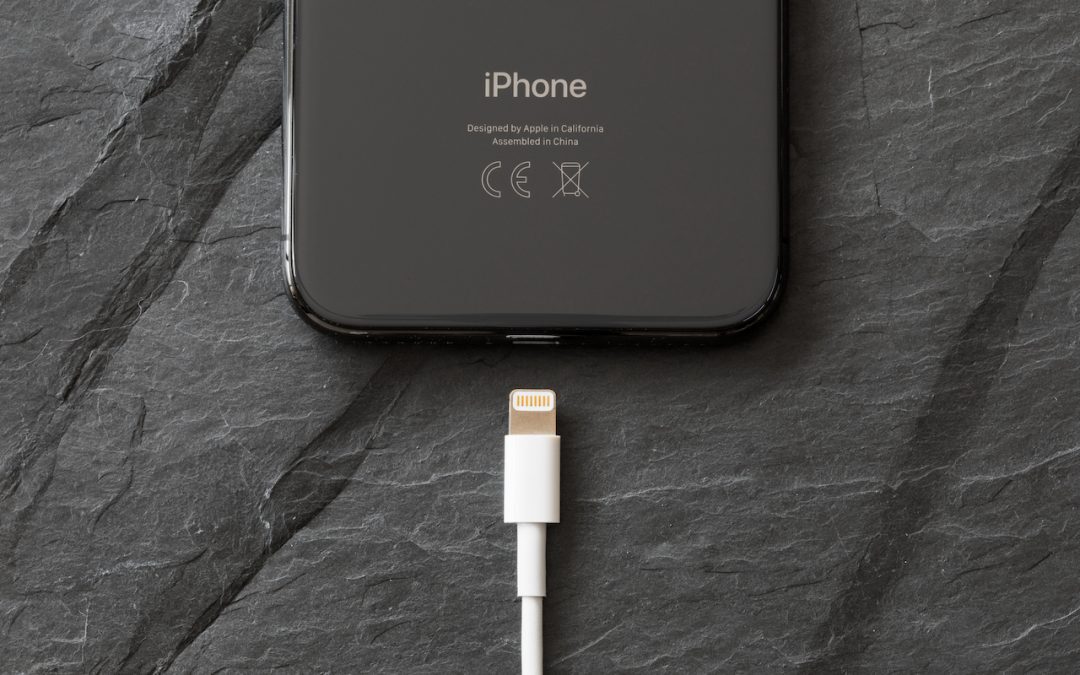
There’s no denying the convenience of wireless charging, but keep in mind that it’s extremely inefficient compared to wired charging.

In iOS 14, Apple added a feature that warns you when one of your website passwords stored in iCloud Keychain has appeared in a data breach. We’ve addressed some questions from people worrying if the message is legitimate, and if so, what they should do.

To reduce the chance of missing an important message, consider making a “ham filter.”

For many years, Apple’s Reminders app let you sort your lists, but in just one way that applied to all lists equally. Read this article to learn how to sort lists the way you want, and sync across devices.
Super insightful and fresh perspective.
Well explained and easy to follow.
So glad I stumbled upon this.
Looking forward to your next post!
Truly a masterpiece of content.