
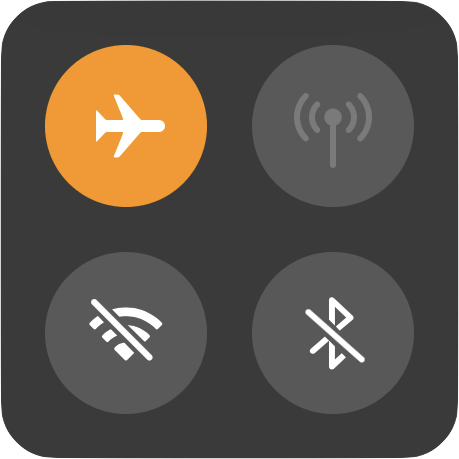
Every now and then, we’ve seen iPhones lose their ability to access the Internet, either via Wi-Fi or a cellular data connection. Assuming that the Internet connection is working for other devices, there are two easy ways to reset your iPhone’s connection and get it working again. First, enable Airplane mode to shut off the iPhone’s radios—bring up Control Center and tap the Airplane mode button. After a few seconds, tap the button again to turn it off. Second, if toggling Airplane mode doesn’t work, power down the iPhone by pressing and holding the top or side button (iPhone 8 or earlier) or both the side button and a volume button (iPhone X or later) until the slider appears (or go to Settings > General > Shut Down). Drag the slider to turn off the iPhone. Once the phone is powered down, hold the side (or top) button again until the Apple logo appears. In just a moment, your phone will be back on, and you should be able to access the Internet normally.
For tips on clearing up iOS space, read this article.

Picking one style guide and living with it is the advice I give every time this question comes up, and…
Golden Gate as the macOS 27 codename is a nice callback. For mixed households I'd love a recommendation on the…
Check with your phone service provider.
Do you take orders for the new 18 or is that just at the Apple stores? Thanks
Making Wi-Fi joining as easy as scanning a QR code is exactly the kind of MacWorks tip guests actually use.