
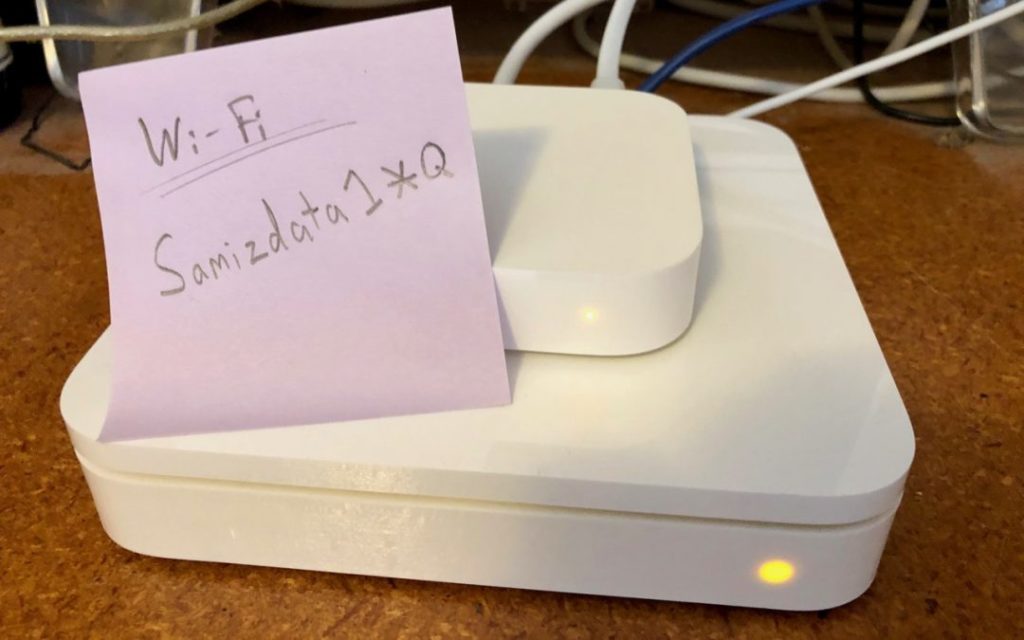
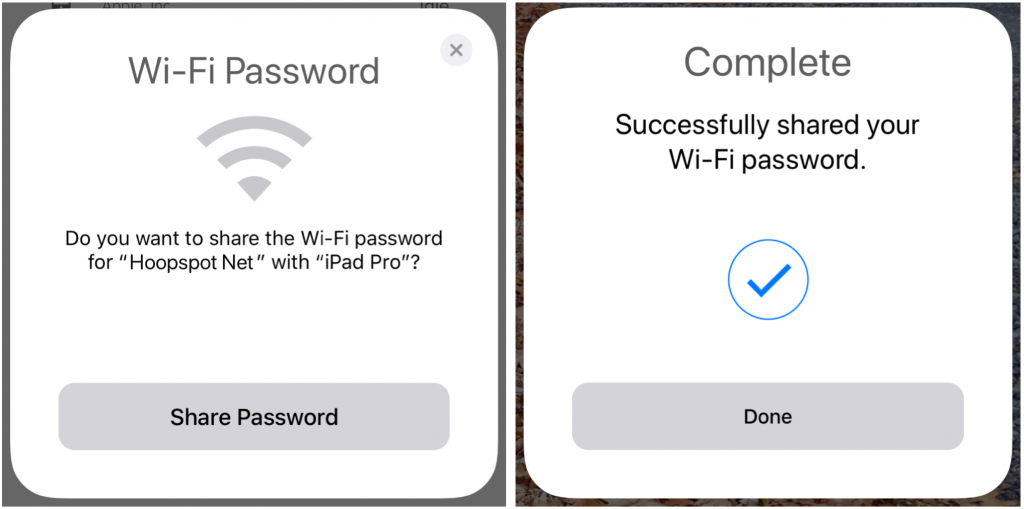
You know the drill—a friend comes to visit and wants to get on your Wi-Fi network. You’ve written the password down somewhere, but where? Even if you have it handy, it’s a pain for your friend to type in. Since macOS 10.13 High Sierra and iOS 11, Apple’s operating systems can make connecting a lot easier. Have your guest choose your network, and then put their device next to one of your devices that’s awake and connected to the Wi-Fi network. As long as you have a card in your Contacts app whose name matches your friend’s My Card in their Contacts, your device should ask if you want to share the Wi-Fi password with them. Just tap Share Password when prompted and you’re done!

Picking one style guide and living with it is the advice I give every time this question comes up, and…
Golden Gate as the macOS 27 codename is a nice callback. For mixed households I'd love a recommendation on the…
Check with your phone service provider.
Do you take orders for the new 18 or is that just at the Apple stores? Thanks
Making Wi-Fi joining as easy as scanning a QR code is exactly the kind of MacWorks tip guests actually use.