
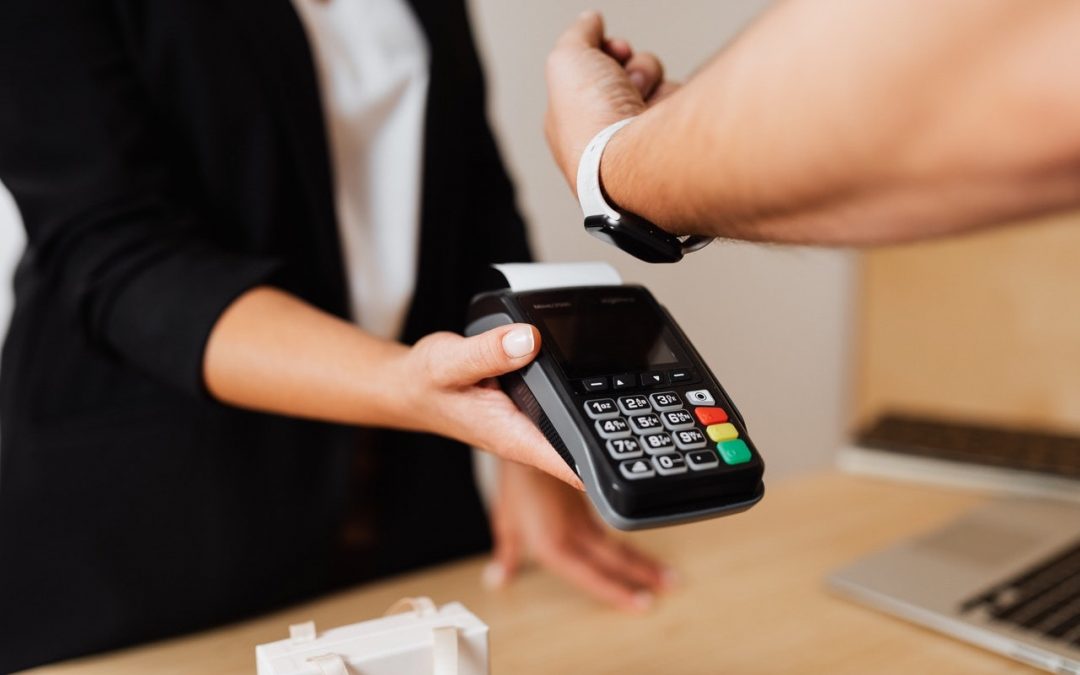
 Image by Karolina Grabowska from Pexels
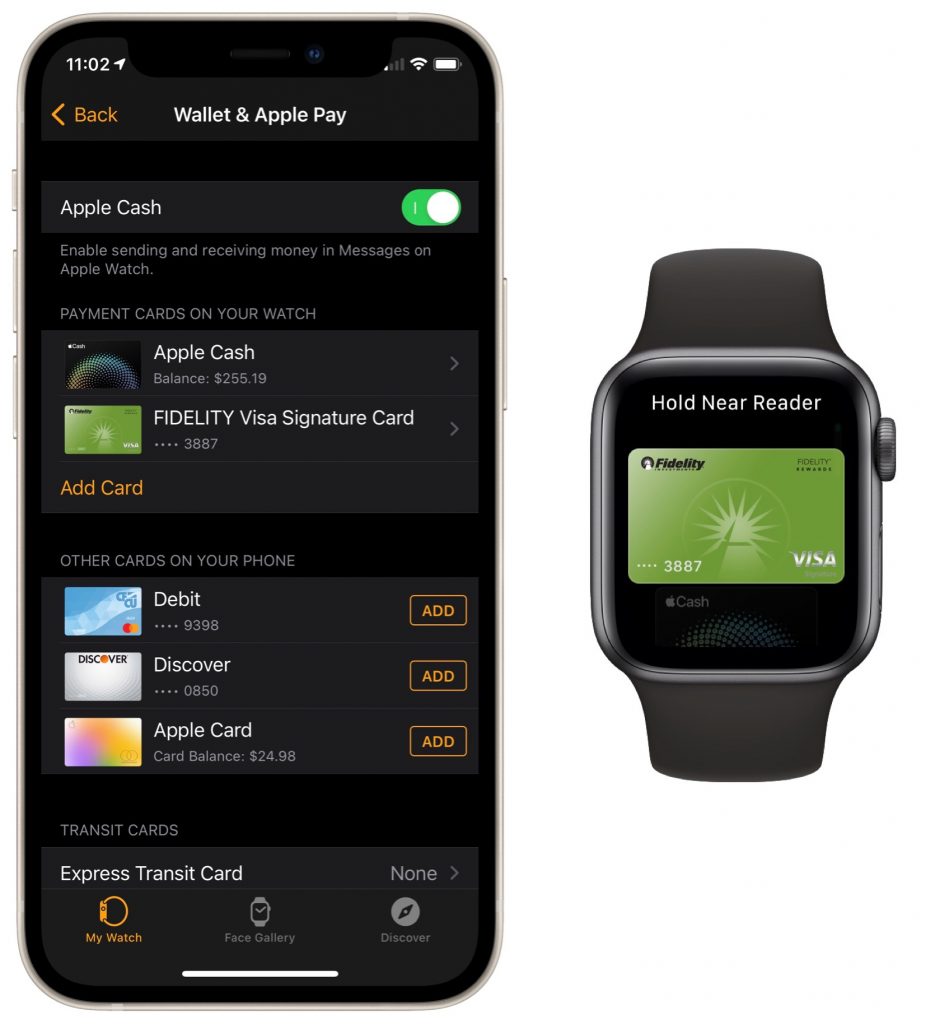
With mask wearing over the past year rendering Face ID ineffective at cash registers, we’ve become fond of using the Apple Watch for contactless payments with Apple Pay. We recommend it highly since it’s so fast and convenient. Once you’ve set up a credit card in the Wallet app on your iPhone, switch to the Watch app, go to My Watch > Wallet & Apple Pay, and tap the Add button next to the desired card. From then on, to pay for a purchase, double-click the Apple Watch’s side button and put it very close to the reader. (We generally turn our arms so we can put the Apple Watch face flat on the reader.) It takes just seconds and tends to wow cashiers who haven’t seen it before.

A week might be too short if IT approval is still pending. I'd treat "keeping your old iPhone for a…
Awesome tech breakdown on "When Should You Upgrade to macOS 27 Golden Gate, iOS 27, iPadOS 27, watchOS 27, tvOS…
I’ve used Chrome’s built-in screenshot tool, but opening DevTools every time gets a bit tedious. I recommend FullPage Capture, it’s…
This is such an important reminder. I've been in meetings where an AI notetaker silently joined and recorded everything, and…
Awesome tech breakdown on "When Should You Upgrade to macOS 27 Golden Gate, iOS 27, iPadOS 27, watchOS 27, tvOS…