
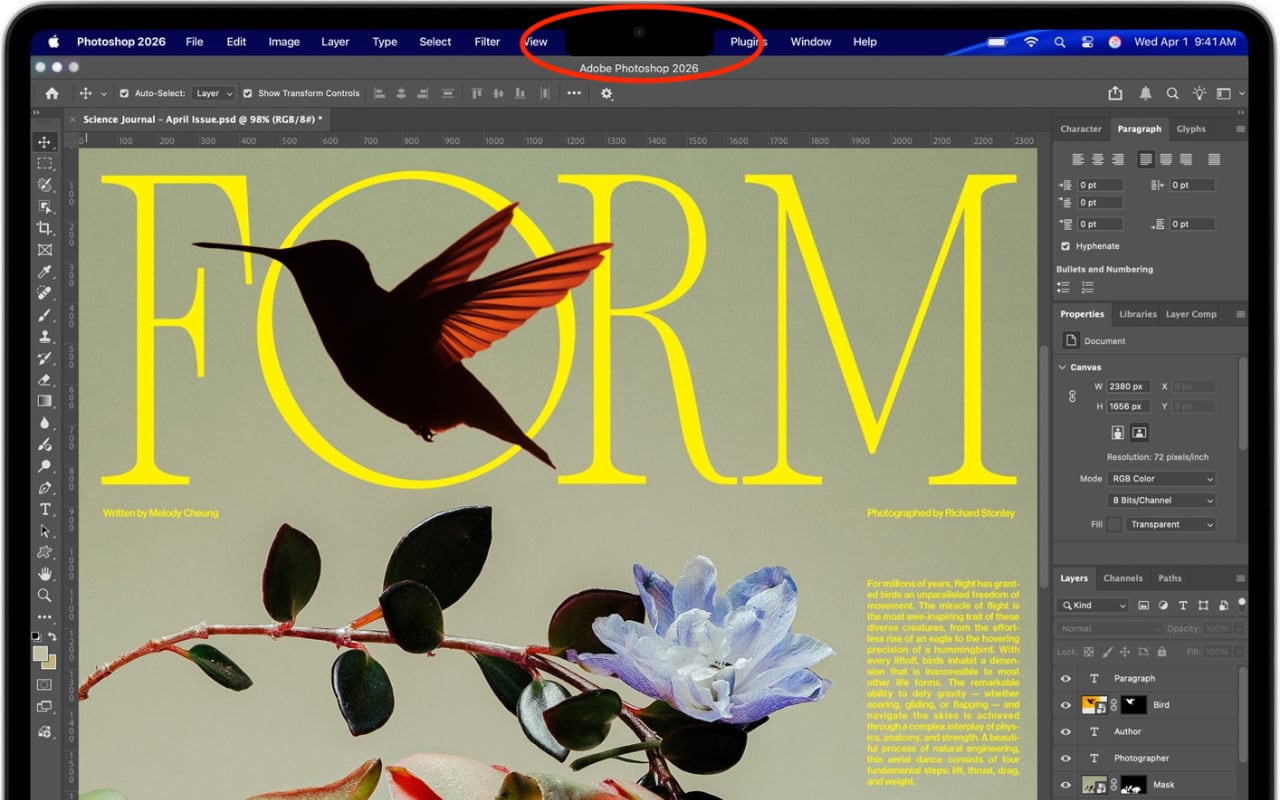
The MacBook Air and MacBook Pro have a notch at the top of the screen that contains the Center Stage camera, camera indicator LED, and True Tone and ambient light sensors. Unfortunately, that notch obscures menu bar icons as they pile up. Utilities such as Bartender and Ice offered solutions, but in macOS 27 Golden Gate, Apple provides a built-in answer. When icons overflow the menu bar, click the left-pointing double arrow《 to the right of the notch (top). The hidden icons appear on the left (bottom), temporarily covering other menu items if necessary.
If you need help, we’re happy to assist.

8(Featured image by Apple)

Awesome tech breakdown on "When Should You Upgrade to macOS 27 Golden Gate, iOS 27, iPadOS 27, watchOS 27, tvOS…
Clear, careful writing about the Apple ecosystem is hard to find, and this is a great example -- practical, to…
The instruction "you’ll need to switch the Camera app to video mode" raises a practical question for fleeting moments: can…
Great explanation, clear and practical exactly when I needed it. Easy to follow from start to finish. Thank you for…
Love how practical this post on Be Very Careful with AI Agents! is. It filled in a couple of gaps…