
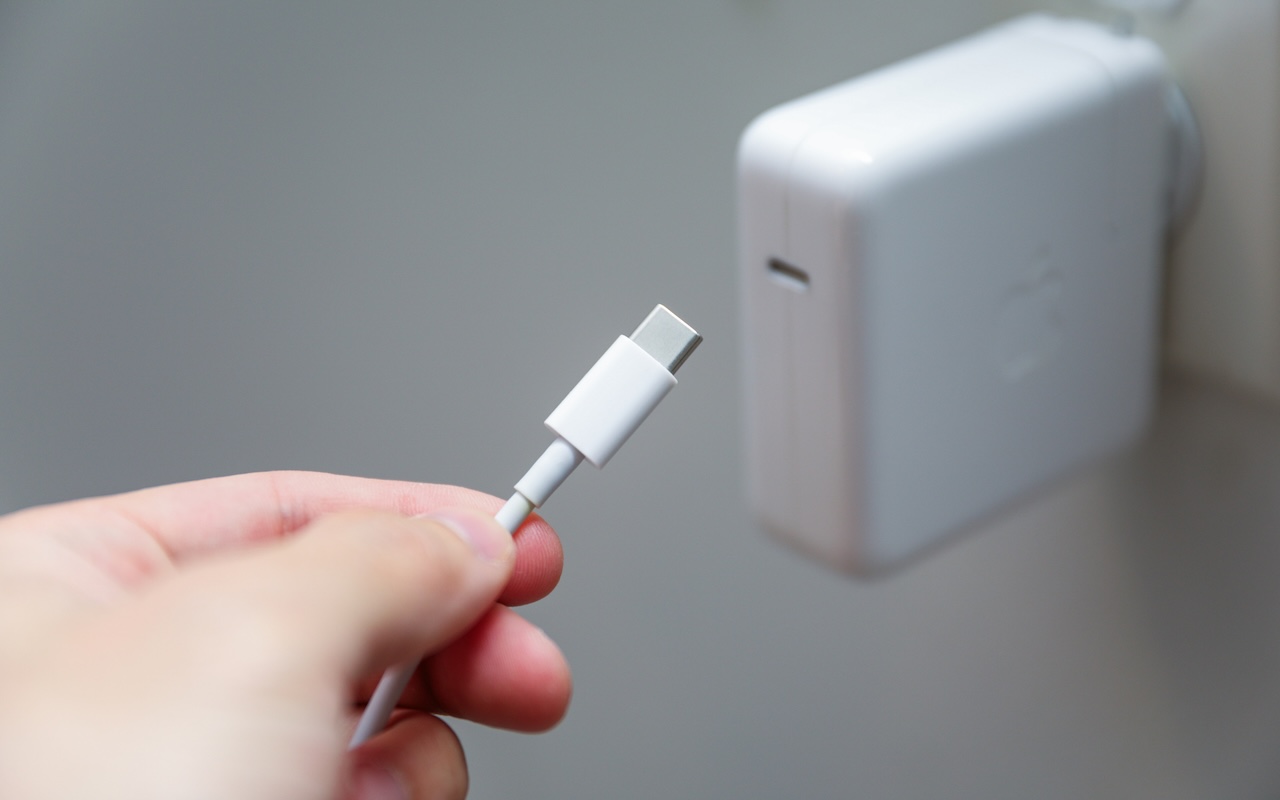
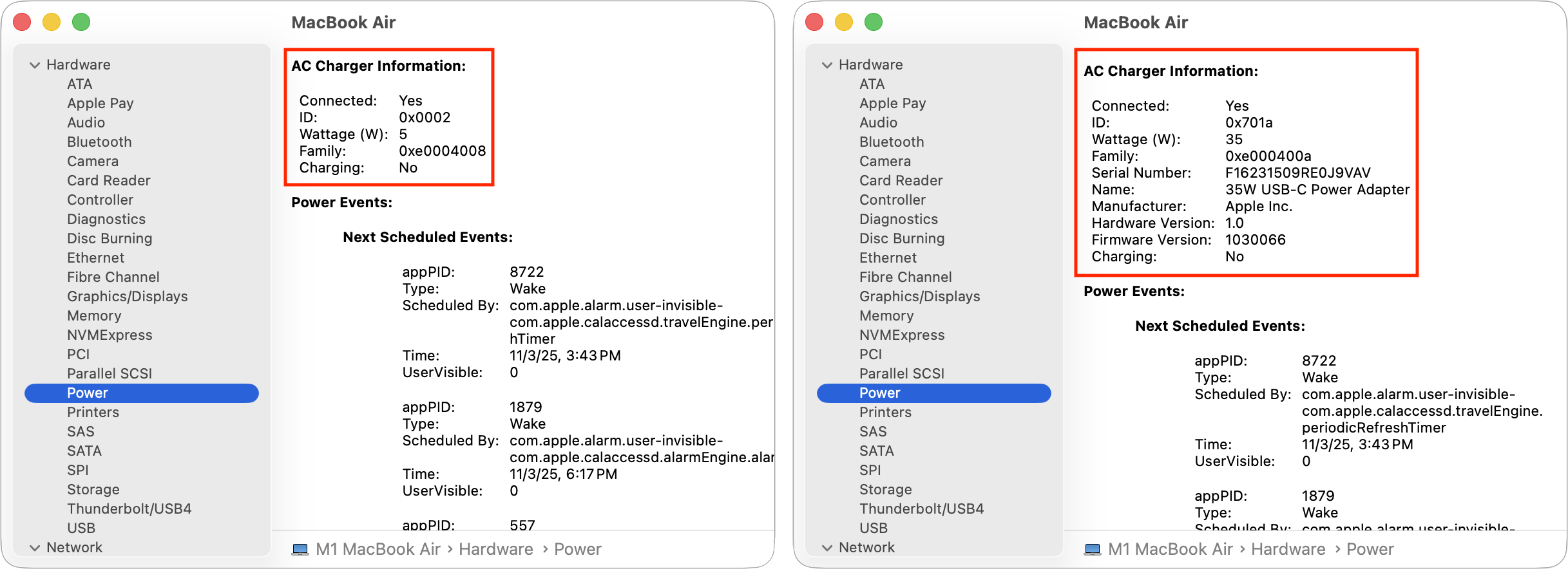
If you lose or break the power adapter that came with your MacBook Air or MacBook Pro, make sure to replace it with a charger that meets or exceeds the machine’s required wattage. A charger with too low a wattage may result in little or no charging (or even battery drain while working), and it certainly won’t enable fast charging. You can check the adapter’s wattage by reading the fine print on the charger itself, or by opening the System Information app (in the Applications/Utilities folder) and checking the AC Charger section in the Power screen. It’s safe to use an adapter with a higher wattage than required, but we don’t recommend going below the wattages of Apple’s included adapters:
- 13-inch MacBook Air: 30 or 35 watts standard, 67 watts for fast charging
- 15-inch MacBook Air: 35 watts standard, 70 watts for fast charging
- 14-inch MacBook Pro: 67 or 70 watts standard, or 96 watts for the Pro and Max chips, 96 watts for fast charging
- 16-inch MacBook Pro: 140 watts for both standard and fast charging
If you need help selecting the right charger for your MacBook, stop by either store and we’ll be happy to get you sorted out!
(Featured image by iStock.com/Isaac Lee)

A week might be too short if IT approval is still pending. I'd treat "keeping your old iPhone for a…
Awesome tech breakdown on "When Should You Upgrade to macOS 27 Golden Gate, iOS 27, iPadOS 27, watchOS 27, tvOS…
I’ve used Chrome’s built-in screenshot tool, but opening DevTools every time gets a bit tedious. I recommend FullPage Capture, it’s…
This is such an important reminder. I've been in meetings where an AI notetaker silently joined and recorded everything, and…
Awesome tech breakdown on "When Should You Upgrade to macOS 27 Golden Gate, iOS 27, iPadOS 27, watchOS 27, tvOS…