Which Mac is best for a college student in 2023? Our short answer: either the 13-inch or 15-inch M2 MacBook Air, although students with significant processing needs (like audio or video editing) might look at the 14-inch MacBook Pro.


Which Mac is best for a college student in 2023? Our short answer: either the 13-inch or 15-inch M2 MacBook Air, although students with significant processing needs (like audio or video editing) might look at the 14-inch MacBook Pro.
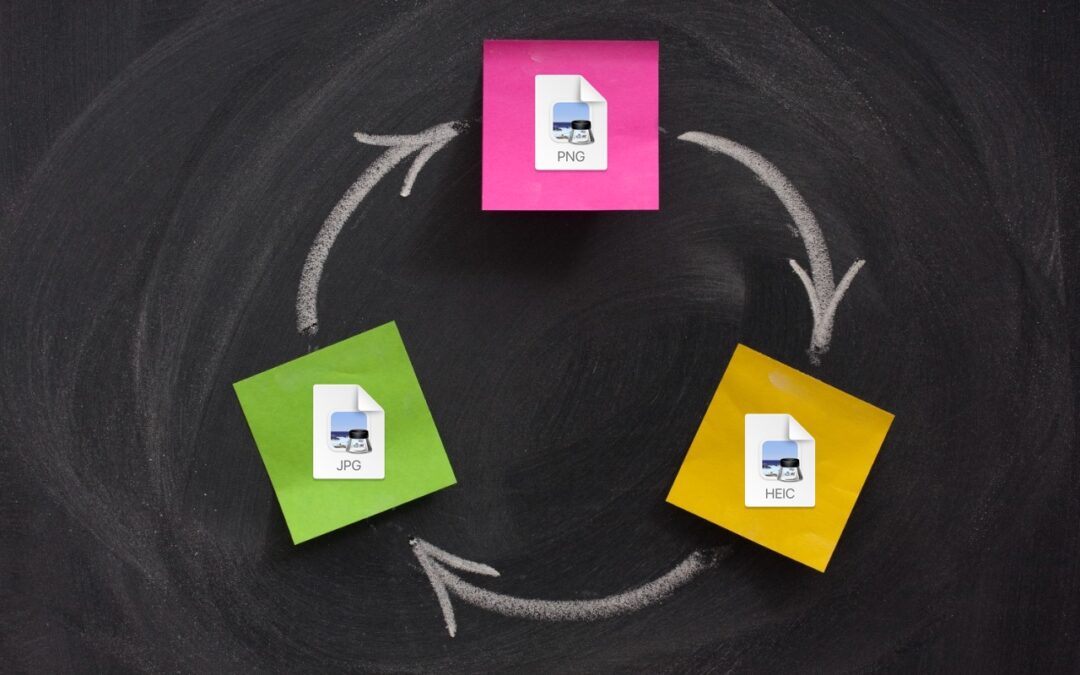
A hidden feature of the macOS Finder lets you quickly convert selected images from their original format to JPEG, PNG, or HEIF. If you regularly need to convert images between formats, it could save you some time.
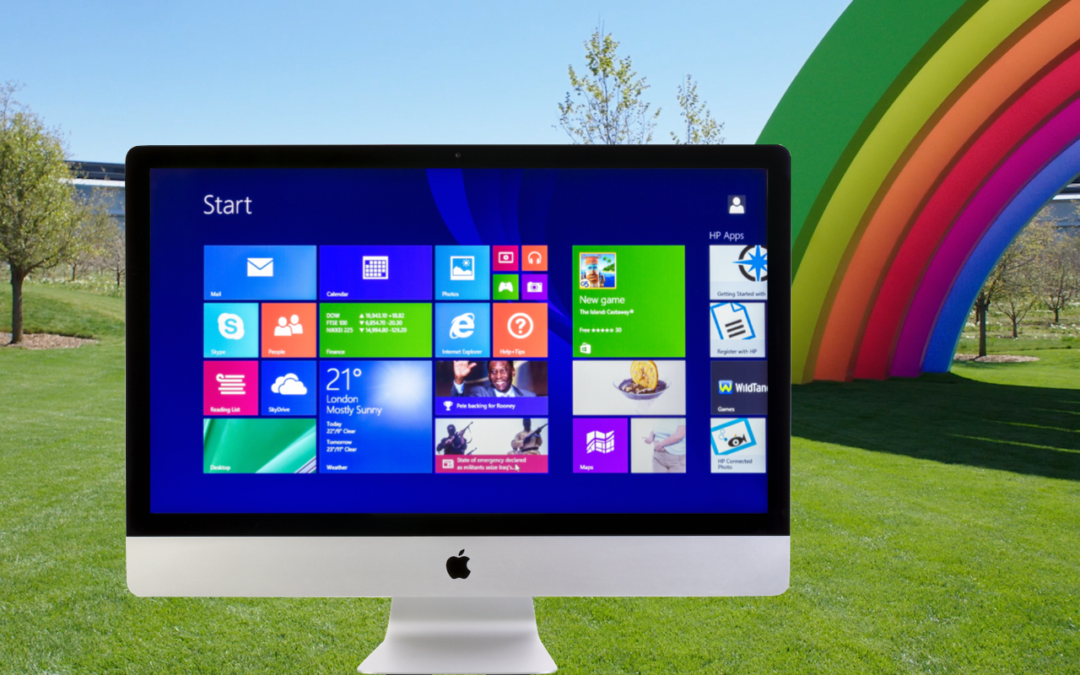
You use a Mac for nearly everything but still need to run Windows software occasionally. Here’s how you can do that in 2023 on either an Intel-based Mac or an M-series Mac.

Given the choice, should you use a native Mac app, an iPhone or iPad app, or a Web app that’s accessible in any standard Web browser? All have advantages, so the takeaway is that you should be ready to use whichever makes the most sense in the moment.

If you make phone calls in loud environments, you can now be heard more easily with iOS 16.4’s new Voice Isolation feature for cellular calls. The tricky part is enabling it in Control Center while talking.
Do you take temporary screenshots on your iPhone or iPad so you can message what your screen looks like to a friend? If you don’t want these images saved in Photos, read on for a tip about how to move them to the clipboard for pasting instead.

Do you have pictures that are difficult to find or make sense of in Apple’s Photos because they lack dates, titles, locations, and faces? That happens regularly with scanned snapshots, so we explain how you can efficiently add metadata.
The Mac’s Desktop is a great place for in-progress documents, screenshots, and other things you’re working on, but only if you can get to it easily. Read on for two little-known tricks for temporarily pushing windows aside.
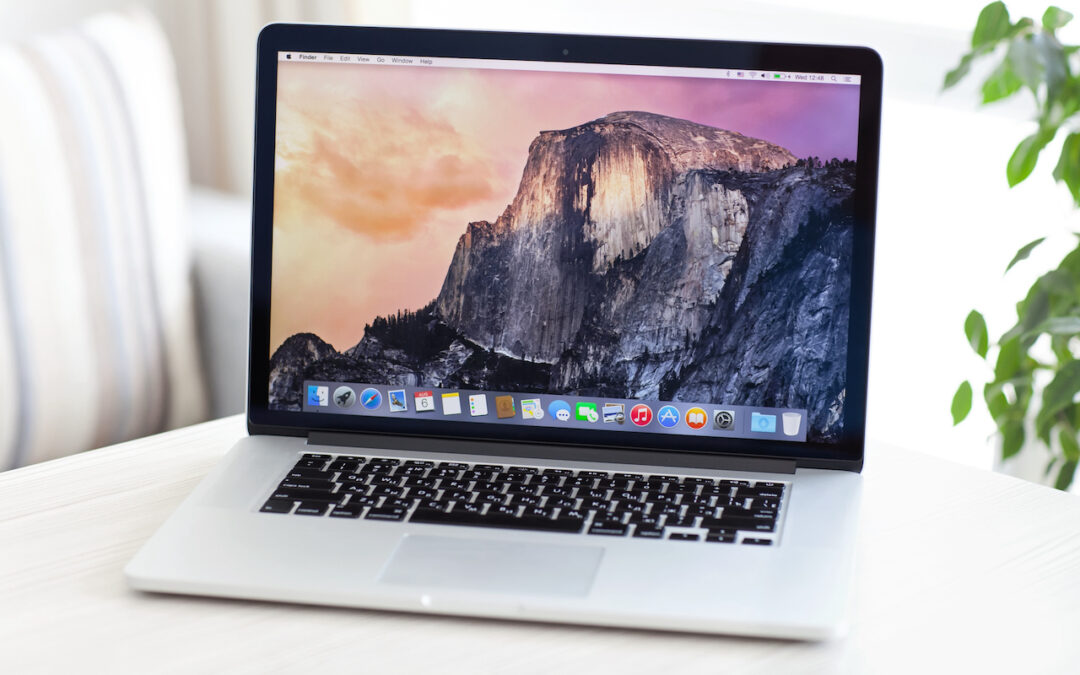
When should you replace the Mac on your desk—or your organization’s Macs? There is no single answer, but we run down some variables that play into the decision and make recommendations for different use cases.

Do you struggle with clunky Web interfaces to cloud storage services like Box, Dropbox, Google Drive, and OneDrive? They’re easier to use when you install their Mac apps and access your files from the Finder. Learn how to get more from these services!
Picking one style guide and living with it is the advice I give every time this question comes up, and…
Golden Gate as the macOS 27 codename is a nice callback. For mixed households I'd love a recommendation on the…
Check with your phone service provider.
Do you take orders for the new 18 or is that just at the Apple stores? Thanks
Making Wi-Fi joining as easy as scanning a QR code is exactly the kind of MacWorks tip guests actually use.