Do you take temporary screenshots on your iPhone or iPad so you can message what your screen looks like to a friend? If you don’t want these images saved in Photos, read on for a tip about how to move them to the clipboard for pasting instead.

Do you take temporary screenshots on your iPhone or iPad so you can message what your screen looks like to a friend? If you don’t want these images saved in Photos, read on for a tip about how to move them to the clipboard for pasting instead.
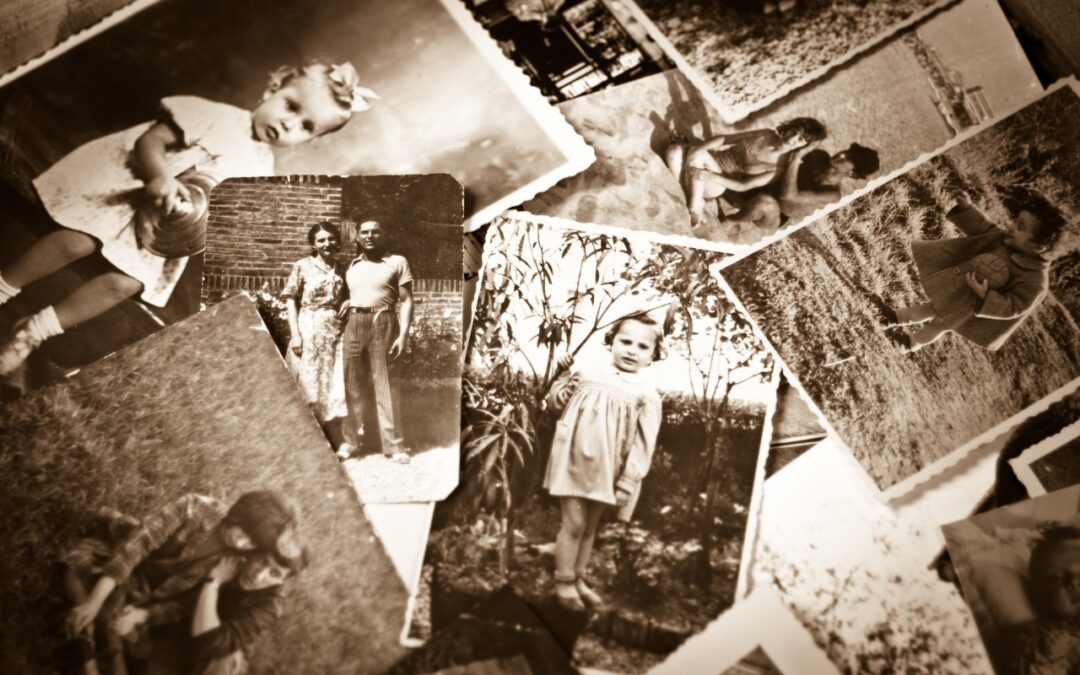
Do you have pictures that are difficult to find or make sense of in Apple’s Photos because they lack dates, titles, locations, and faces? That happens regularly with scanned snapshots, so we explain how you can efficiently add metadata.

Now you can protect the Photos Hidden Album—and the Recently Deleted album—with Face ID or Touch ID on an iPhone or iPad, or Touch ID or your password on a Mac.
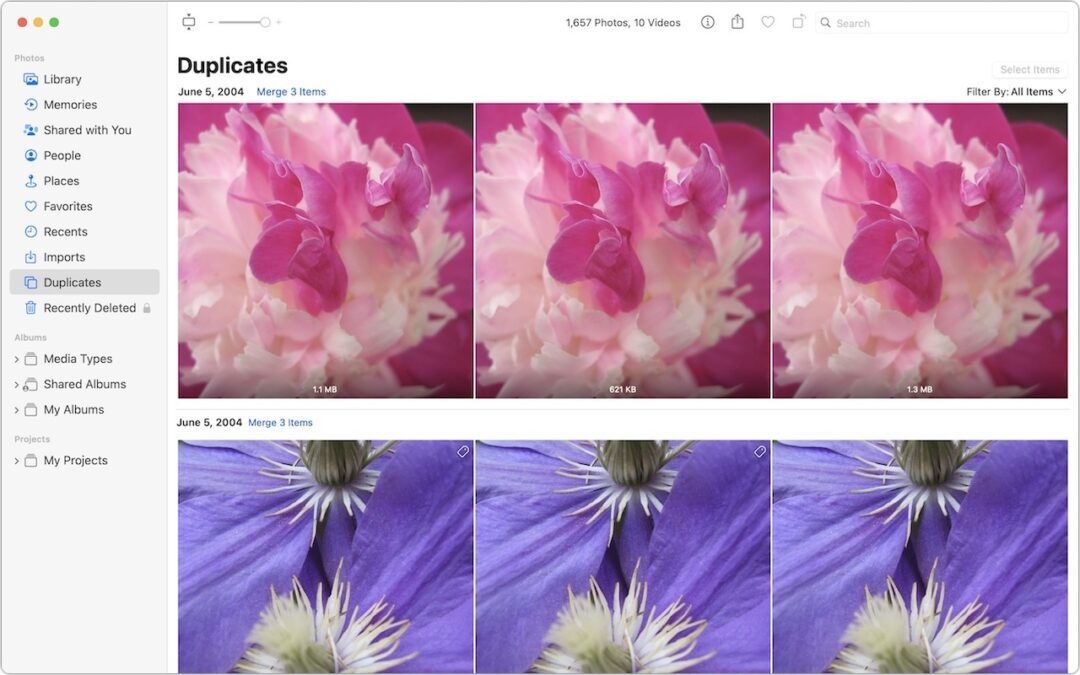
Plagued by duplicate photos and videos? If you’re running iOS 16, iPadOS 16, or macOS 13 Ventura, you can use the new duplicate finding and merging capability in Photos to clean up your library. Learn how here:

If you find that your Photos library is showing blank thumbnails or otherwise acting oddly, see if the Photos Repair Library tool can fix it.

Use Photos’ filter functions to choose Favorites, Edited, Photos, or Videos to limit the items showing to that type. Learn more now!
Useful walkthrough. The concrete examples made the workflow much easier to follow.
Saved my day
The note that Rosetta isn’t automatically restored after the macOS 27 Golden Gate upgrade is the part that would catch…
Useful note that Live Text needs an A12 Bionic or later on iPhone and iPad but works on any Mac…
Just found text to game by Tuvimo and it actually works for quick browser fun. Makes me want to revisit…