Considering upgrading to Catalina? Or maybe you have a new Mac that came with it already installed? Read on for strategies for downgrading to Mojave or running both Catalina and Mojave.

Considering upgrading to Catalina? Or maybe you have a new Mac that came with it already installed? Read on for strategies for downgrading to Mojave or running both Catalina and Mojave.

Feeling overwhelmed by the task of finding a particular photo in the haystack of your digital photo library? We run through all the ways you can categorize and search for images.
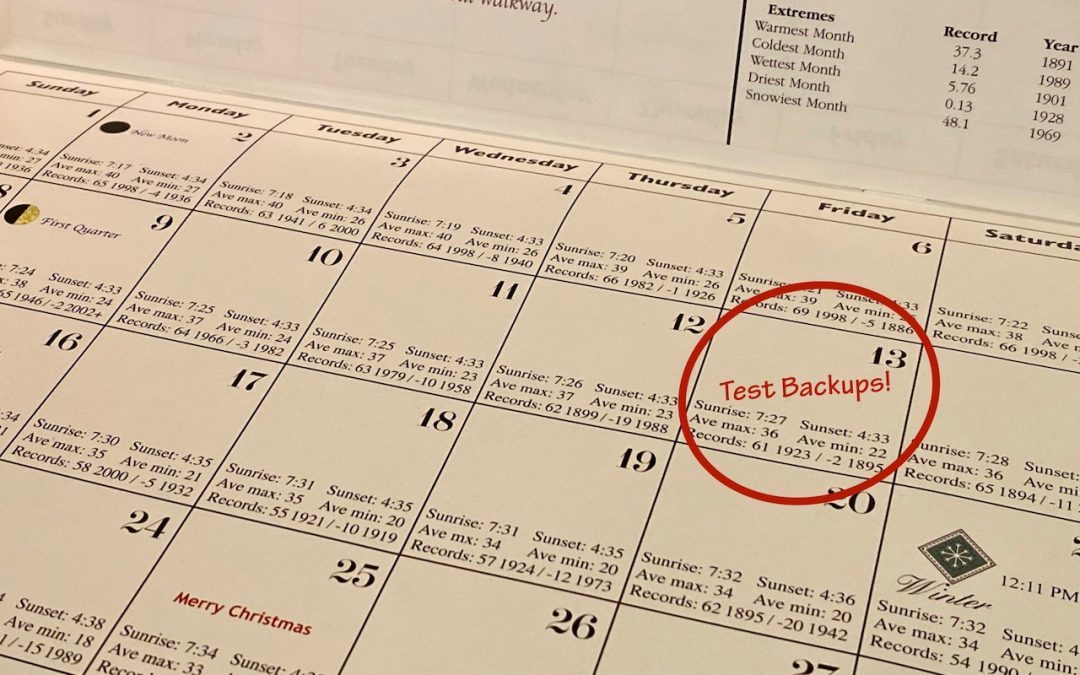
If something does go wrong, backups can save your bacon, but only if they’re actually working.
In MacOS, use this date format to ensure files sort logically.
Before upgrading to macOS 10.15 Catalina, give it some thought. You might want to wait until at least 10.15.3 or early 2020, whichever comes first. And then contact us for help with making sure Catalina won’t impact your workflow.
The new macOS 10.15 Catalina has a boatload of new features—here are some of our favorites.
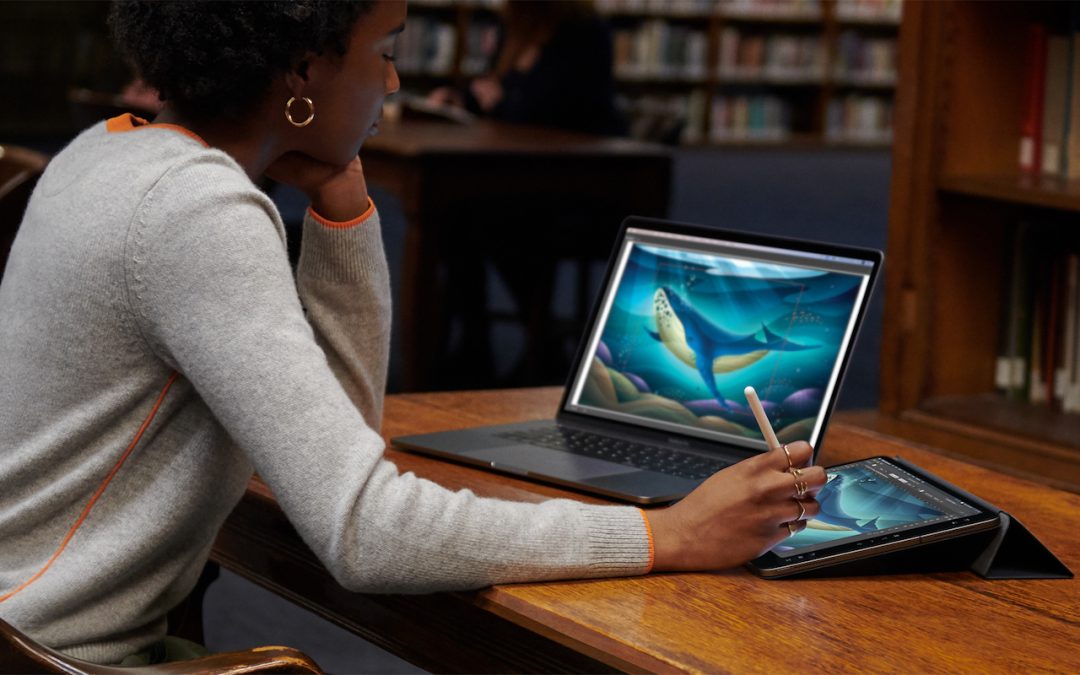
So many new operating systems—macOS 10.15 Catalina, iOS 13, iPadOS 13, watchOS 6, and tvOS 13! We have a brief overview of the new features and calm advice on when you should upgrade each of your Apple devices to the new hotness.
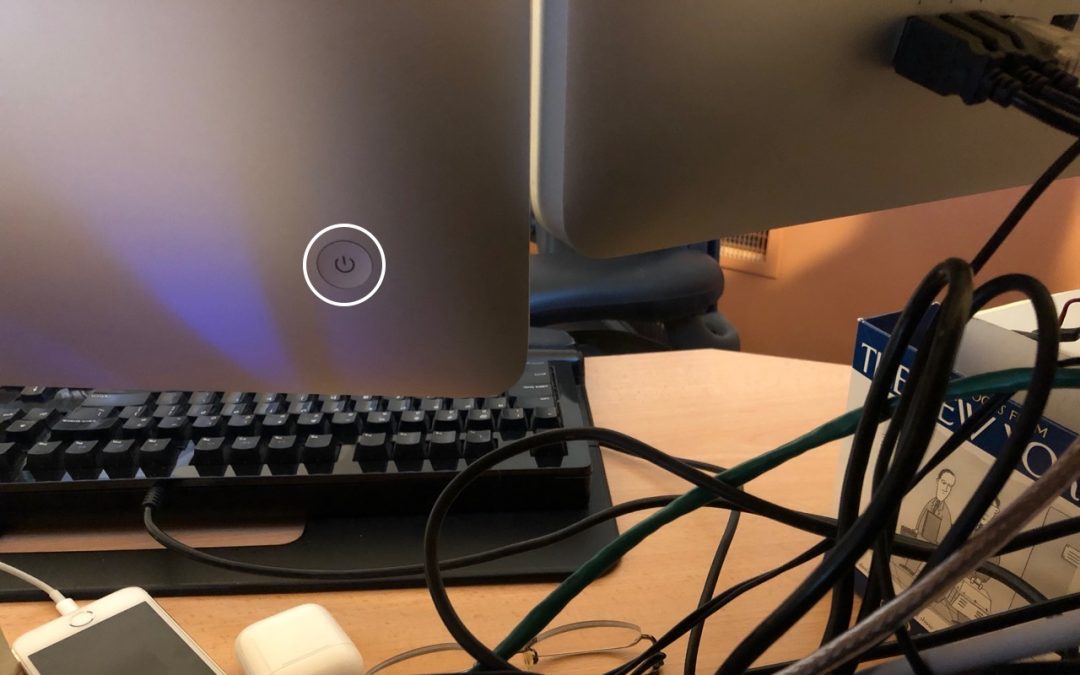
What should you do if your Mac locks up and becomes completely unresponsive to the mouse and keyboard? Find out now.
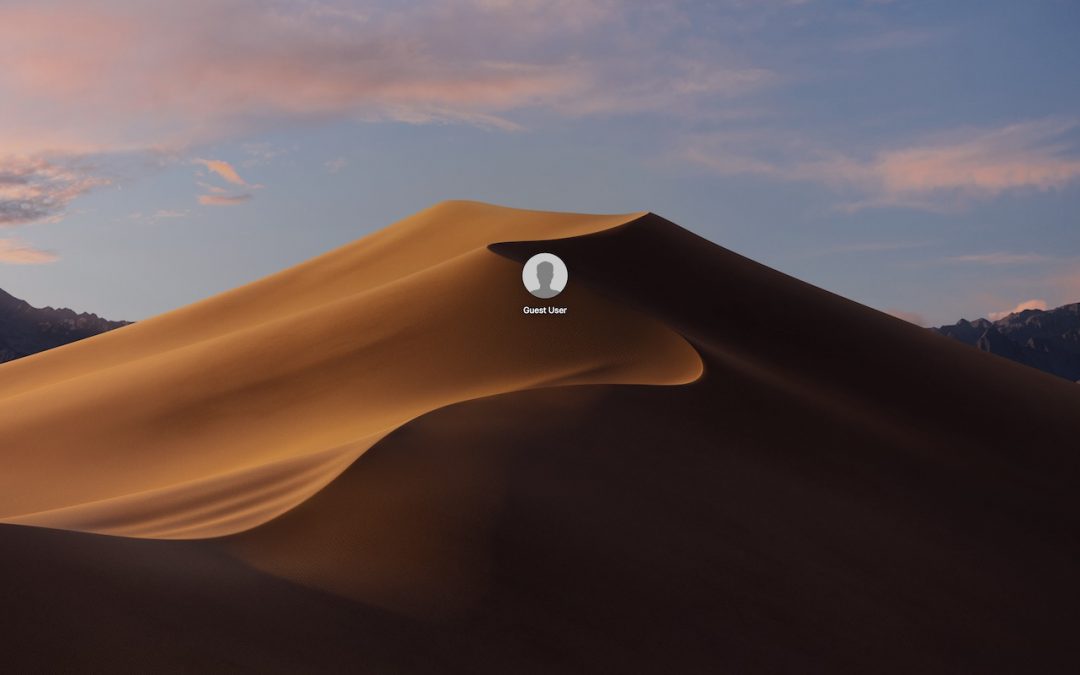
Quick tip: learn how to allow guests to use your computer.
Among all the new stuff in macOS is a solid performer that too many Mac users overlook: Spotlight. Did you know you can use it to do currency conversions, track flights, check movie showtimes, and more?
Picking one style guide and living with it is the advice I give every time this question comes up, and…
Golden Gate as the macOS 27 codename is a nice callback. For mixed households I'd love a recommendation on the…
Check with your phone service provider.
Do you take orders for the new 18 or is that just at the Apple stores? Thanks
Making Wi-Fi joining as easy as scanning a QR code is exactly the kind of MacWorks tip guests actually use.