There’s no rhyme or reason to the default Dock settings, and you shouldn’t be afraid to add, remove, and rearrange apps on your Dock. Learn more now!


There’s no rhyme or reason to the default Dock settings, and you shouldn’t be afraid to add, remove, and rearrange apps on your Dock. Learn more now!

Social Media: If you want to merge Photos libraries to avoid having to switch back and forth, there are several approaches you can take, but each comes with pros and cons.

Is your Mac complaining about being low on drive space? Learn how to use the Storage Management window to find and delete gigabytes of old, unnecessary, or obsolete files.

A serious bug has been discovered in Apple’s Group FaceTime multi-person video chat technology.

Always set up auto-responders in the server settings for your email provider.

With macOS 10.14 Mojave, Apple enhanced the Mac version of Siri in a variety of ways. Learn more.
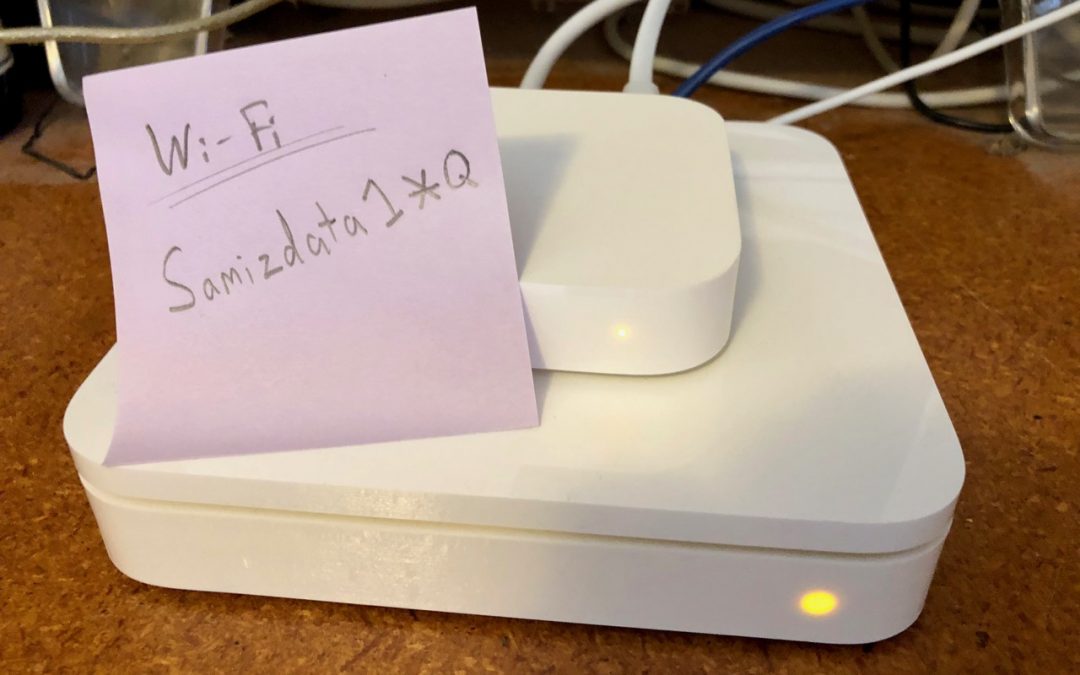
Do you know the secret way to securely share your wi-fi password with a guest? We’ve got the inside scoop.

Another reason to upgrade to Mojave: You can file messages faster in the latest version of Mac OS. Need help? Give us a call.
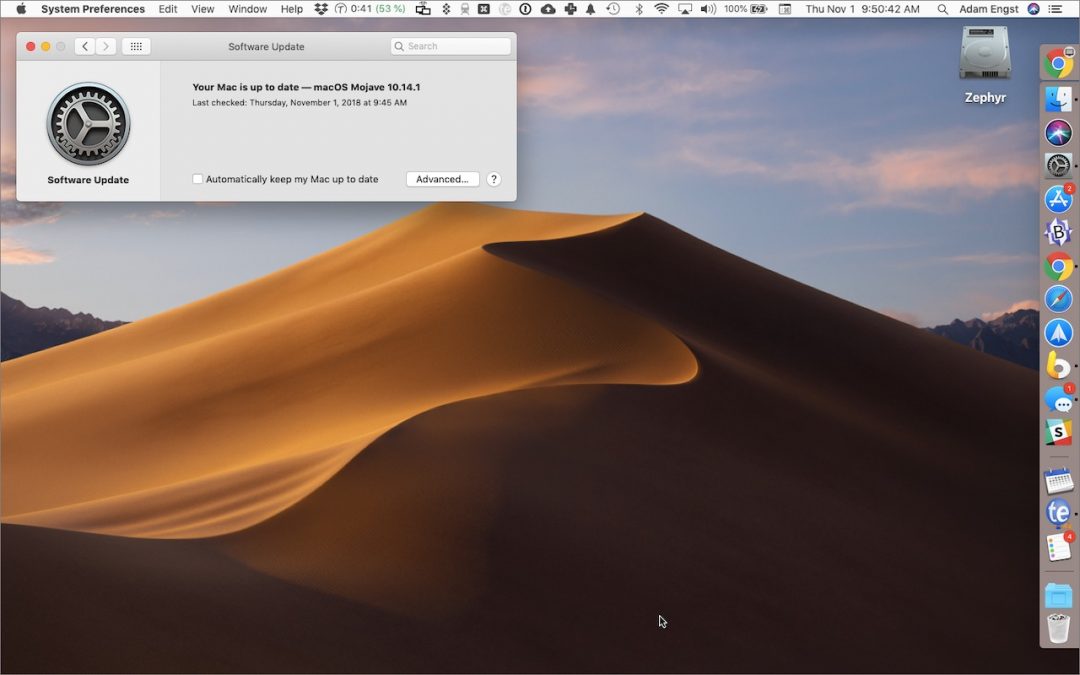
With macOS 10.14 Mojave, Apple moved operating system updates to the new Software Update preference pane.

macOS 10.14 Mojave changes how privacy works on the Mac by making apps ask for permission to use the camera, microphone, and quite a bit more. Here’s how this works and what you should do when prompted.
Picking one style guide and living with it is the advice I give every time this question comes up, and…
Golden Gate as the macOS 27 codename is a nice callback. For mixed households I'd love a recommendation on the…
Check with your phone service provider.
Do you take orders for the new 18 or is that just at the Apple stores? Thanks
Making Wi-Fi joining as easy as scanning a QR code is exactly the kind of MacWorks tip guests actually use.