A new feature in iOS 16 provides haptic feedback you can feel in your fingertips as you tap keys on the keyboard.
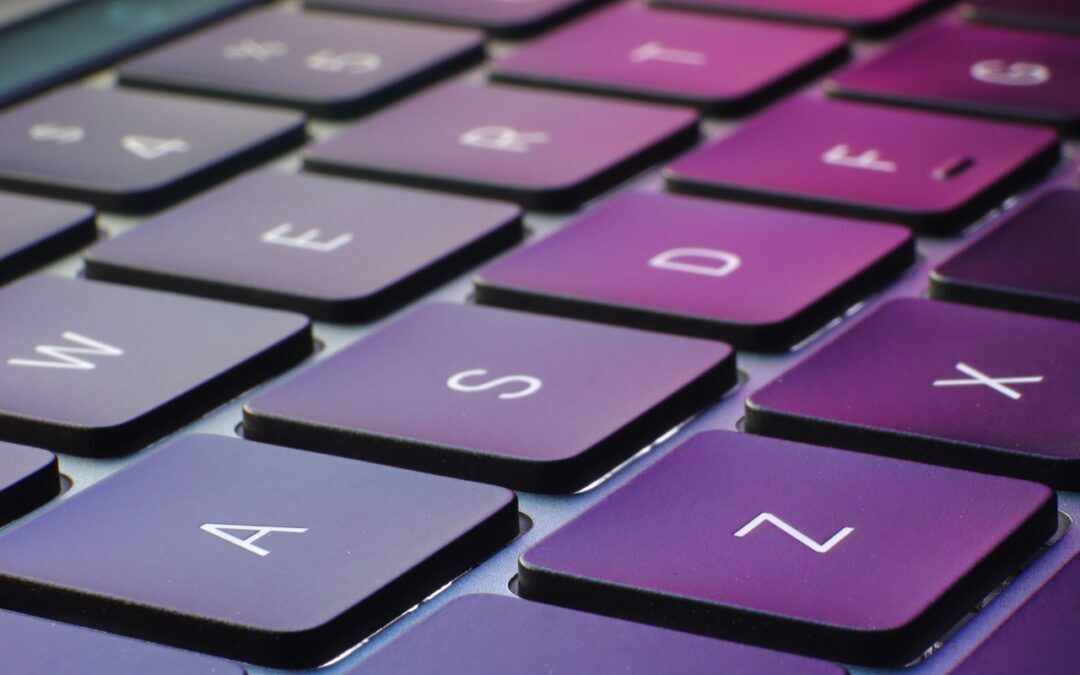

A new feature in iOS 16 provides haptic feedback you can feel in your fingertips as you tap keys on the keyboard.

Messages in iOS 16 gains a slew of useful features: marking conversations as unread, editing sent messages, unsending messages, and more. They’re great, but some require your recipients to upgrade to iOS 16 for the full experience.

Wi-Fi Calling and Wi-Fi Assist. They sound similar and share a goal of providing connectivity when you need it. But they go about doing that in opposite ways.
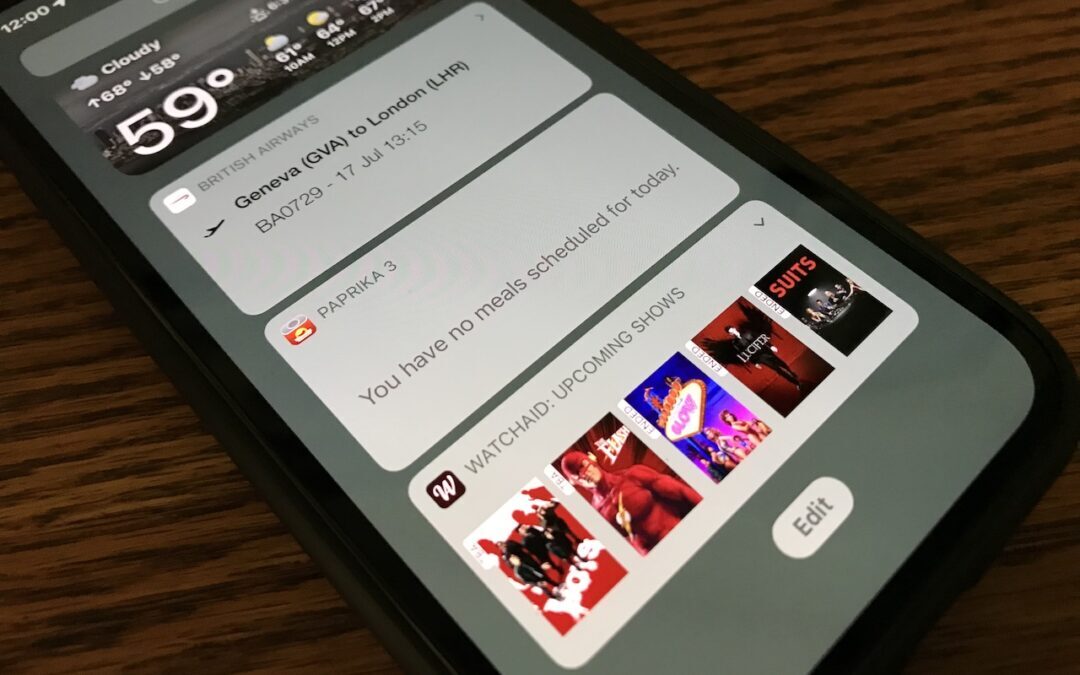
If you no longer want the old-style widgets cluttering the bottom of your Today View, here’s how to remove them.
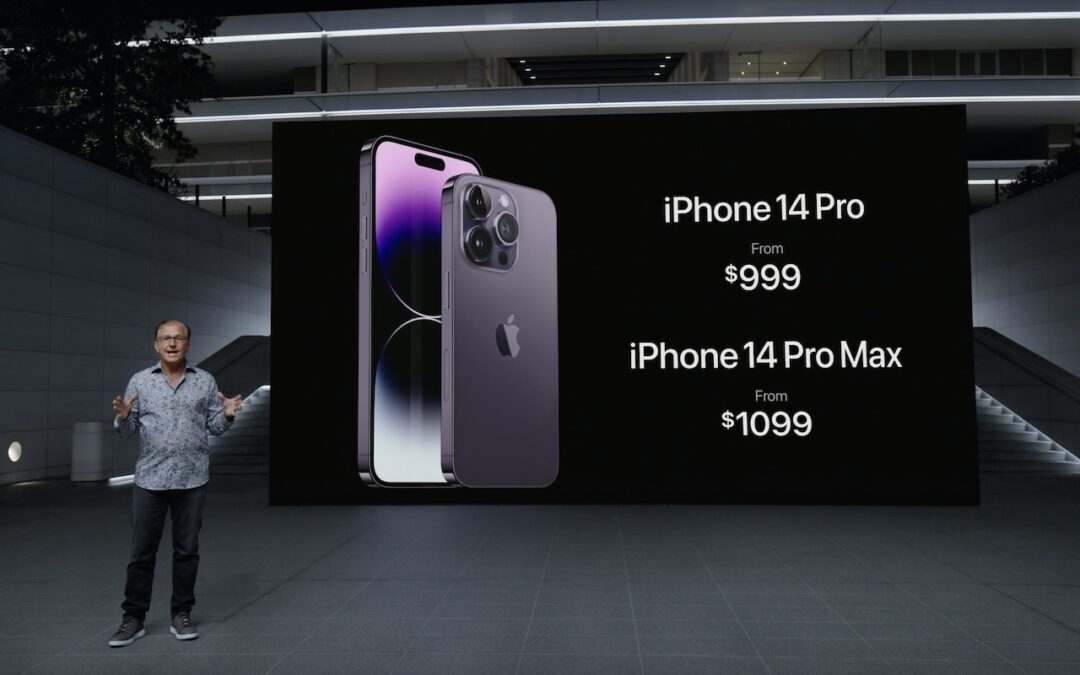
At its Far Out event, Apple introduced the iPhone 14 lineup, three new Apple Watches—including the Apple Watch Ultra—and the second-generation AirPods Pro.
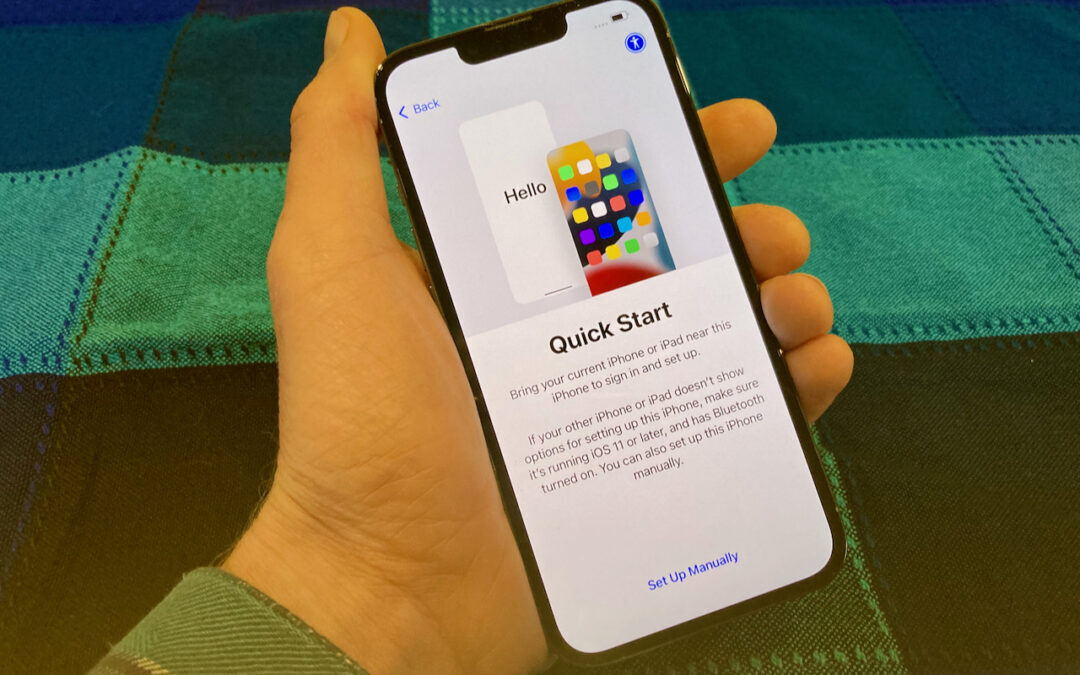
It’s exciting to get a new iPhone, but take a few minutes to read our advice on what you need to do before—and after—transferring your data from your old iPhone.

Locked out of your accounts because you never got the SMS code? Find out how to fix it.

Having problems making or receiving calls on your iPhone? We’re confident that something in this long list of fixes will resolve your problem.
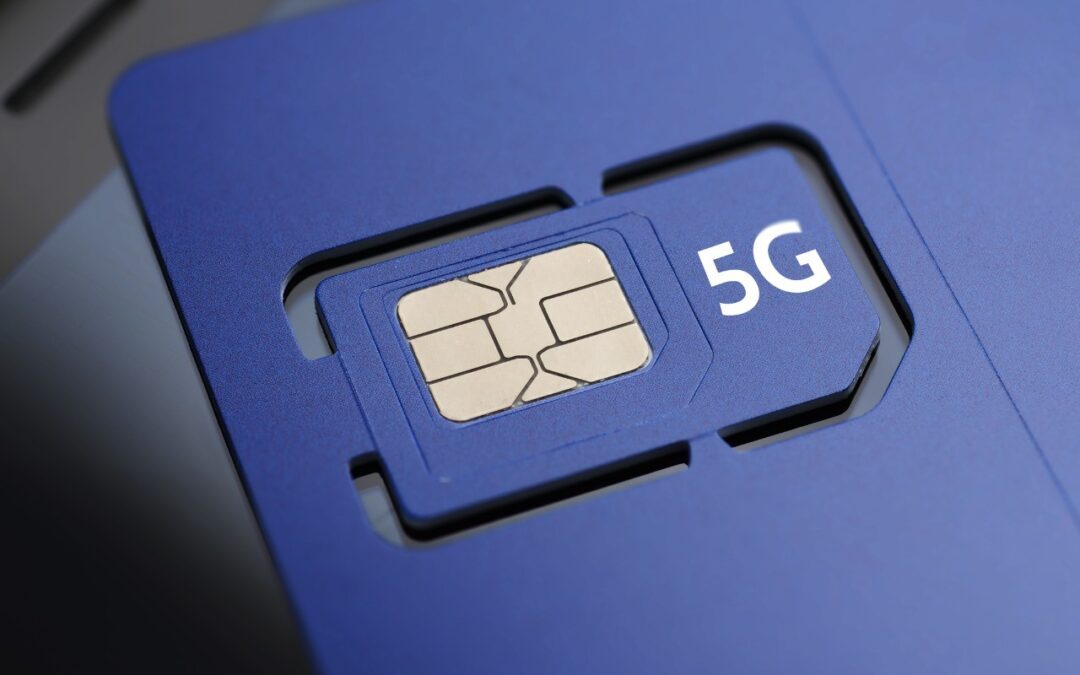
Stop by a carrier’s store or contact them to ask for a new SIM. It should be free and will take just a minute to install.
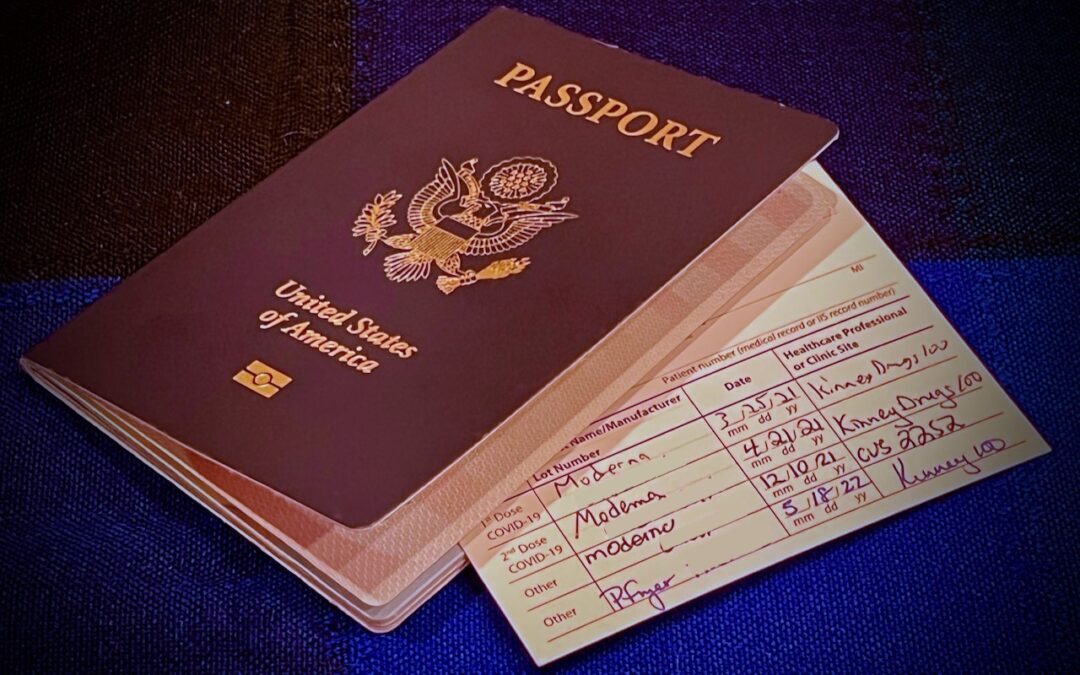
Use your iPhone’s zoom feature to enlarge the document or screen you’re trying to photograph.
Super insightful and fresh perspective.
Well explained and easy to follow.
So glad I stumbled upon this.
Looking forward to your next post!
Truly a masterpiece of content.