Check out this tip for making it easier to install iOS 14, particularly if space is an issue.

Check out this tip for making it easier to install iOS 14, particularly if space is an issue.

Did you know that if you select multiple images in the Finder and hold down the Option key when pressing the Space bar, the Finder will run a full-screen slideshow?
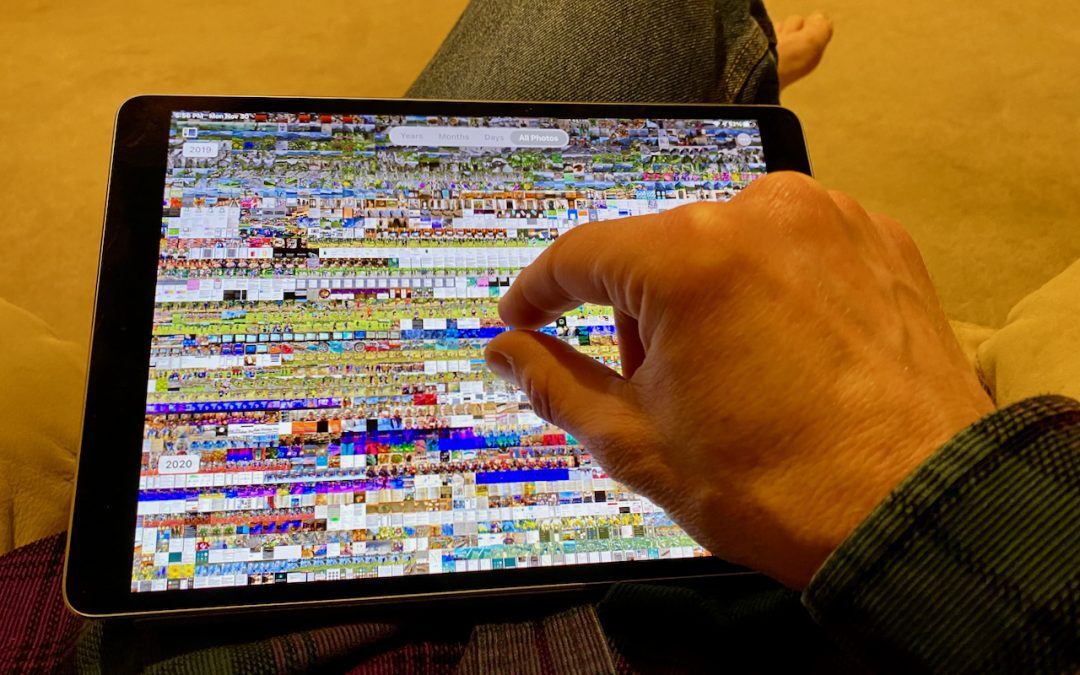
You can navigate All Photos more easily by pinching in to shrink the thumbnails and then pinching out to make them larger again.
Want to play “name that tune”? Shazam it!

A welcome new feature in iOS 14 is the App Library, which finally lets us focus our Home screens on just the apps we actually use regularly.

One of the most useful features of iOS 14 is Back Tap, which lets you invoke custom actions with a double or triple tap on the back of your iPhone.
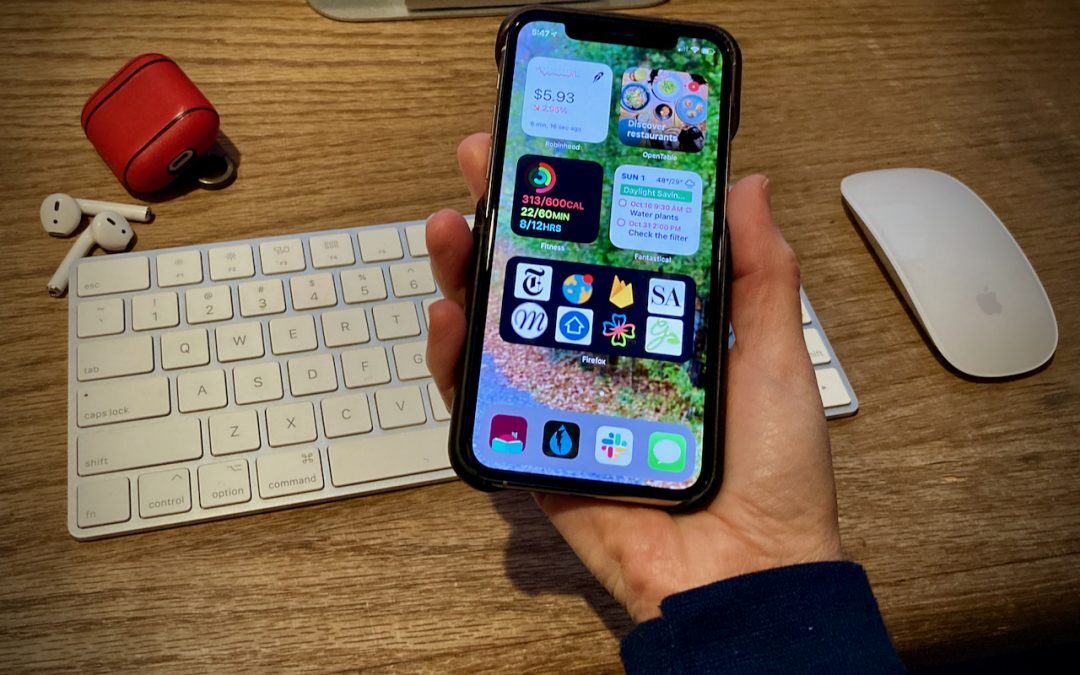
The highest-profile new feature of iOS 14 is the addition of Home screen widgets, which let you add highly customizable, information-rich tiles to your Home screens. Learn more here:

See our tips on using the Dock on an iPhone or iPad as a temporary holding place that makes rearranging apps easier.
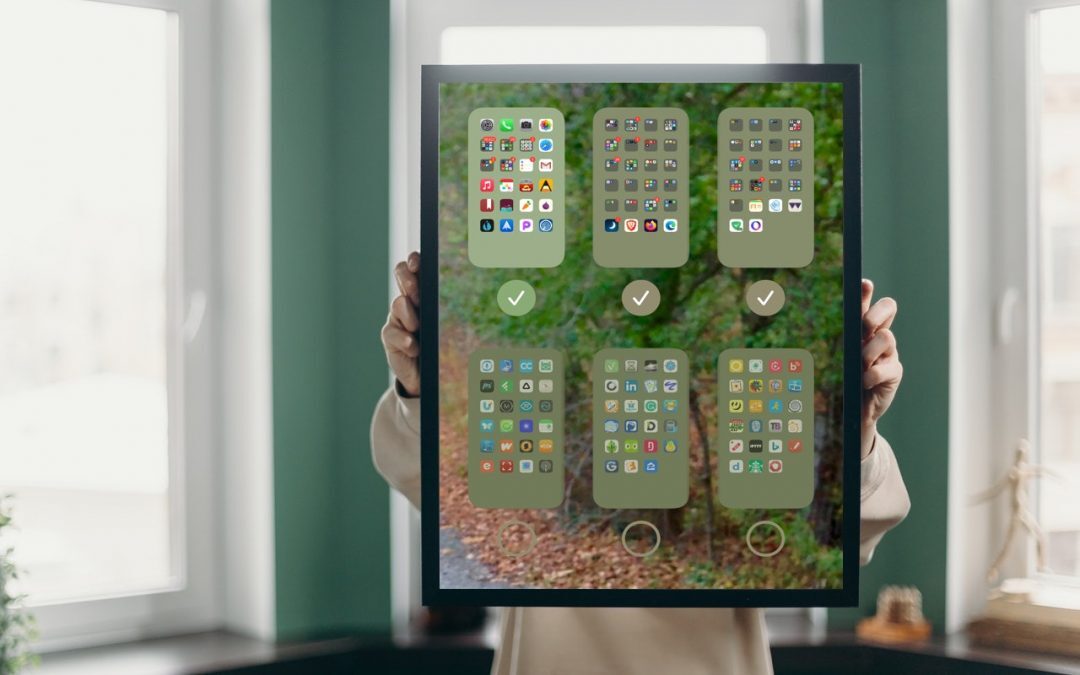
If you already have a lot of Home screens that contain a random assemblage of apps, it might be easier to hide those screens than to remove all the apps on them.

When you get a new Apple device, you must manually enable it to receive forwarded texts from your iPhone—the setting is off by default.
A week might be too short if IT approval is still pending. I'd treat "keeping your old iPhone for a…
Awesome tech breakdown on "When Should You Upgrade to macOS 27 Golden Gate, iOS 27, iPadOS 27, watchOS 27, tvOS…
I’ve used Chrome’s built-in screenshot tool, but opening DevTools every time gets a bit tedious. I recommend FullPage Capture, it’s…
This is such an important reminder. I've been in meetings where an AI notetaker silently joined and recorded everything, and…
Awesome tech breakdown on "When Should You Upgrade to macOS 27 Golden Gate, iOS 27, iPadOS 27, watchOS 27, tvOS…