
 Image by 祝 鹤槐 from Pexels
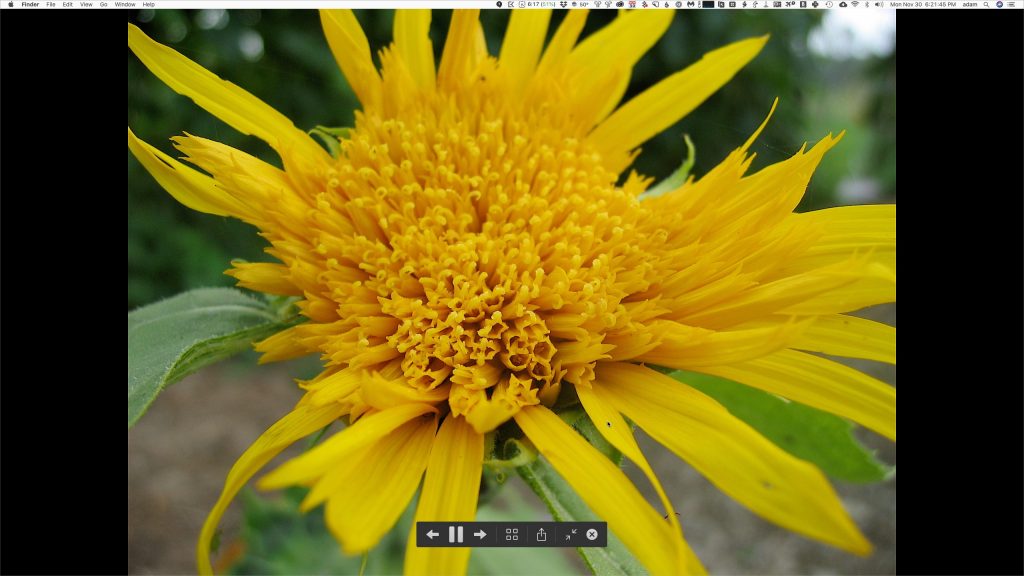
You probably know that you can select an image in the Finder and press the Space bar to preview it in a Quick Look window. And you may know that you can use the arrow keys to preview other files in the same folder without closing and reopening the Quick Look window. But did you know that if you select multiple images in the Finder and hold down the Option key when pressing the Space bar, the Finder will run a full-screen slideshow with a 5-second interval between images? Move the cursor to display slideshow controls, including a button to bring up an index sheet. This feature isn’t something most people need every day, but it can be a lifesaver when you need to run a quick slideshow at a party or presentation.

A week might be too short if IT approval is still pending. I'd treat "keeping your old iPhone for a…
Awesome tech breakdown on "When Should You Upgrade to macOS 27 Golden Gate, iOS 27, iPadOS 27, watchOS 27, tvOS…
I’ve used Chrome’s built-in screenshot tool, but opening DevTools every time gets a bit tedious. I recommend FullPage Capture, it’s…
This is such an important reminder. I've been in meetings where an AI notetaker silently joined and recorded everything, and…
Awesome tech breakdown on "When Should You Upgrade to macOS 27 Golden Gate, iOS 27, iPadOS 27, watchOS 27, tvOS…