
The Austin MacWorks Official Blog

Need to Share Files Securely? Try Password-Protected ZIP Archives
It’s good to be cautious about attaching sensitive files to email—if either your or your recipient’s email account were to be compromised, confidential information could be revealed. Instead, send password-protected ZIP archives. Here’s how:

Filter What’s Showing in Photos to Focus on Specific Types
Use Photos’ filter functions to choose Favorites, Edited, Photos, or Videos to limit the items showing to that type. Learn more now!

Share Files, Photos, and other Data between Apple Devices with AirDrop
Apple’s AirDrop lets you easily share photos and files with nearby Apple users and devices. Our article explains how to use this helpful feature with the Mac, iPhone, and iPad.

The Mac’s Magic Shortcut to Trashing Files and Photos Quickly
What’s the easy-peasy keyboard shortcut for moving files to the trash? Find out now!

Ransomware Is on the Rise: Learn How to Protect Your Macs
The scourge of ransomware isn’t yet common on the Mac, but it makes sense to prepare for the possibility—before your organization is hit with a ransom demand.
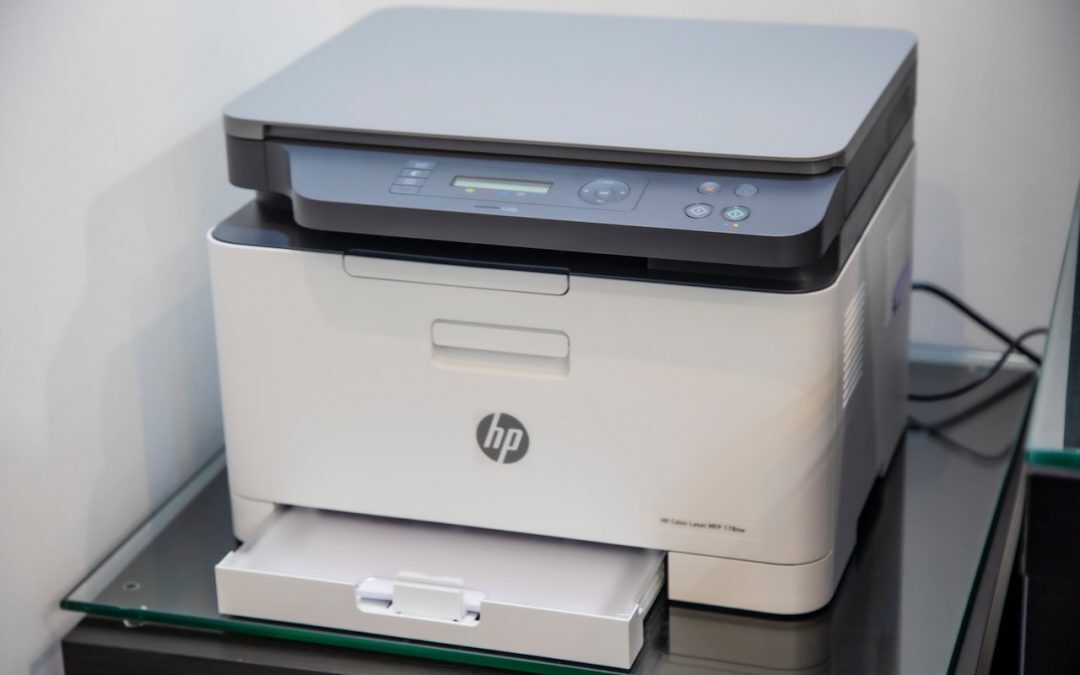
Ever Have Trouble Printing? Try a Different Printer Driver
Having trouble with HP laser printer print jobs disappearing? Check out this workaround.
Useful walkthrough. The concrete examples made the workflow much easier to follow.
Saved my day
The note that Rosetta isn’t automatically restored after the macOS 27 Golden Gate upgrade is the part that would catch…
Useful note that Live Text needs an A12 Bionic or later on iPhone and iPad but works on any Mac…
Just found text to game by Tuvimo and it actually works for quick browser fun. Makes me want to revisit…