
The Austin MacWorks Official Blog

Be Alert for Deepfake Phishing Scams
Phishing has a new face—literally. Scammers can now use AI tools to fake voices and videos that look real. Before you act on an “urgent” request, look for audio or visual clues and verify through another channel.
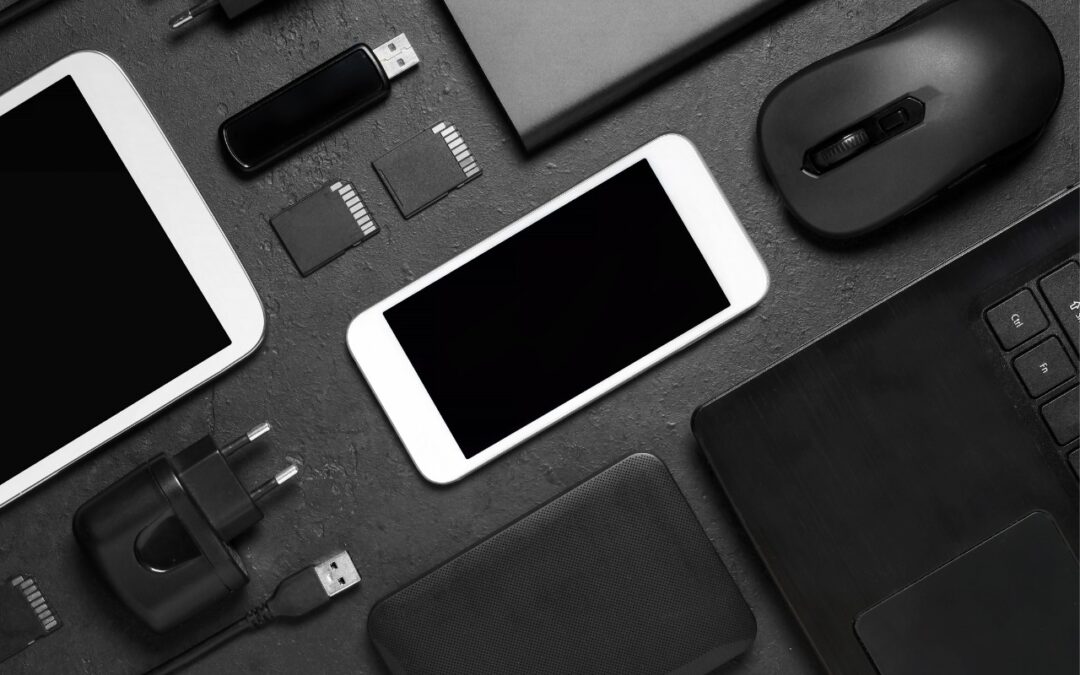
A Few of Our Favorite Things: 2025 Tech Edition
Shopping for an Apple enthusiast this holiday season? Or maybe your own tech setup needs an upgrade? Check out our curated list of peripherals across multiple categories—from storage to chargers to keyboards.

Canva’s Free Affinity App Takes on Adobe Creative Cloud
Could you cut your design costs? Canva’s new Affinity app for macOS and Windows is free but offers features comparable to Adobe Photoshop, Illustrator, and InDesign. Try it and see if it’s enough to replace Creative Cloud.

New Features in iOS 26.1
Struggling with Liquid Glass transparency or accidental camera launches? iOS 26.1 addresses both and adds a safer slide‑to‑stop alarm control, swiping to switch songs in Music, Background Security Improvements, and more Live Translation languages.
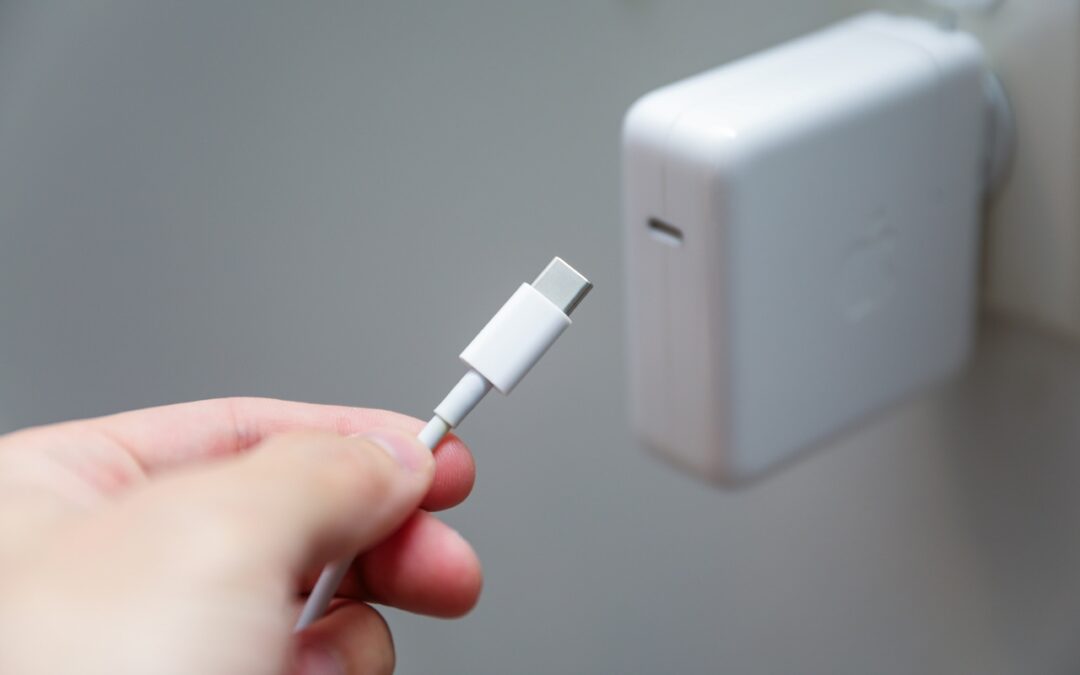
Charge Your MacBook with the Right Power Adapter
Lost your MacBook charger? Don’t grab just any USB power adapter—using one that’s too weak can result in no charging, glacial charging, or battery drain while you work. Here’s the minimum wattage you need for each MacBook model.
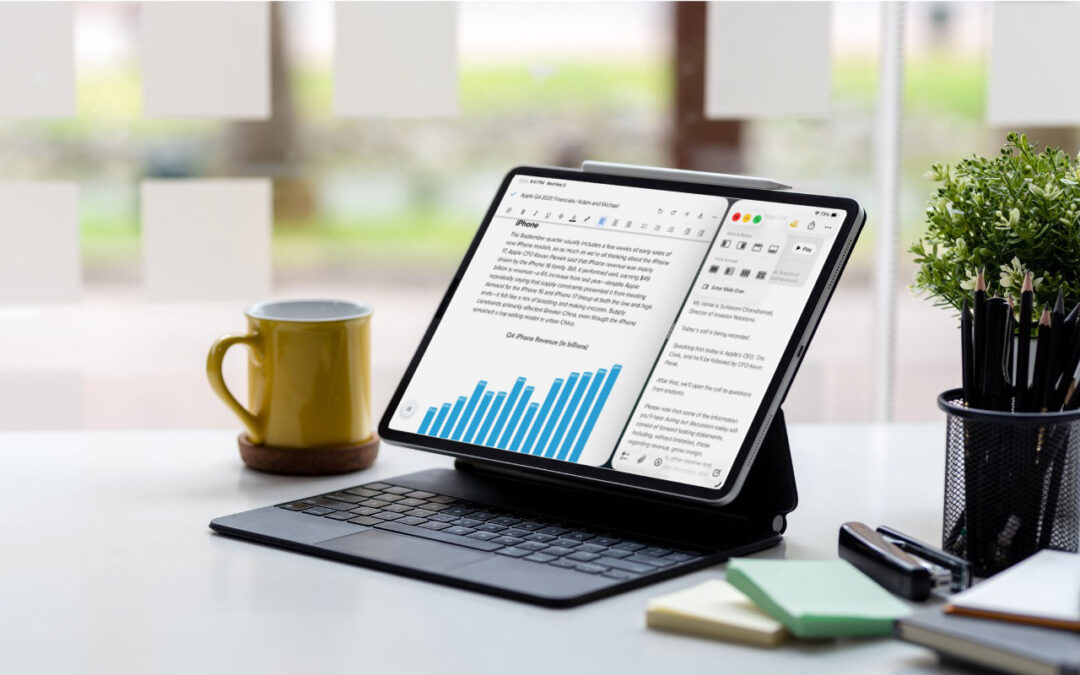
iPadOS 26 Brings Mac-Like Multitasking to the iPad
When the iPad debuted, it was essentially a large iPhone. But classic productivity tools rapidly made their way to the iPad, and over the years, Apple has introduced multitasking features, such as Slide Over and Split ViPadOS 26 finally brings Mac‑style multitasking to the iPad. Learn how to enable windowed apps, use the new menu bar, work with windows, and master Slide Over (back in iPadOS 26.1) for faster workflows.iew, to make it easier to work back-and-forth between apps—imagine writing in Pages while referring to a Web page, […]
Super insightful and fresh perspective.
Well explained and easy to follow.
So glad I stumbled upon this.
Looking forward to your next post!
Truly a masterpiece of content.