

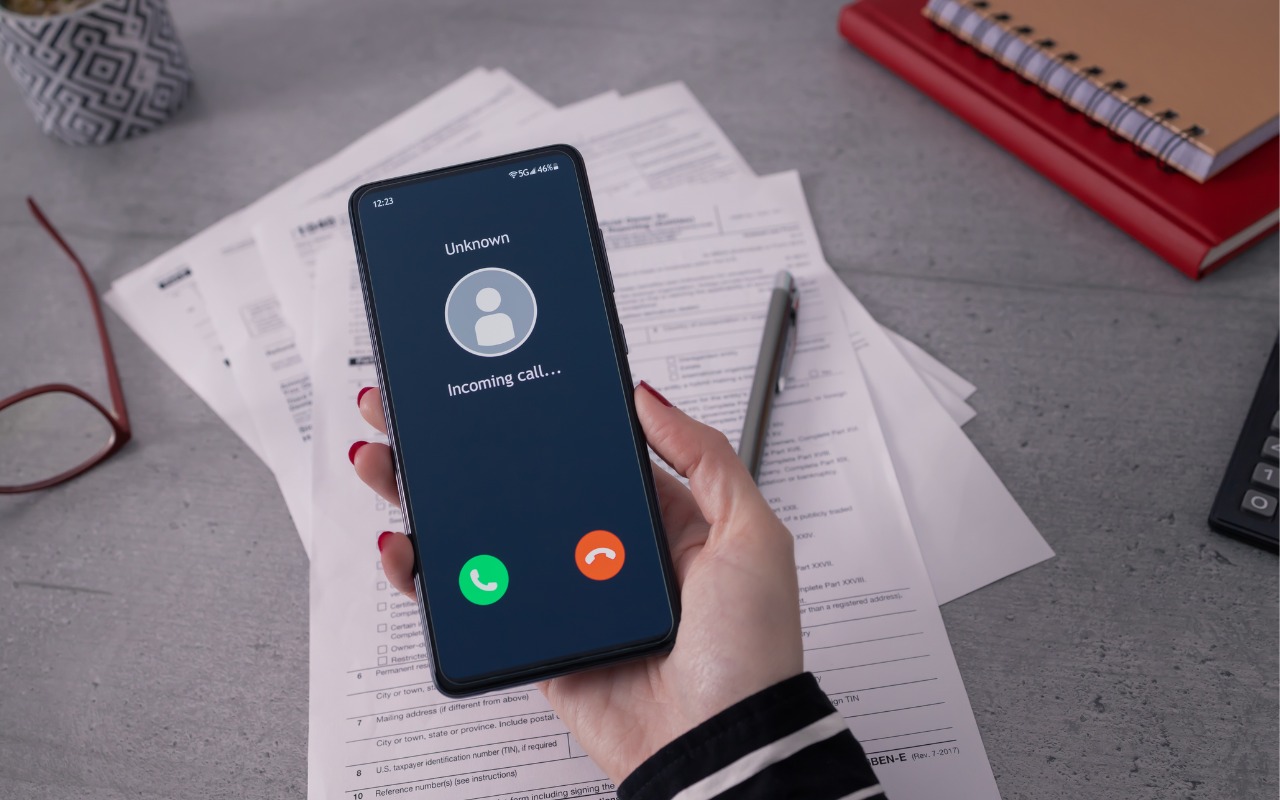
Phishing scams have entered a new, AI-powered phase and can now convincingly mimic real people. Attackers can generate fake voice or video deepfakes to impersonate CEOs authorizing urgent payments, IT staff requesting access, or family members needing help. If you receive a voice or video call from someone you know at an unknown number who urges you to reveal confidential information or send money immediately, slow down, check for telltale signs, and verify before acting. Listen for unnatural pauses, overly smooth phrasing, or odd emotional timing. Visually, look for inconsistent lighting or shadows, artifacts around the hairline, ears, or teeth—or anything that seems “off,” especially around the mouth and eyes when the person moves. For verification, ask for a detail that only they would know. If you’re at all unsure whether the call is legitimate, hang up and contact them—or someone else who will know more—through a separate, trusted channel. A few seconds of skepticism can prevent a costly mistake.
(Featured image by iStock.com/Tero Vesalainen; article image by iStock.com/Boris023)

A week might be too short if IT approval is still pending. I'd treat "keeping your old iPhone for a…
Awesome tech breakdown on "When Should You Upgrade to macOS 27 Golden Gate, iOS 27, iPadOS 27, watchOS 27, tvOS…
I’ve used Chrome’s built-in screenshot tool, but opening DevTools every time gets a bit tedious. I recommend FullPage Capture, it’s…
This is such an important reminder. I've been in meetings where an AI notetaker silently joined and recorded everything, and…
Awesome tech breakdown on "When Should You Upgrade to macOS 27 Golden Gate, iOS 27, iPadOS 27, watchOS 27, tvOS…