
The Austin MacWorks Official Blog

Need to Mask Nearby Noise? Try Ventura’s Background Sounds
It can be hard to concentrate on your work in a loud office environment or with kids playing in the next room. In macOS 13 Ventura, Apple added background sounds that can help mask the noise around you—give them a try!
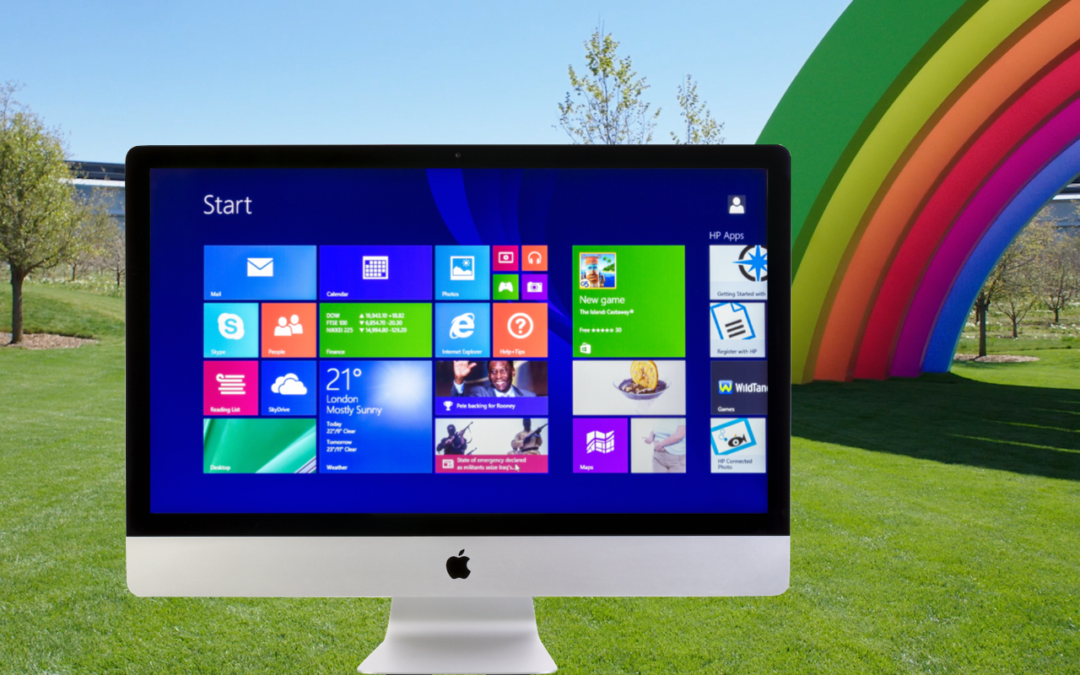
What to Do If You’re a Mac User Who Needs Some Windows Software
You use a Mac for nearly everything but still need to run Windows software occasionally. Here’s how you can do that in 2023 on either an Intel-based Mac or an M-series Mac.

Apple Is Shutting Down My Photo Stream—Switch to iCloud Photos
Still using My Photo Stream to sync photos between your Apple devices? Apple is shutting down the service in late June, and the path of least resistance is to switch to iCloud Photos, though that might require an iCloud+ subscription.
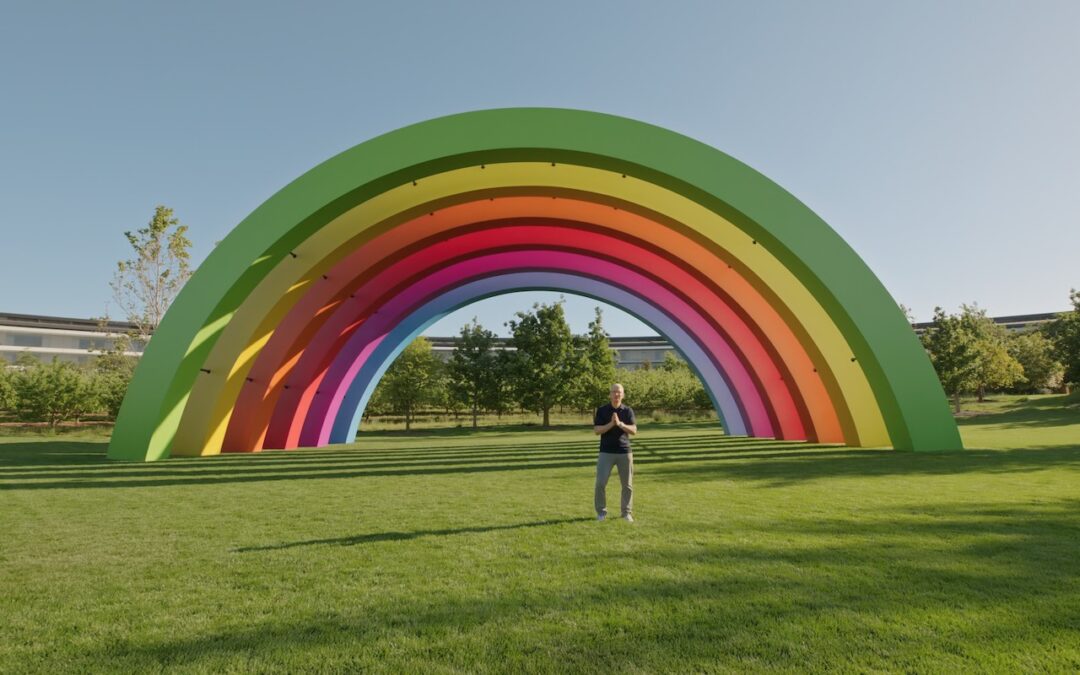
At WWDC23, Apple Releases New Macs, Previews New OS Features, and Unveils Vision Pro
At WWDC, Apple announced new Macs and new features in the upcoming macOS Sonoma, iOS 17, iPadOS 17, watchOS 10, and tvOS 17. It also unveiled the Vision Pro mixed-reality headset, which offers a glimpse at Apple’s vision for the future of computing.

Which Should You Use—a Mac, iPhone or iPad, or Web App?
Given the choice, should you use a native Mac app, an iPhone or iPad app, or a Web app that’s accessible in any standard Web browser? All have advantages, so the takeaway is that you should be ready to use whichever makes the most sense in the moment.

iOS 16.4 Adds Voice Isolation Feature to Improve Cellular Calls
If you make phone calls in loud environments, you can now be heard more easily with iOS 16.4’s new Voice Isolation feature for cellular calls. The tricky part is enabling it in Control Center while talking.
Super insightful and fresh perspective.
Well explained and easy to follow.
So glad I stumbled upon this.
Looking forward to your next post!
Truly a masterpiece of content.