
The Austin MacWorks Official Blog
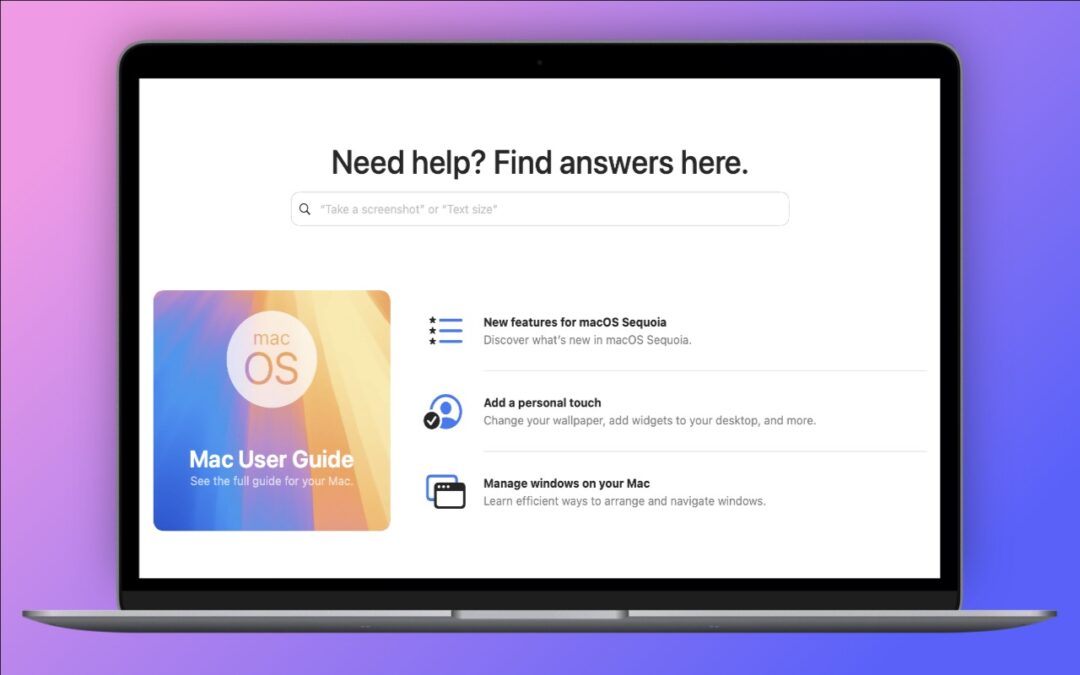
Apple’s Tips App Provides Extensive User Guides and Helpful How-Tos
If you haven’t explored Apple’s Tips app on the iPhone, iPad, or Mac recently, check it out. Apple has added a lot more content, including device and app user guides, highlights of new features, and interactive practice guides.

Perturbed by Location Tracking Revelations? Here’s How to Protect Yourself
If you don’t like the idea of private companies being able to track your every move in the physical world, follow our advice to block iPhone and iPad apps from surreptitiously sharing this information.
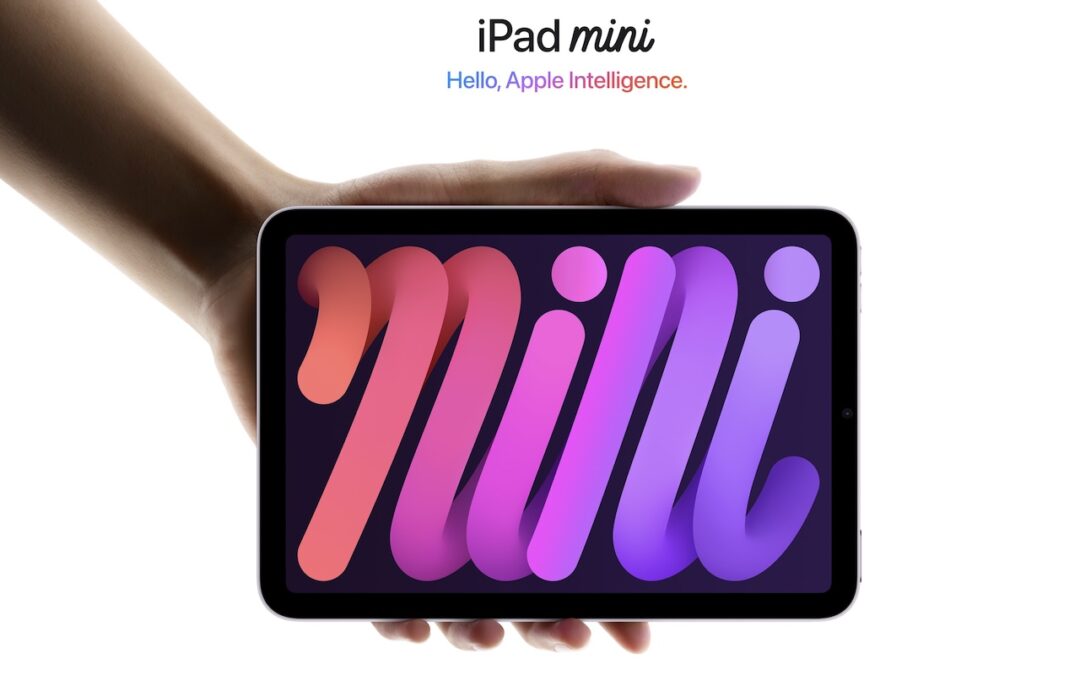
New Seventh-Generation iPad mini Adds A17 Pro for Apple Intelligence
Apple has updated the iPad mini with an A17 Pro chip for Apple Intelligence, along with more storage, faster connectivity, and support for the Apple Pencil Pro. It’s still $499 and remains an excellent option for anyone wanting a smaller iPad.
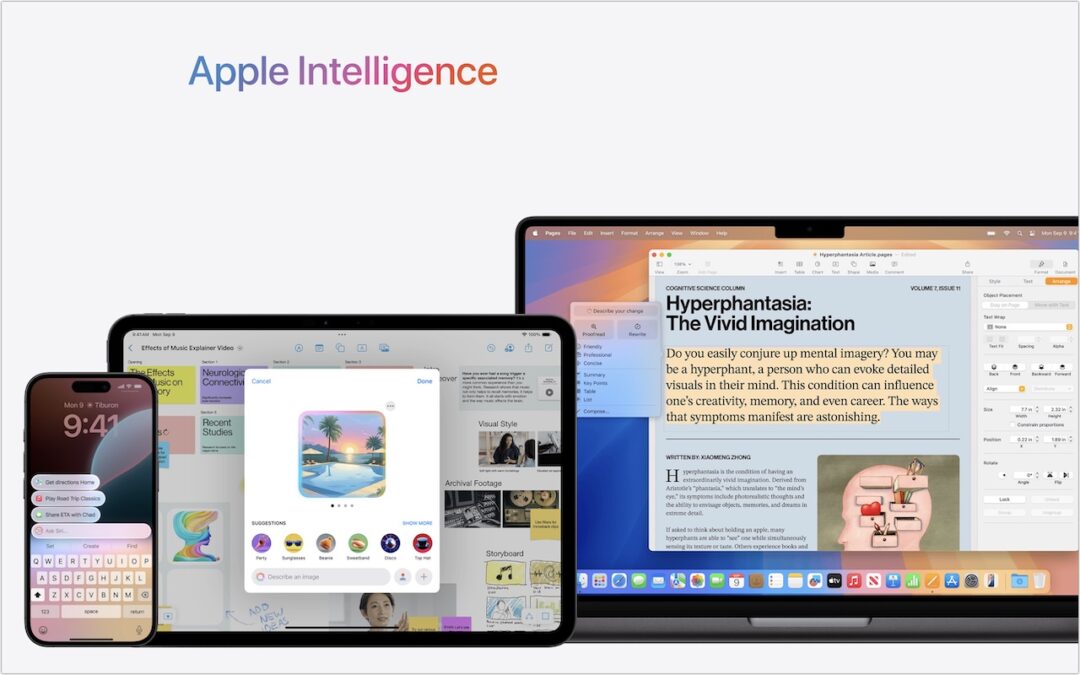
First Wave of Apple Intelligence Features Appear in macOS 15.1 Sequoia, iOS 18.1, iPadOS 18.1
Apple Intelligence is here! These initial features won’t upend your Apple experience, but welcome additions include notification summaries in Messages, message list summaries in Mail, Clean Up in Photos, and audio transcripts and summaries in Notes.
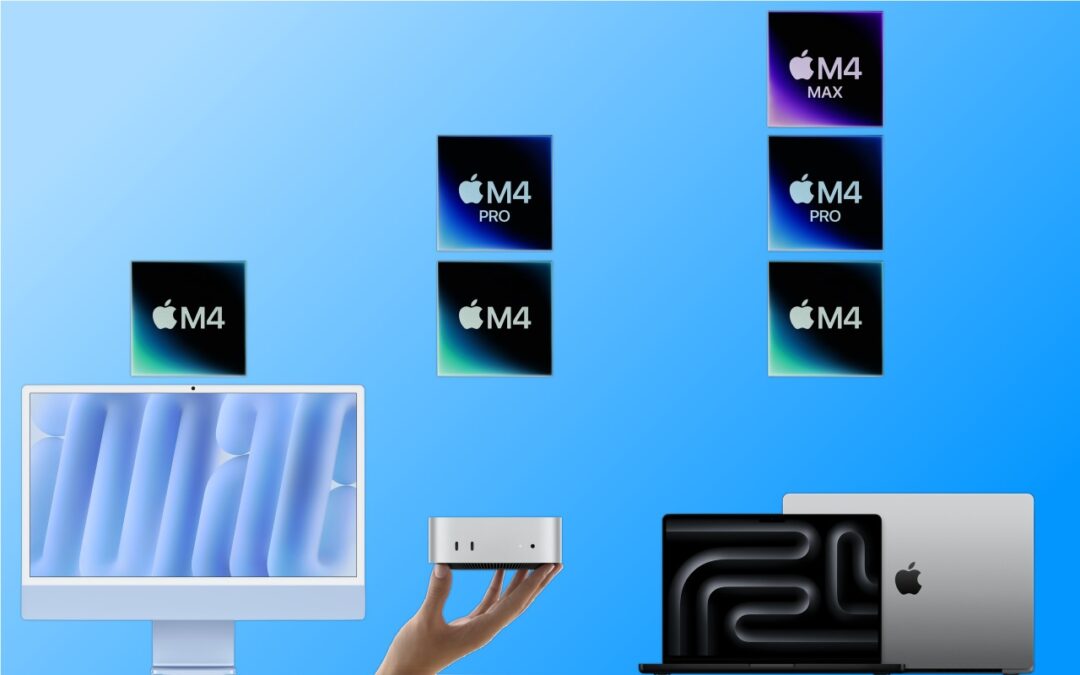
Apple Brings the M4 Chip Family to the iMac, Mac mini, and MacBook Pro
Apple has started moving the Mac lineup to the M4 family of chips with the updated iMac, redesigned Mac mini, and enhanced MacBook Pro. They’re great machines, particularly for those who need to upgrade from an Intel-based Mac.

Restrict Access to Sensitive Apps in iOS 18 and iPadOS 18
Keep prying eyes—or mischievous children—out of sensitive or important apps by requiring Face ID or Touch ID access before the app opens. You can also hide such apps so they appear only after you authenticate.
Super insightful and fresh perspective.
Well explained and easy to follow.
So glad I stumbled upon this.
Looking forward to your next post!
Truly a masterpiece of content.